Updated , 5 min read, by the Probably team
Key takeaways
- The brief and the angle decide more than the tool does.
- Write five or more hooks per script; the hook is what you test.
- Film each scene the way a real creator would.
- Burn in captions and check the cut against the brief before it runs.
- Change one thing per variant so the test teaches you something.
What do you need before you start?
A clear sentence about the product and its buyer matters more than any asset.
- What you sell, who it's for and the one thing viewers should do.
- A few product photos, ideally on a plain background and in use.
- Brand notes: words you always or never use, claims you can and can't make.
- Optional: your own footage, or a link to a video whose hook or pacing you like; the TikTok ad library is a good place to find one.
Step 1: Write a brief
A brief answers four questions in a few lines, and every later step depends on it.
What is it?
A refillable stainless steel bottle that keeps drinks cold all day.
Who is it for?
Office workers who forget to drink water and hate plastic bottles.
Why should they care?
It's the one bottle they'll actually carry, because it fits a car cup holder.
What should they do?
Tap the link and get 15% off the first order.
Make your first ad free
Tell the crew what you’re selling. Get a 480p draft with a script, actor, voice and edit, checked before you see it.
First draft free, no credit card
Step 2: Choose one angle
An angle is the one reason this ad gives someone to buy. A second angle belongs in a second ad.
- Pain: the problem today ("I kept forgetting to drink water").
- Outcome: life after ("I finish two liters before lunch now").
- Comparison: why it beats the usual choice ("I stopped buying plastic bottles").
- Objection: the doubt that stops people ("Is it worth $35 for a bottle?").
- Discovery: the find-and-share moment ("Found the bottle every nurse on TikTok has").
Step 3: Write several hooks
The hook, the first line and image, decides whether anyone sees the rest. Write five or more per angle; they're the cheapest thing to test.
“I didn't think a water bottle could change my day. I was wrong.”
Make an ad with this hook“If you only drink coffee until 3pm, this is for you.”
Make an ad with this hook“3 things I stopped buying after I got this bottle.”
Make an ad with this hook
The UGC ad hook guide has formulas and dozens of example lines, and the free hook generator drafts hooks for your product.
Step 4: Write a short script
A UGC ad script runs hook, problem, product, proof and call to action, in spoken words, and fits about 70 to 80 words in 30 seconds.
At a natural pace of about 150 words a minute, every line has to earn its place. The UGC script template has timings for 15, 30 and 45 seconds and three sample scripts.
Step 5: Choose an actor and a voice
Pick an actor your buyer would trust and a voice that fits them. Age, style and setting matter more than looks.
- Match the buyer, not the brand's ideal; a busy parent sells a lunchbox better than a model.
- Listen to voice samples first; pace and warmth matter more than accent.
- Keep one actor across a campaign if you want viewers to recognize them.
Step 6: Pick a filming style for each scene
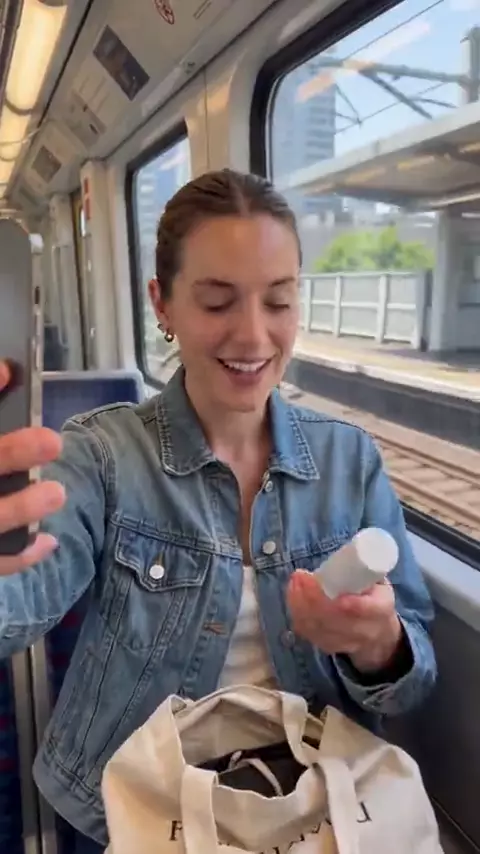
An ad looks real when each scene is filmed the way a person would film it. Choose a style per scene, not one for the whole ad.
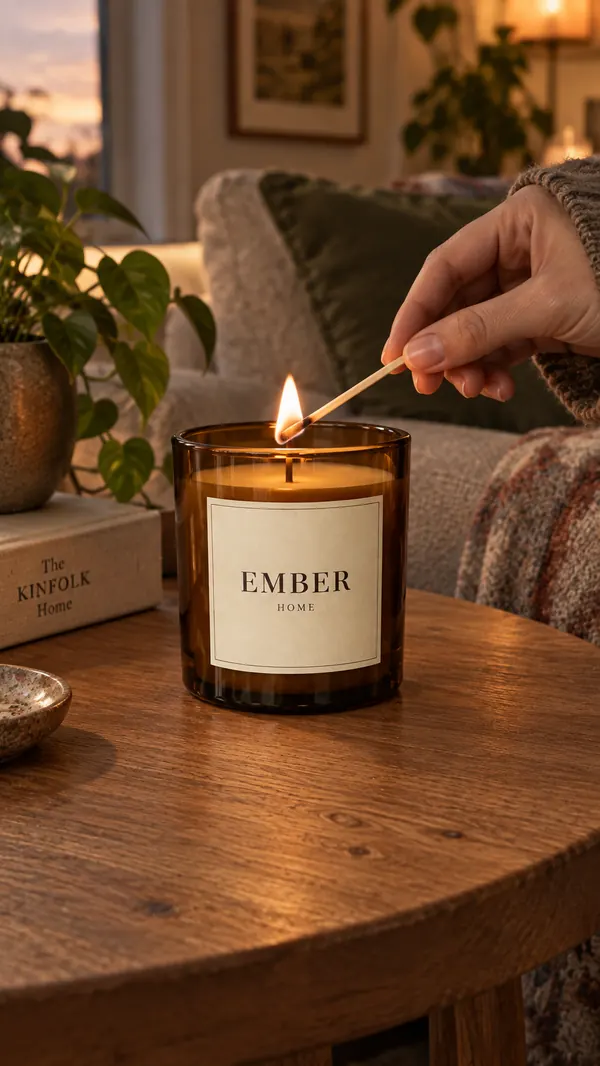
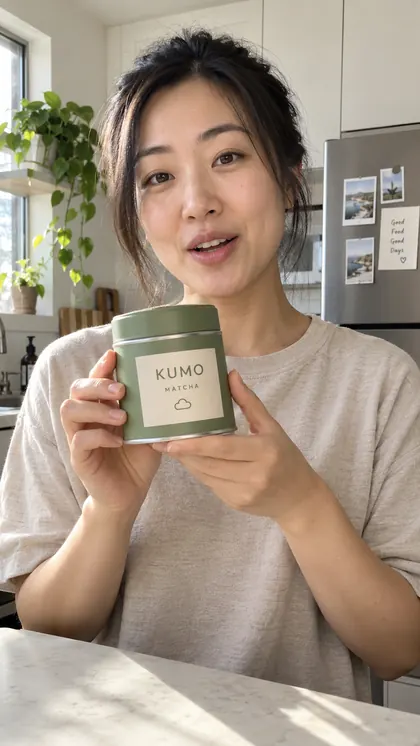
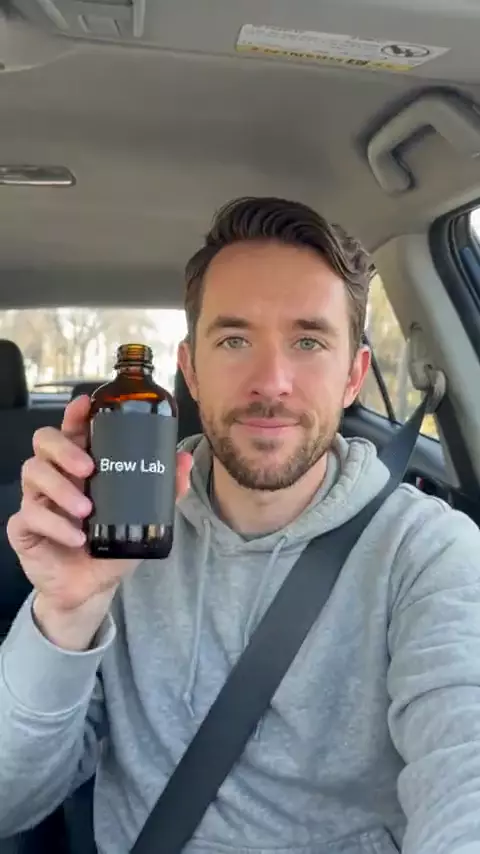
Selfie vlog or Car selfie
The hook and talking lines, face close to the front camera.
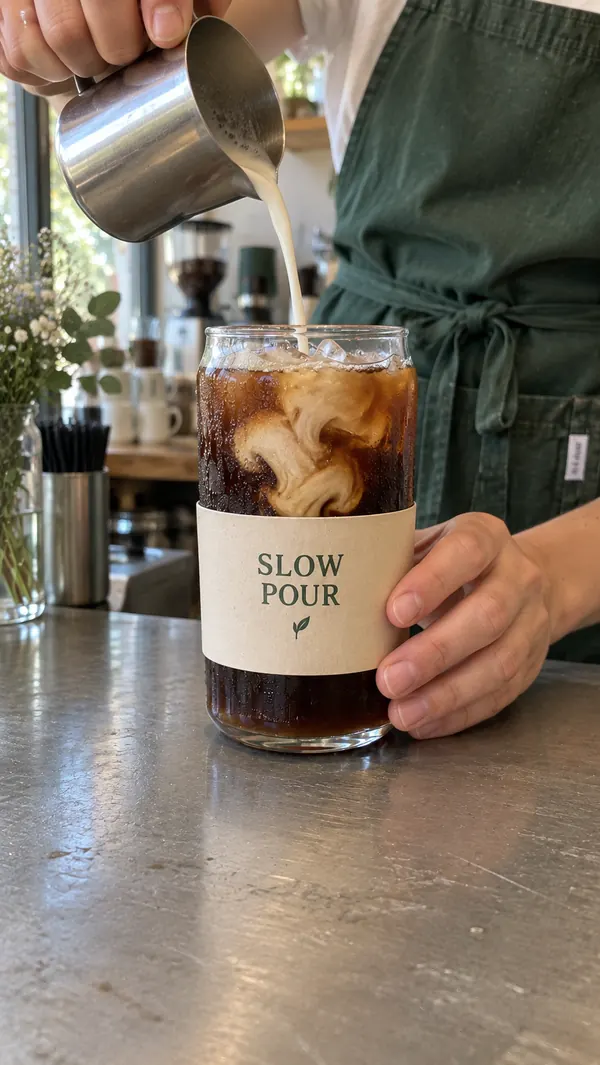
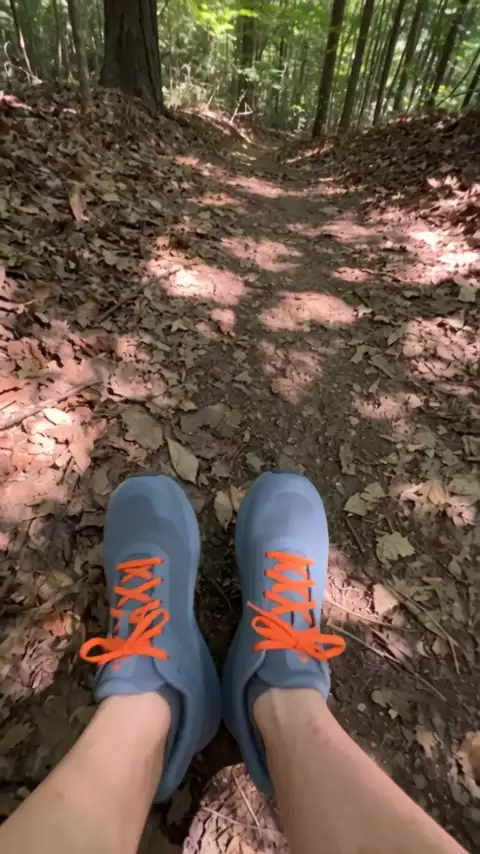
POV hands or Product close-up
The product working, texture and detail.
Overhead unboxing
Opening the package and first reactions.
Mirror selfie or Walk and talk
Wearables and on-the-go products.
Sit-down review
Longer explanations and comparisons.
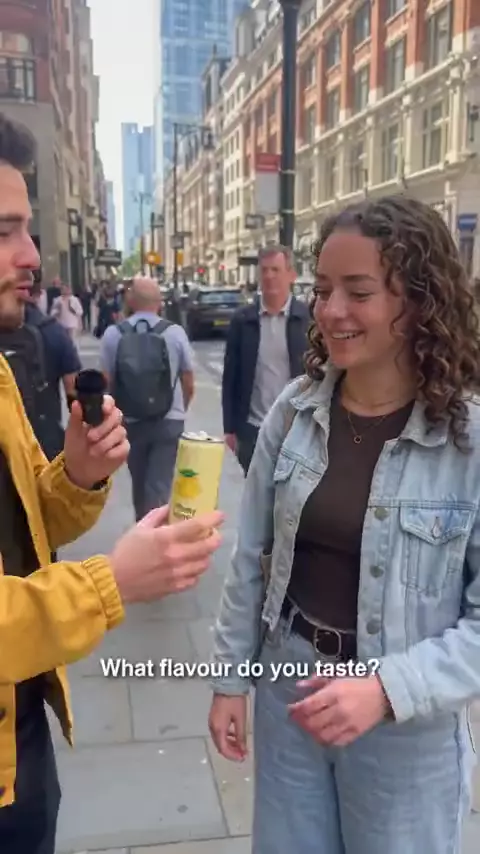
Street interview
Taste tests, opinions and reactions from "strangers".
Step 7: Add captions and sound
Burn captions in. Many people scroll with the sound off, and captions carry the hook before a word is heard.
- Short caption lines, two to four words for fast-paced ads.
- Highlight one or two keywords, such as the main benefit.
- Keep text inside the platform's safe zone, clear of the buttons and caption area.
- Use scene sound and light effects; silence reads as fake.
Step 8: Review the cut before it runs
Watch the ad on a phone, with and without sound, against the brief. Fix what fails before you spend on media.
- Does the first second show something worth stopping for?
- Does the ad make the angle from the brief?
- Are all claims true, typical and allowed for your category?
- Does the product appear clearly and early?
- Is the call to action specific?
Step 9: Make variants and test them
One ad is a guess; a set of variants is a test. Change one thing per variant, usually the hook, so you know what made the difference.
- Start with hooks
Make three to five versions that differ only in the first few seconds.
- Give them an even start
Run them in one ad set with the same budget and audience.
- Read the early signal
Compare hook rate and click-through rate first, then cost per purchase once there's enough data.
- Iterate on the winner
Keep the winning hook and test the next variable: actor, style or call to action.
For the details, read how to test UGC ad creatives.
A checklist for your first AI UGC ad
Brief names the product, buyer, reason to care and action.
One angle per ad.
Five or more hooks written; the best three made as variants.
Script under 80 words for 30 seconds, written to be spoken.
Actor and voice fit the buyer.
A filming style per scene; the product shown in use.
Captions burned in, inside the safe zone, keywords highlighted.
Claims true; the actor not passed off as a real customer.
Watched on a phone with and without sound.
Exported in the right aspect ratio for each placement; see the video ad specs.
Try it in Probably
Probably runs steps 2 to 8 for you. You brief Looky, the crew's coordinator, in a chat and attach product photos; an AI crew writes the hooks and script, casts an AI actor and voice, films each scene in a UGC style with a phone finish, and burns in captions.
AI critics check the script and cut against your brief before delivery, and you ask for changes in plain words or edit the script yourself; see review and revisions. Your first draft is free with a new account, at 480p and up to 30 seconds, with no credit card. Finished videos are 720p, or 1080p for a sharper cut, in vertical, square or wide, and paid for with credits; see pricing.
To brief it from a chat app instead, connect Claude or Codex.
Frequently asked questions
Can I use AI to create UGC content?
Yes. AI can write the script, make the actor and voice, film phone-style scenes and edit them into a UGC-style video. The angle, hook and testing still decide whether the ad works.
Can I create free UGC ads using AI?
Yes, within limits. Free plans and free drafts usually cap the length, the resolution or how many videos you get, so use them to test an angle before you pay.
How long does it take to make a UGC ad with AI?
Minutes for the brief and hooks; generation time depends on the tool and length. Either way you skip shipping product to a creator and waiting for footage.
Do I need product footage to make an AI UGC ad?
No. Product photos are enough for most ads. Your own footage helps when the product's use is hard to show, and Probably can add it to a video.
Are AI UGC ads legal?
Generally yes, if the ad doesn't mislead. The FTC bans fake reviews and testimonials, AI-generated ones included, so never present an AI actor as a real customer, and keep claims true; see the AI content policy. This is general information, not legal advice, so check the rules for your market and category.
Which AI tool is best for creating UGC ads?
The one that fits how you work: whether you brief a crew or pick an actor, whether footage looks phone-shot, how you ask for changes, and what a finished ad costs. The best AI UGC ad tools compares five on those points.