Follow it in a feed reader: the changelog feed.
Connect Probably to your AI tools and code
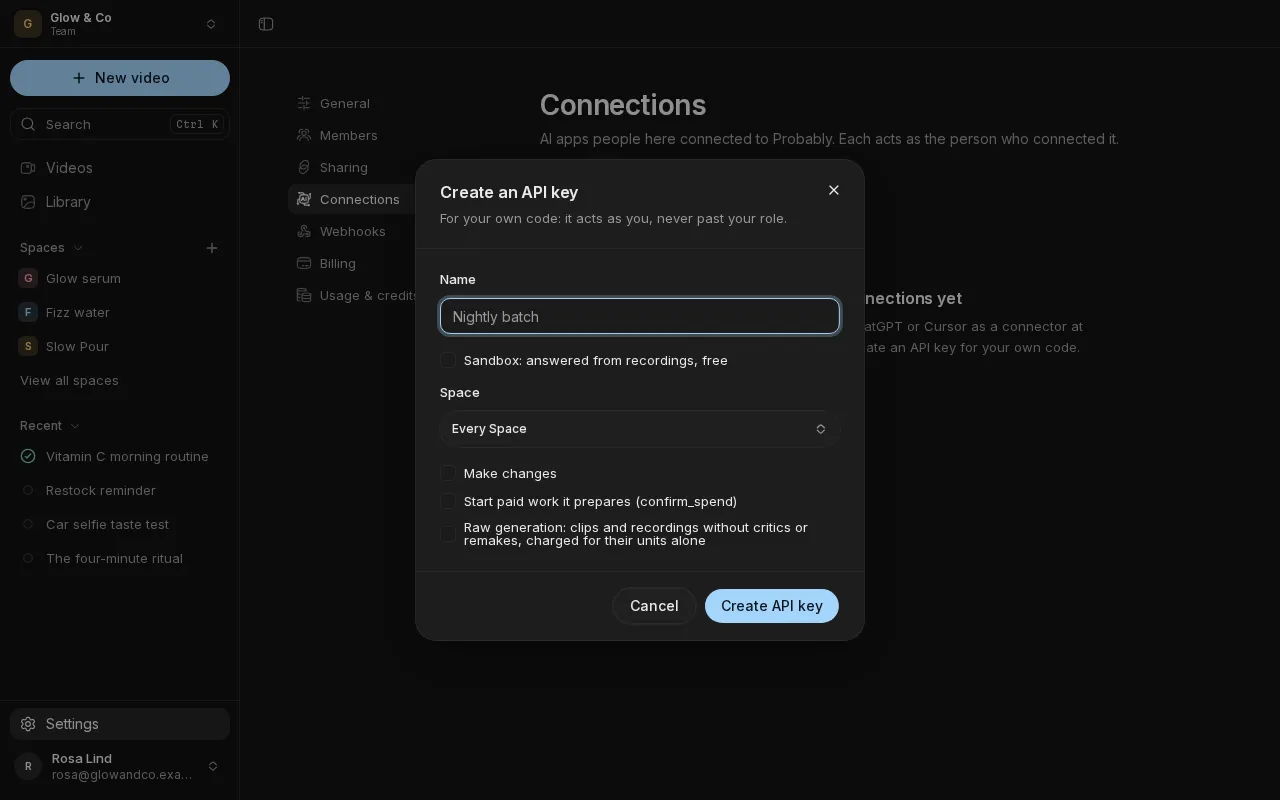
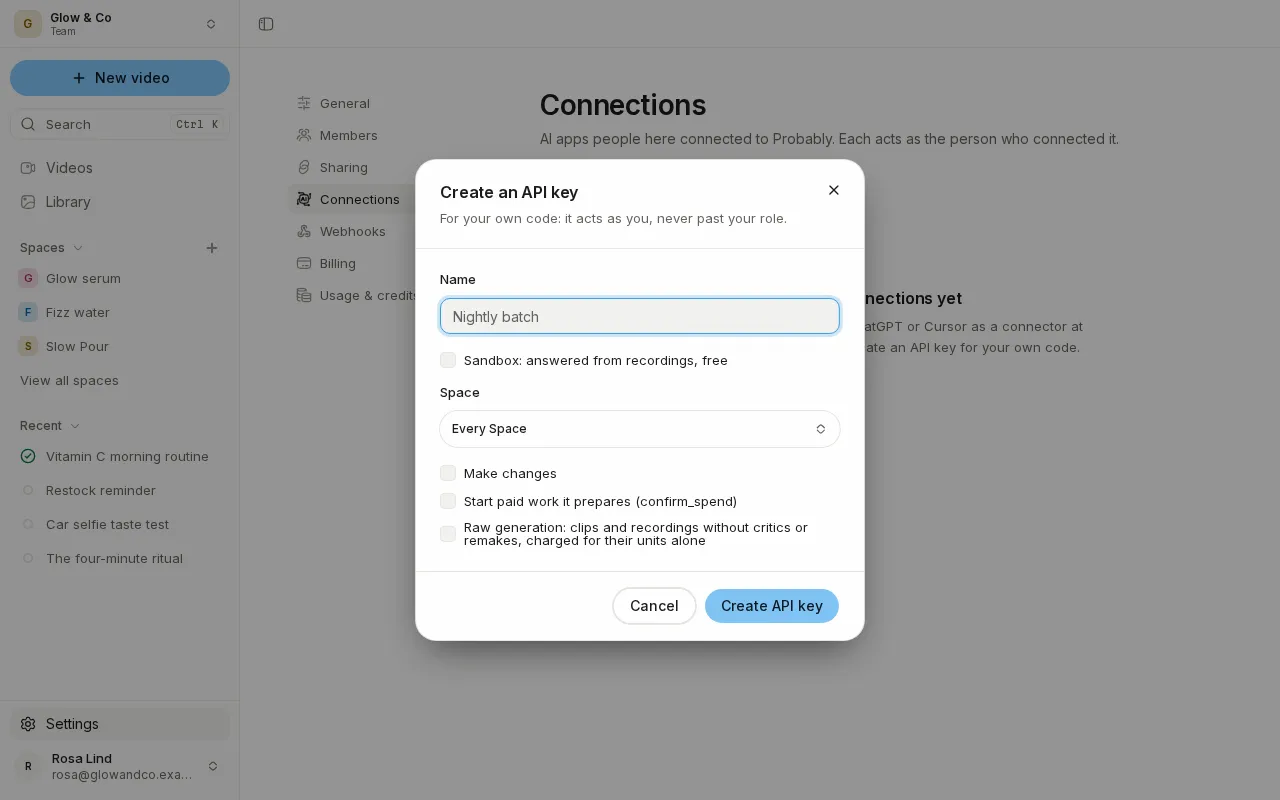
Add Probably to Claude, ChatGPT or Cursor, or build on it with API keys, webhooks and a TypeScript SDK, all documented in the new developer docs.
- An MCP server for your AI assistant
- API keys and an HTTP API
- Webhooks and a TypeScript SDK
- Script beats you can reorder
A Library that works like a file manager
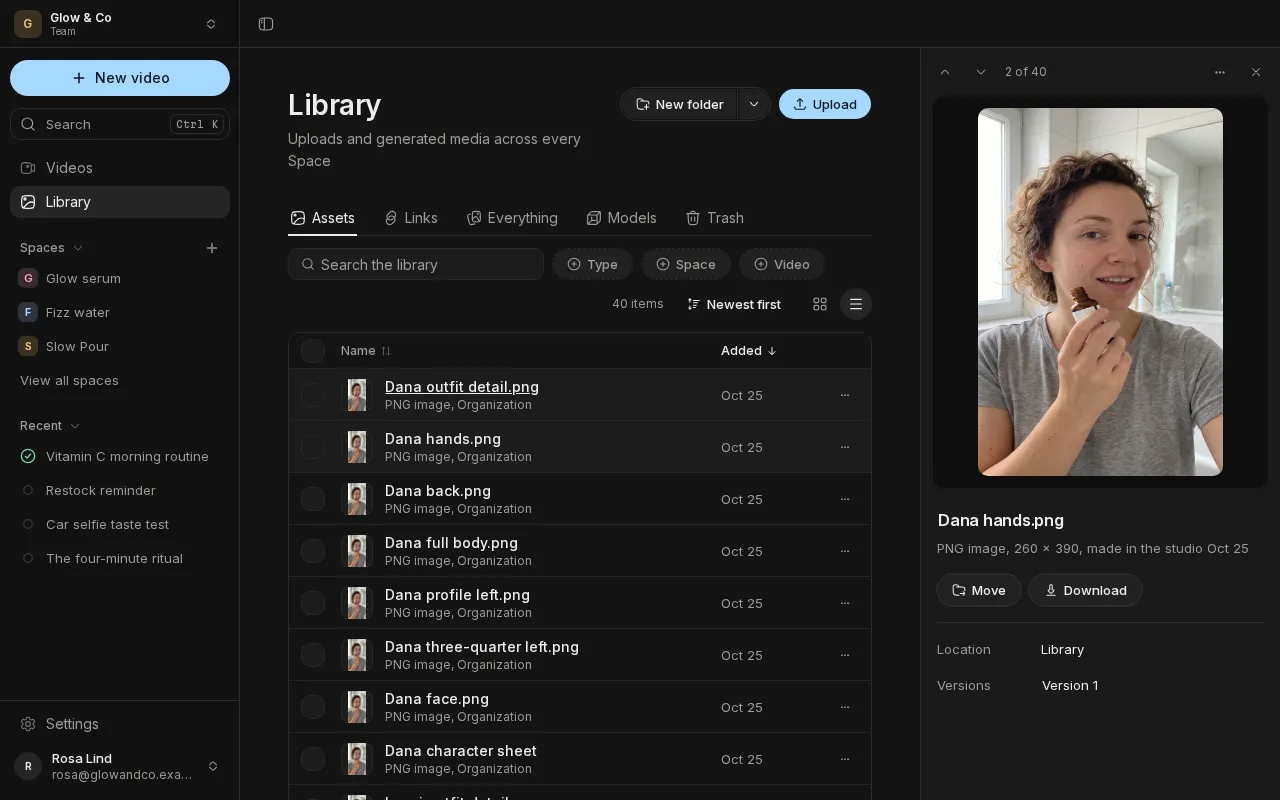
The Library now has tabs, folders, a table view and details beside it, and the Videos page filters, searches and sorts every video you've made.
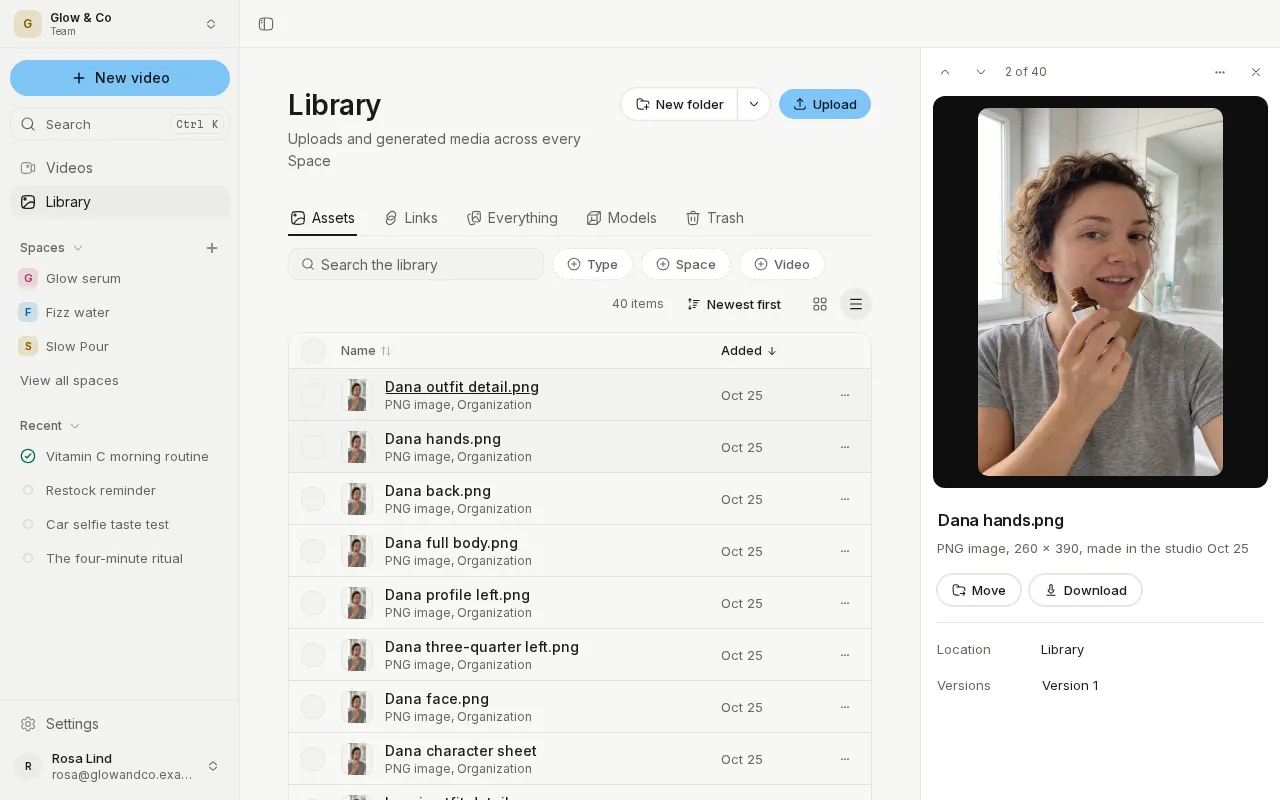
- Folders, tabs and a table in the Library
- Drag and drop, with Undo
- Filter and search every video
- Browse references in the video chat
Swap people, products and scenes in a video
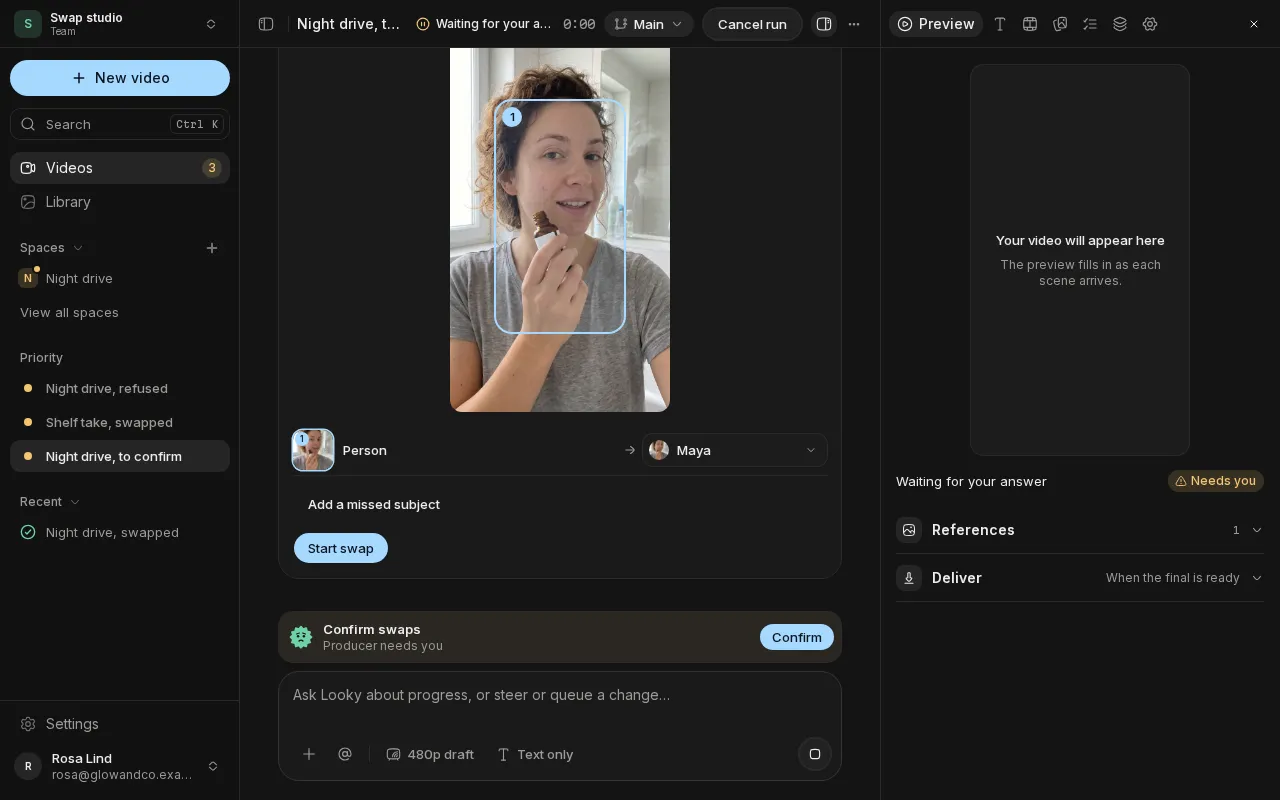
Attach a clip and swap the person, the product, the outfit or the place for your own, keep the sound or give it a new voice, or swap a scene of a finished video.
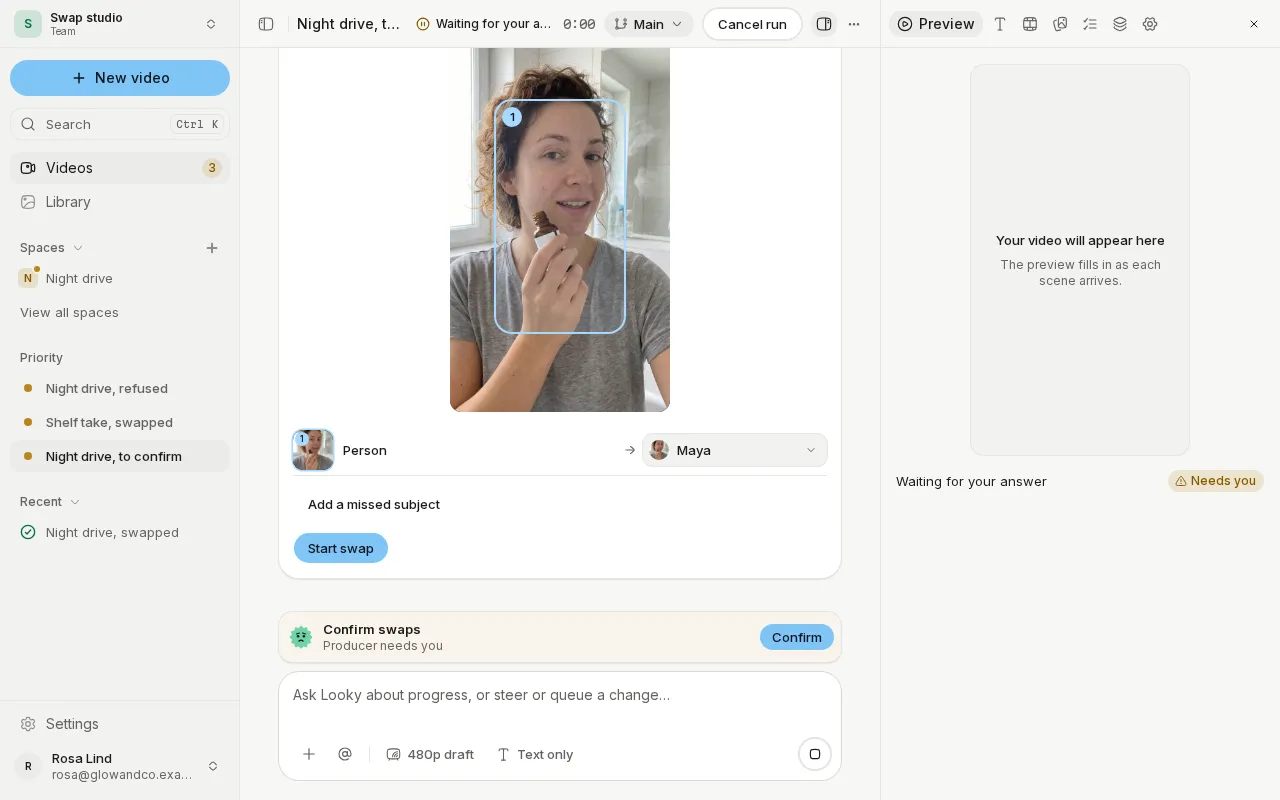
- Swap people, products, outfits and places
- Keep the sound or give a new voice
- Restyle a clip or transfer its motion
- Swap a scene of a finished video
Creator-style edits, formats and a voice check
Videos now cut and caption like a creator's, follow a format you choose, and let you hear and fix the voiceover before any clip is made.
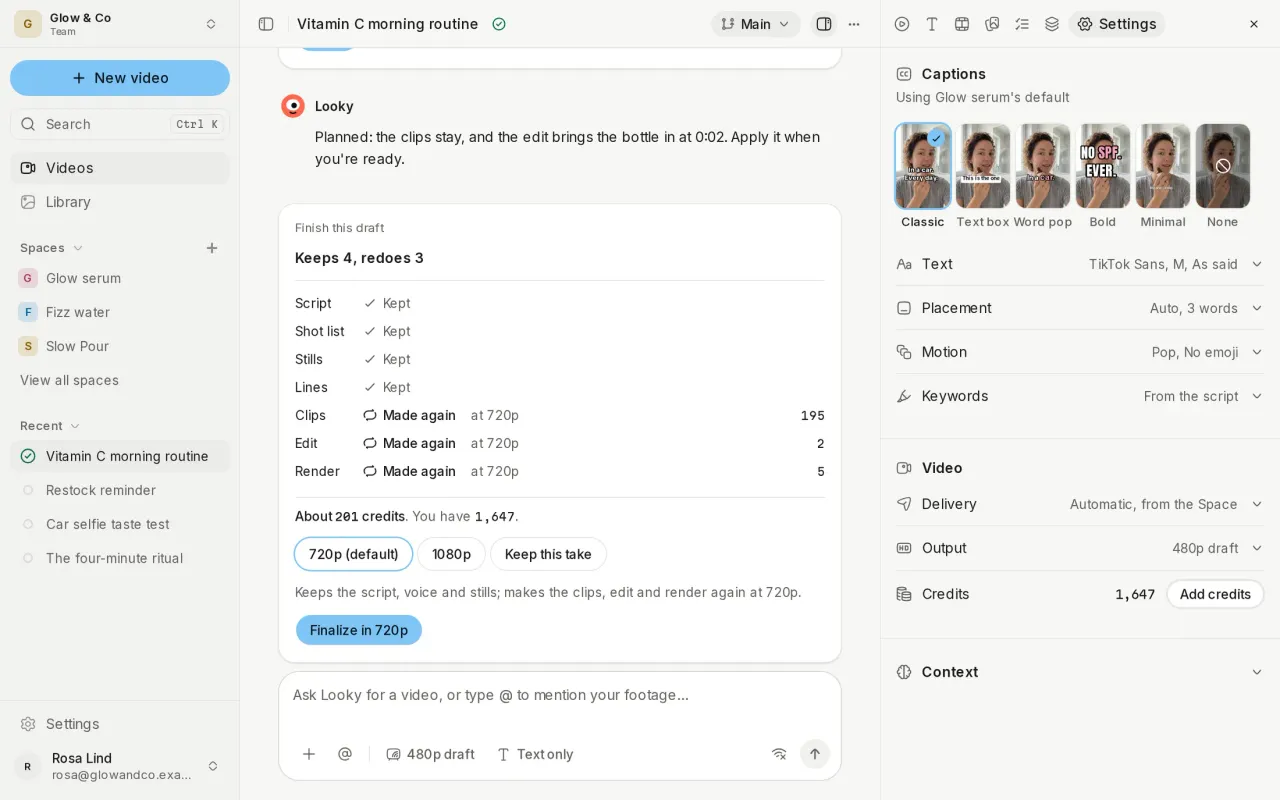
- Caption styles, jump cuts and punch-ins
- Formats your crew follows
- Hear the voiceover before the clips
- Rehearse scenes in Reference mode
Meet your crew in the new video chat
The video chat now shows your whole crew at work beside the video, and the composer takes the products, people, footage and links a video should use.
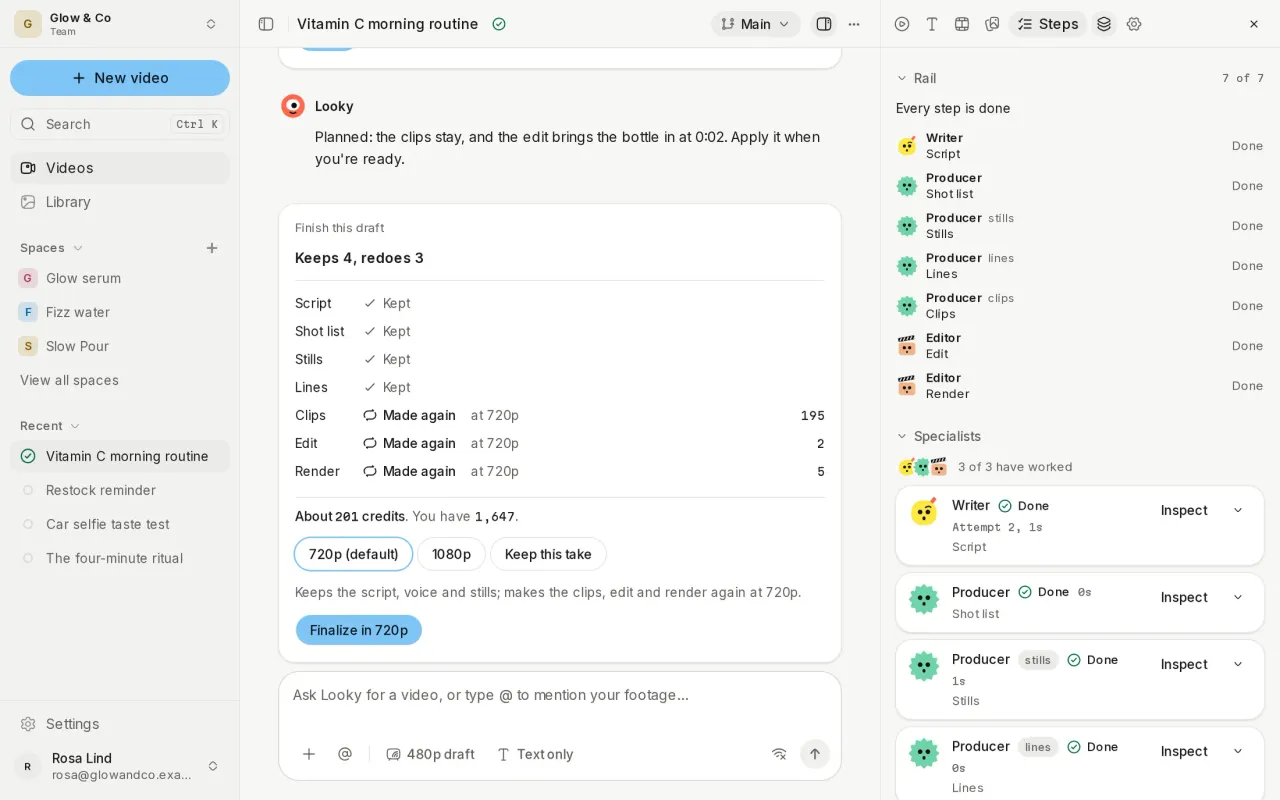
- Every crew member in the chat, with a face
- Mention the Writer or Editor with @
- Attach products, personas, footage and links
- Use an earlier version again
Direct the voice and the cast of every scene
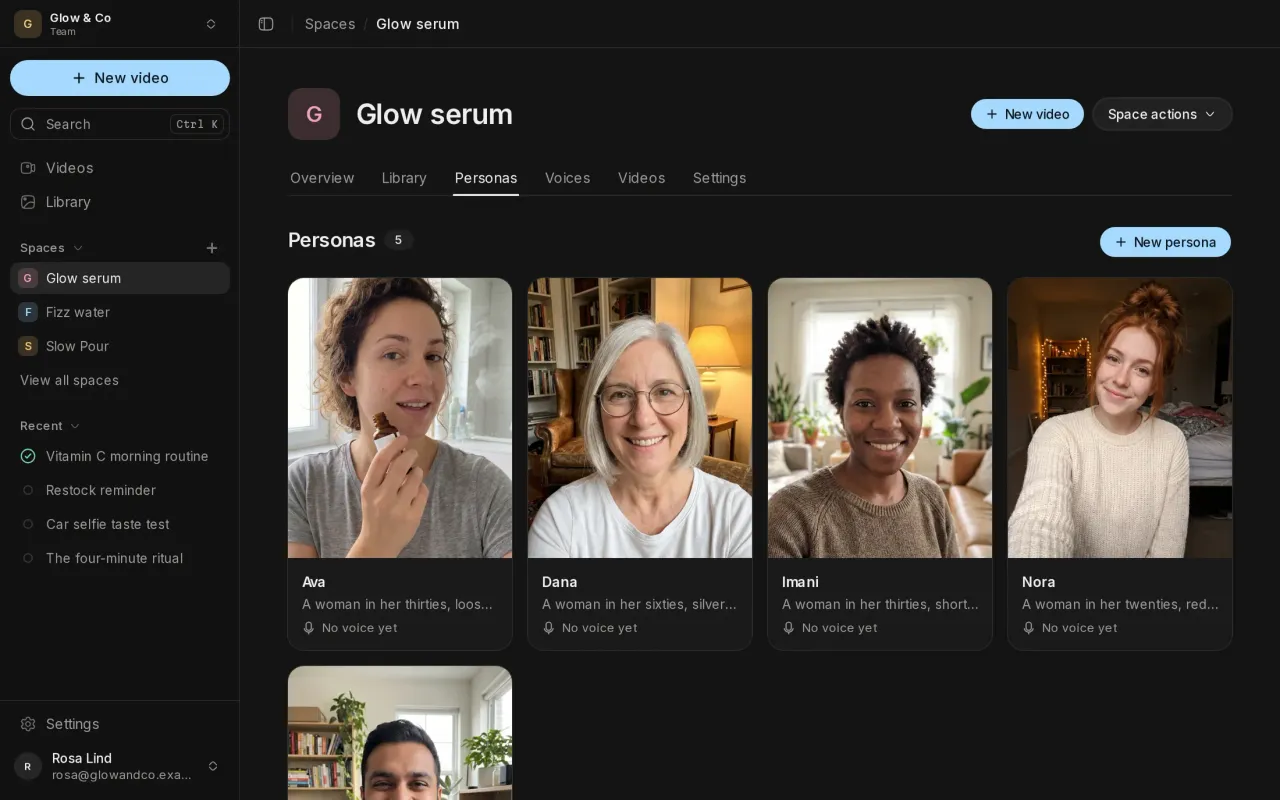
Mark how each line should be said, cast the people in every scene with voices you hear first, and keep your presenters as personas in a Space.
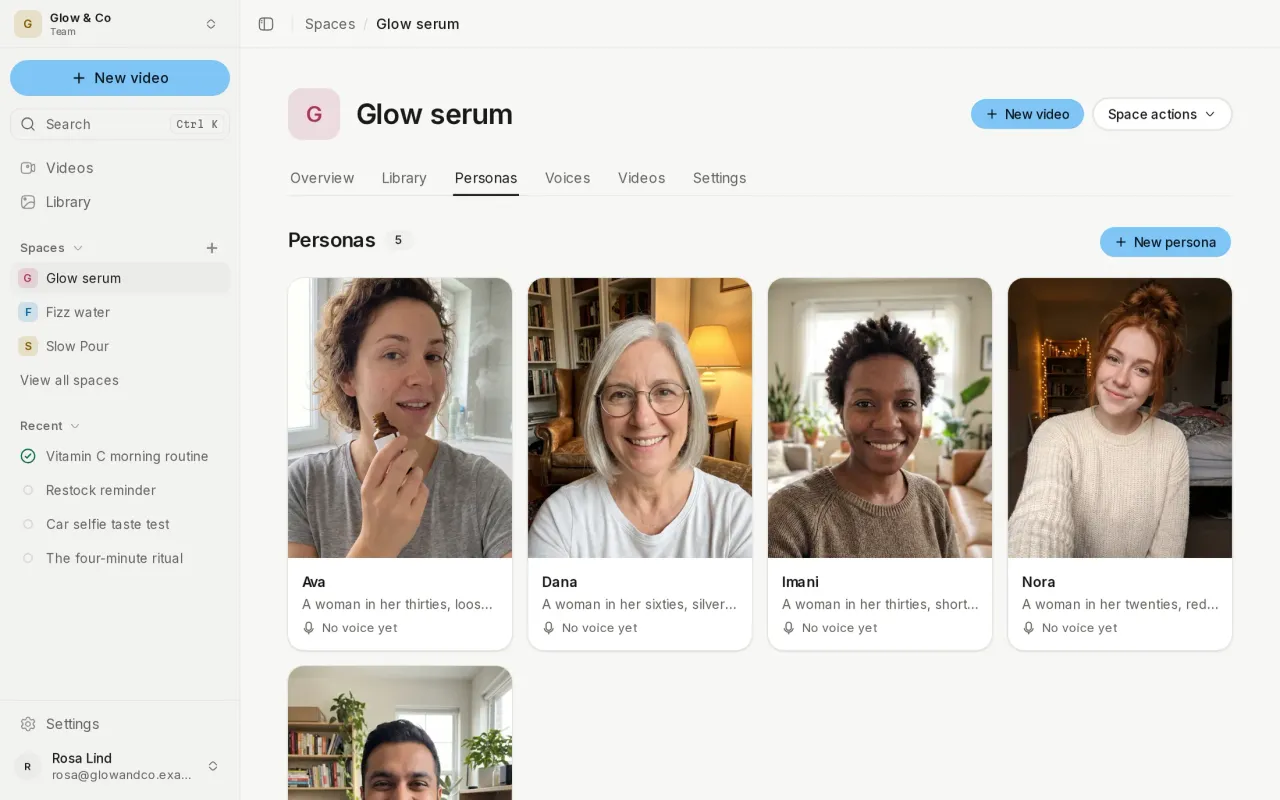
- Direction marks for every spoken line
- A cast that carries across scenes
- Hear a voice before you choose it
- Annual plans that save over 10%
Steer, review and share every video
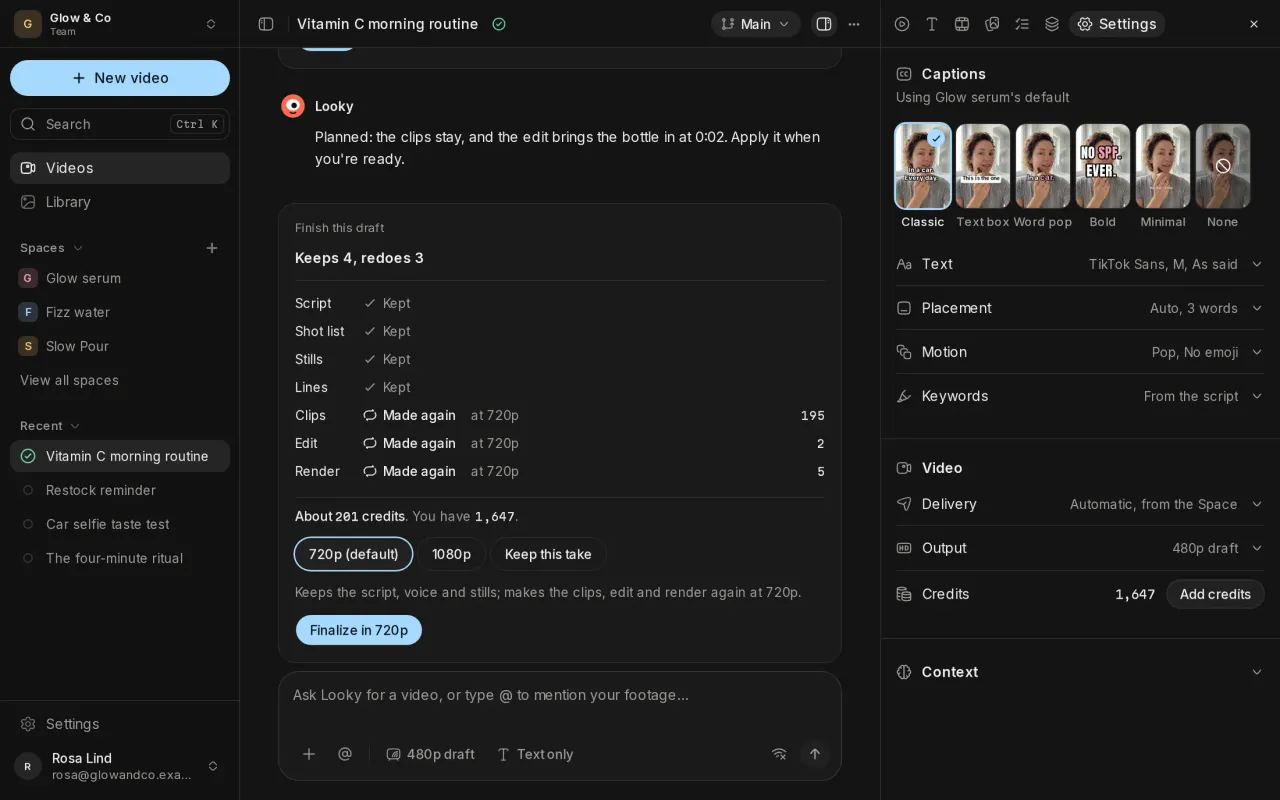
Change a video while it's being made, see what a change keeps and costs before you apply it, compare variants, and share the result with a link.
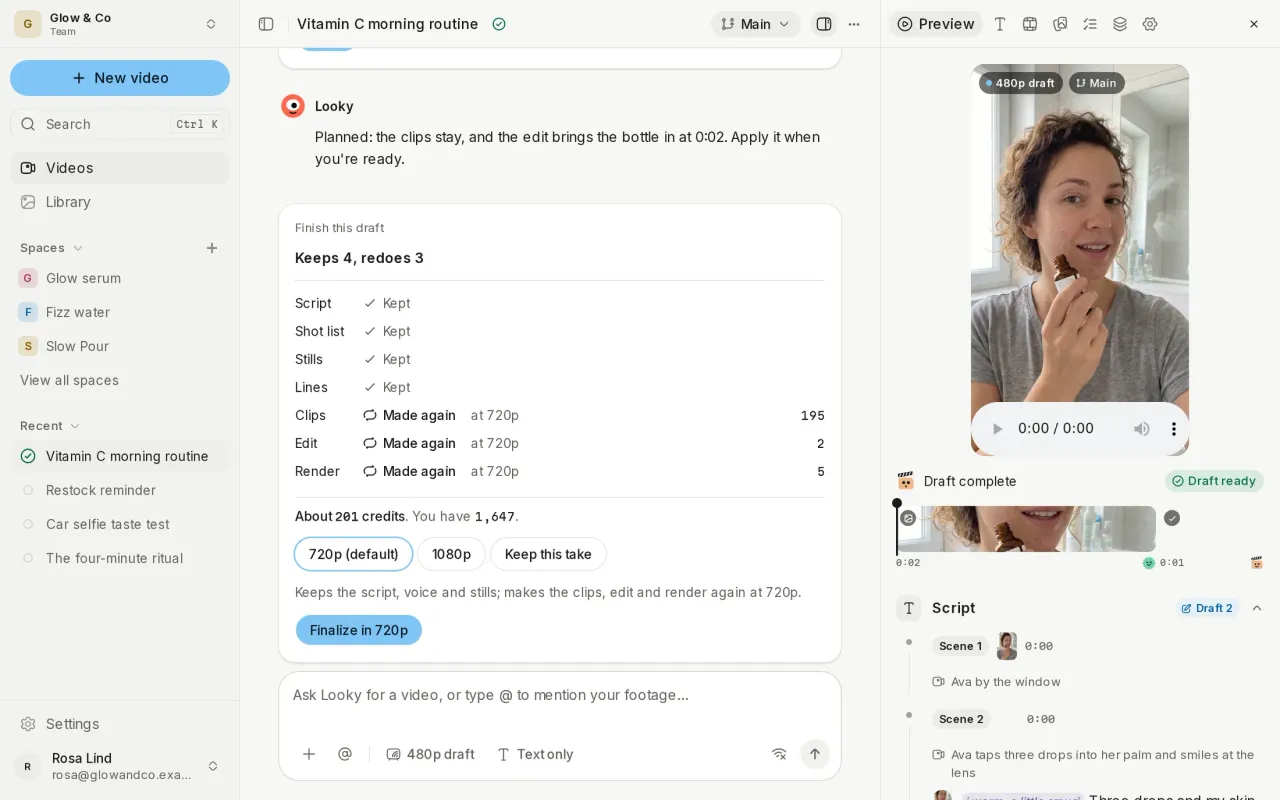
- Steer or queue changes while a video is made
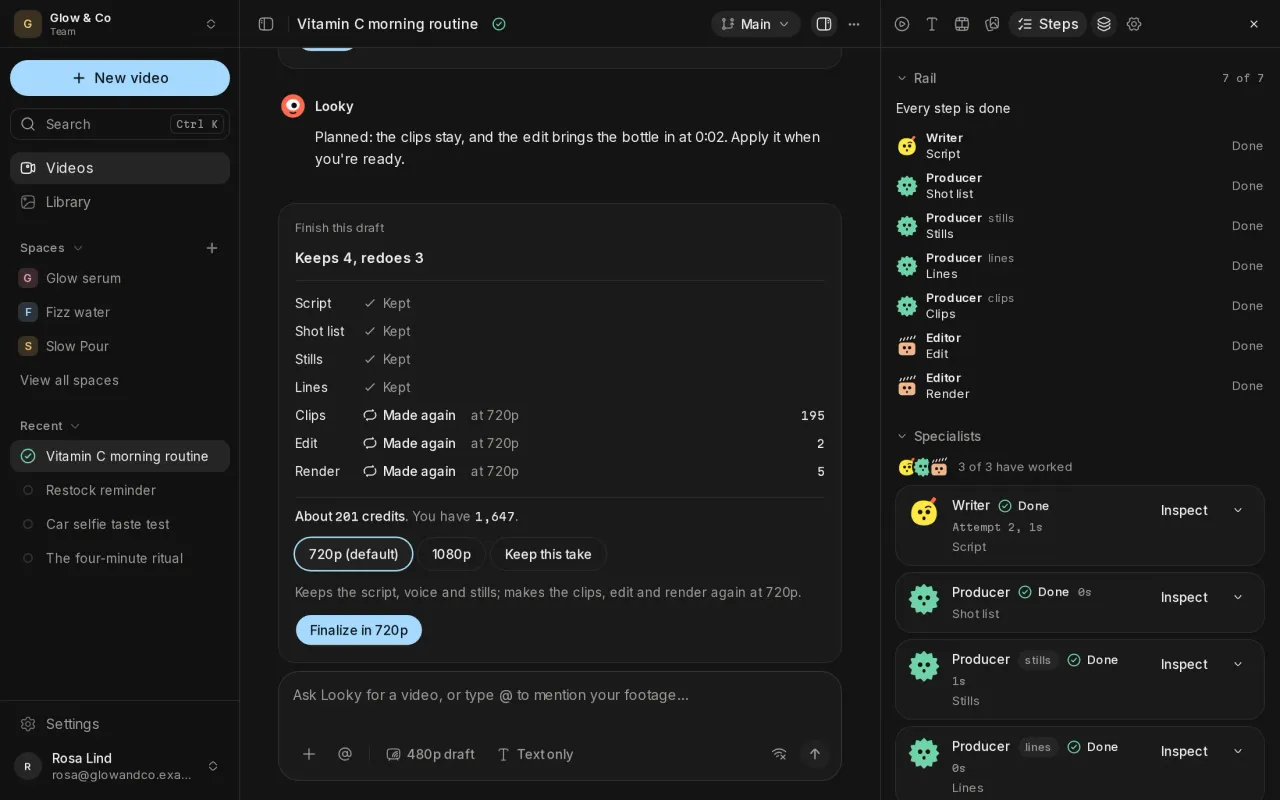
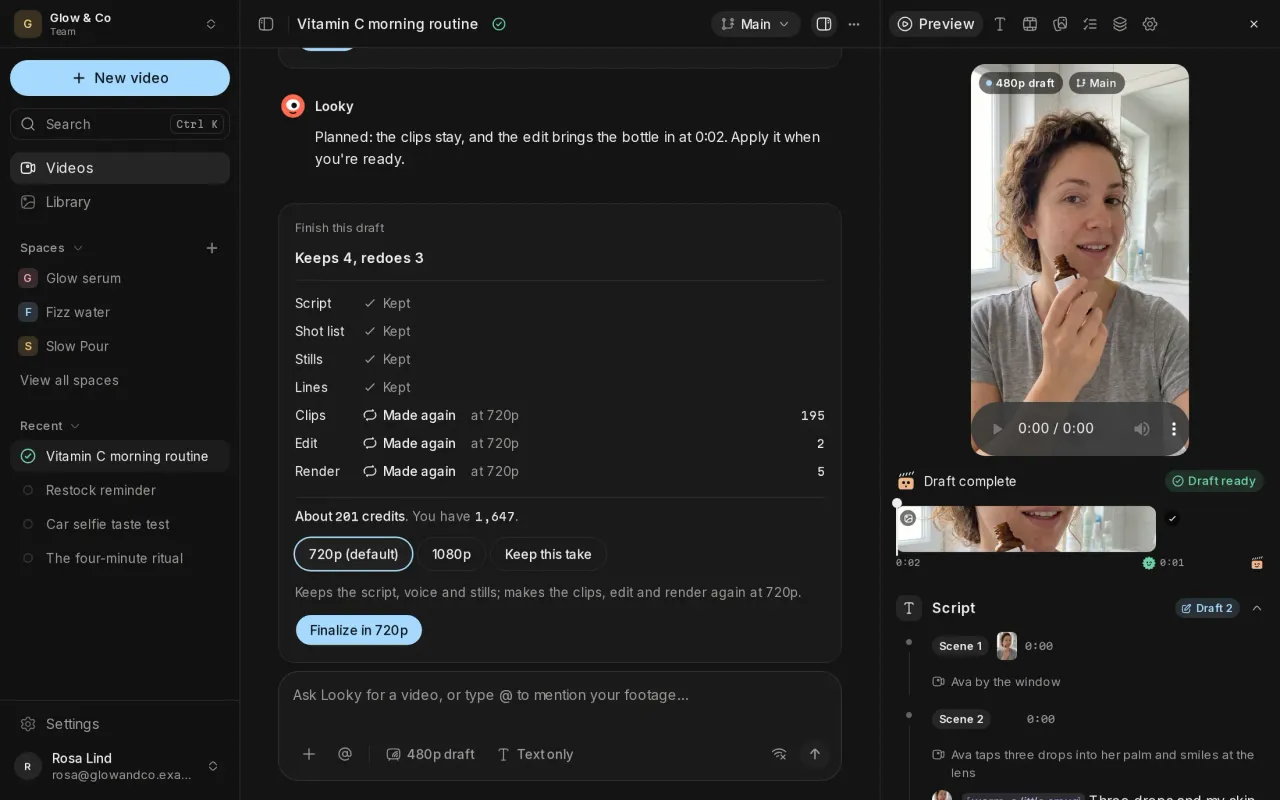
- See what a change keeps, redoes and costs
- Try variants and compare them side by side
- Share a finished video with a link