Edit like a creator
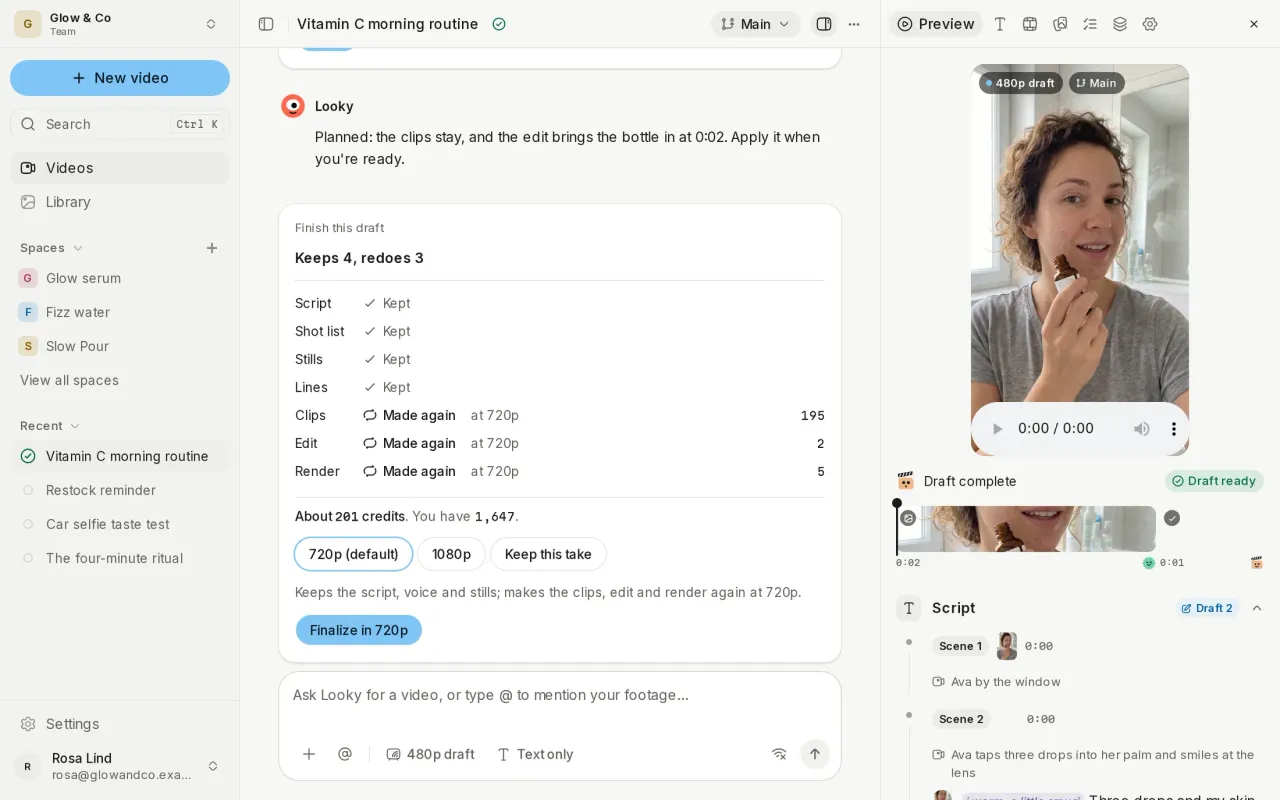
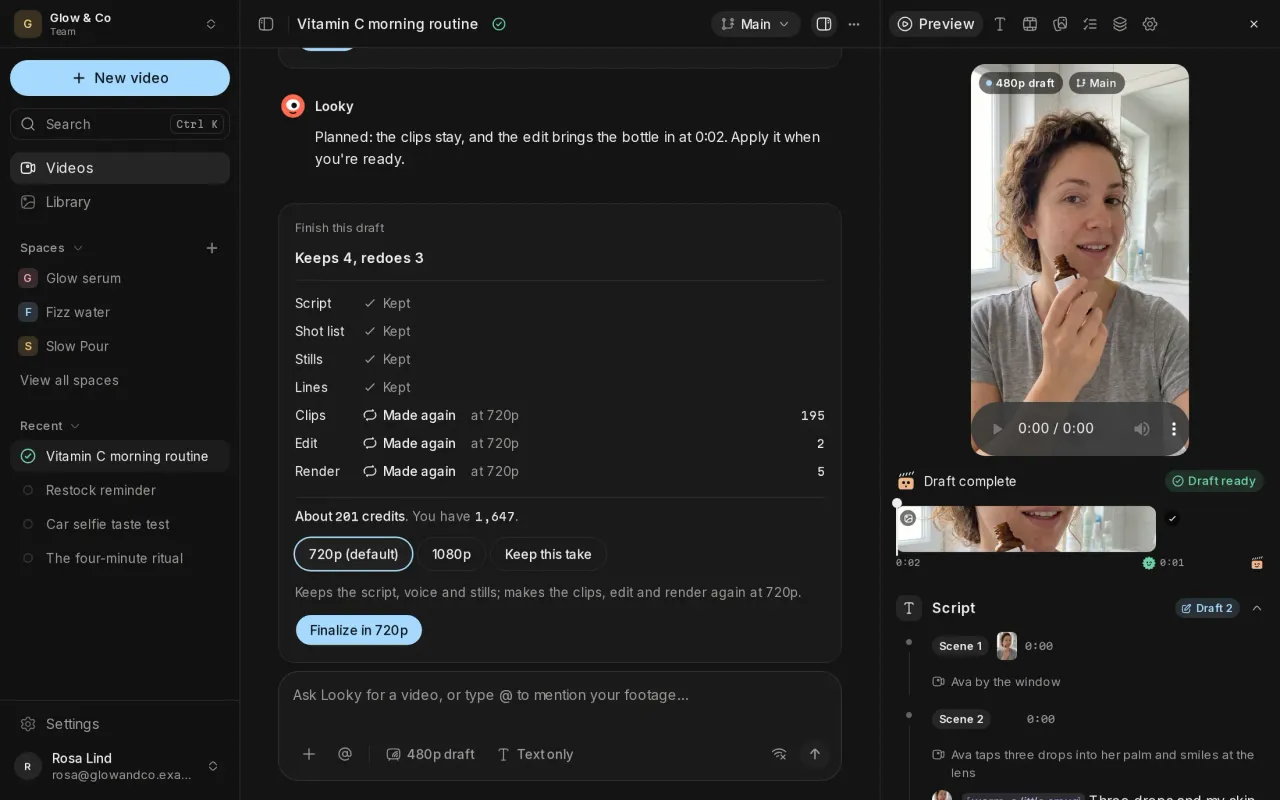
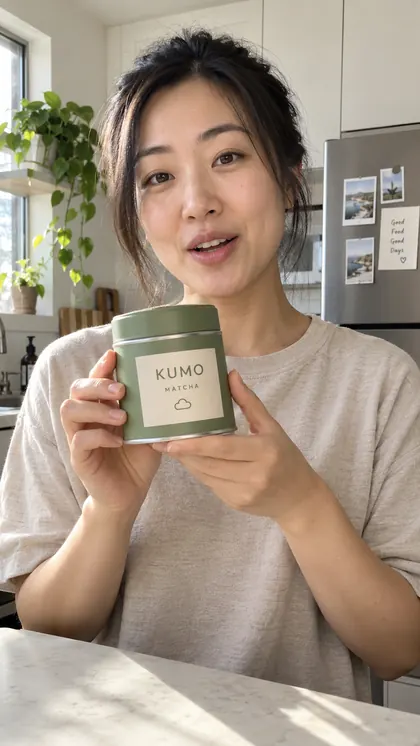
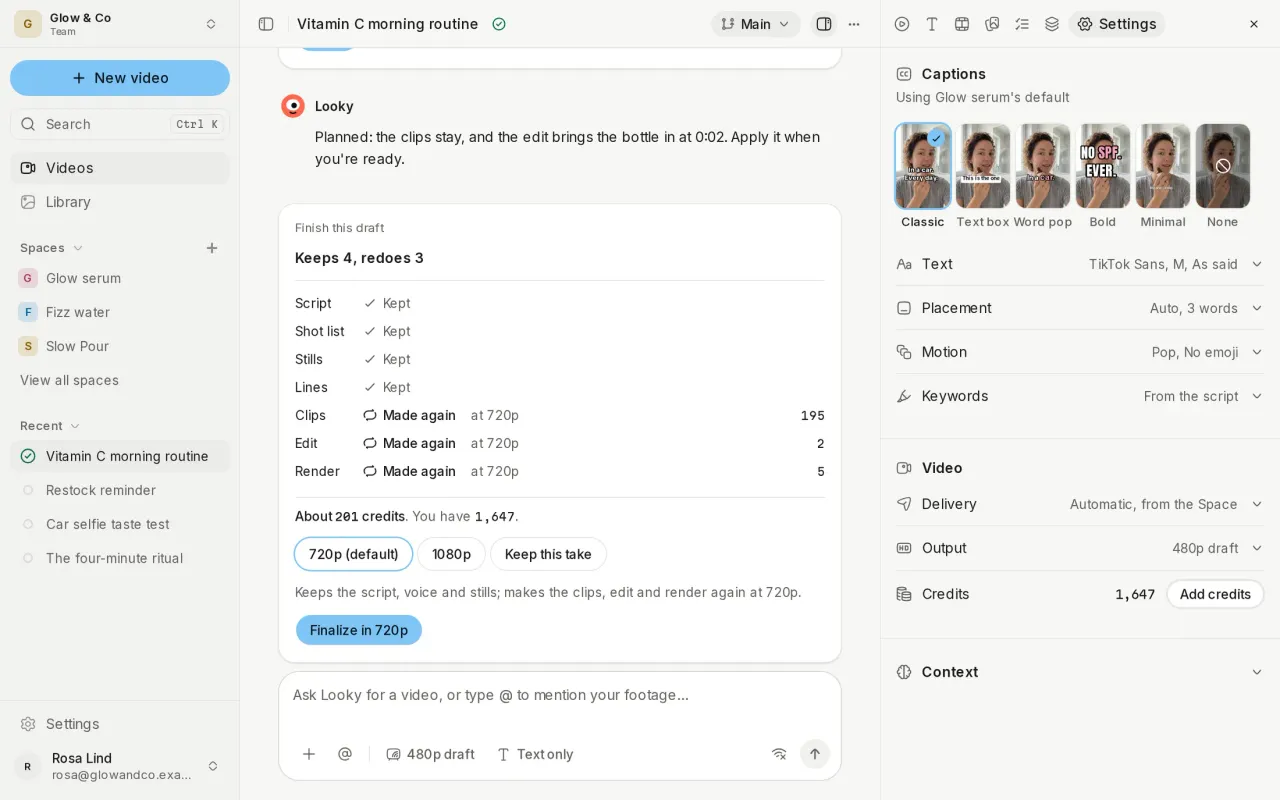
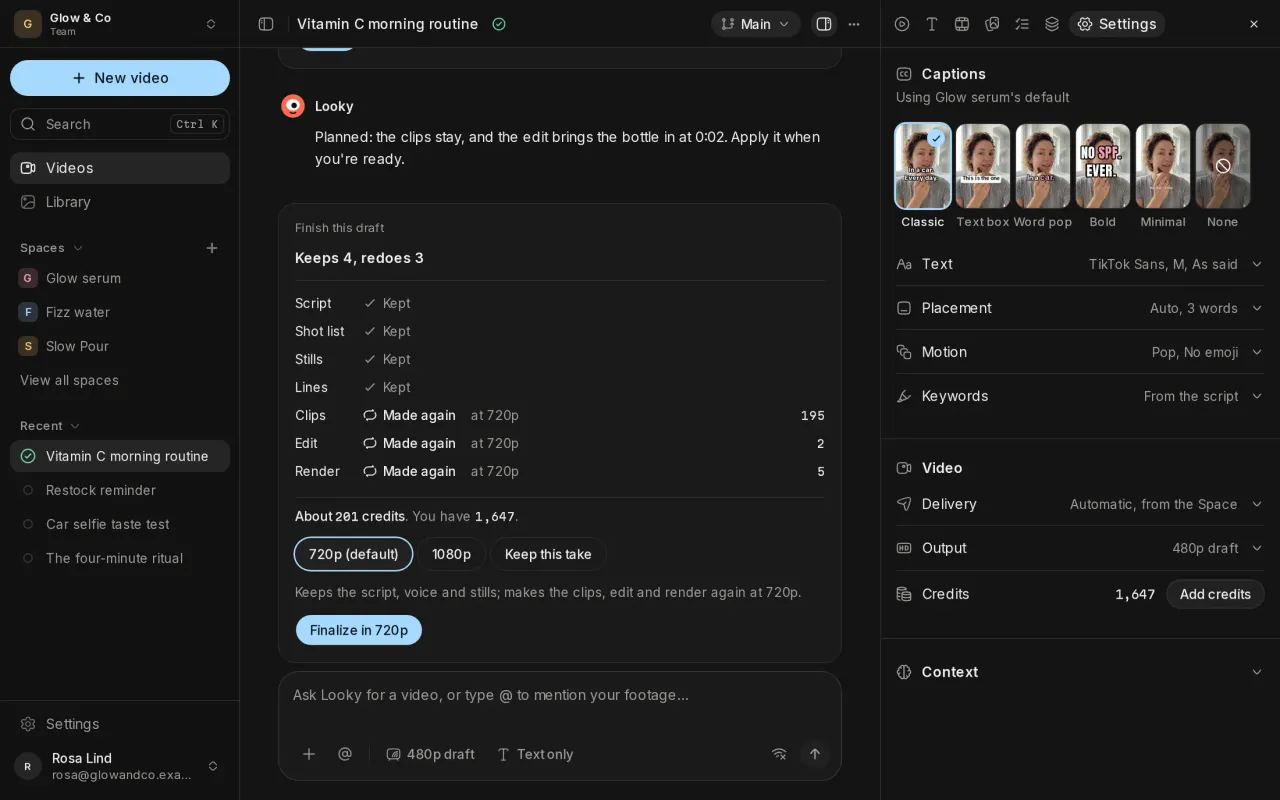
Talking videos cut out pauses with jump cuts and punch in on the moments that matter. Pick a caption style in a video's Settings, from Classic and Word pop to Bold and None, and set its text, placement, motion and keywords.
Formats your crew follows
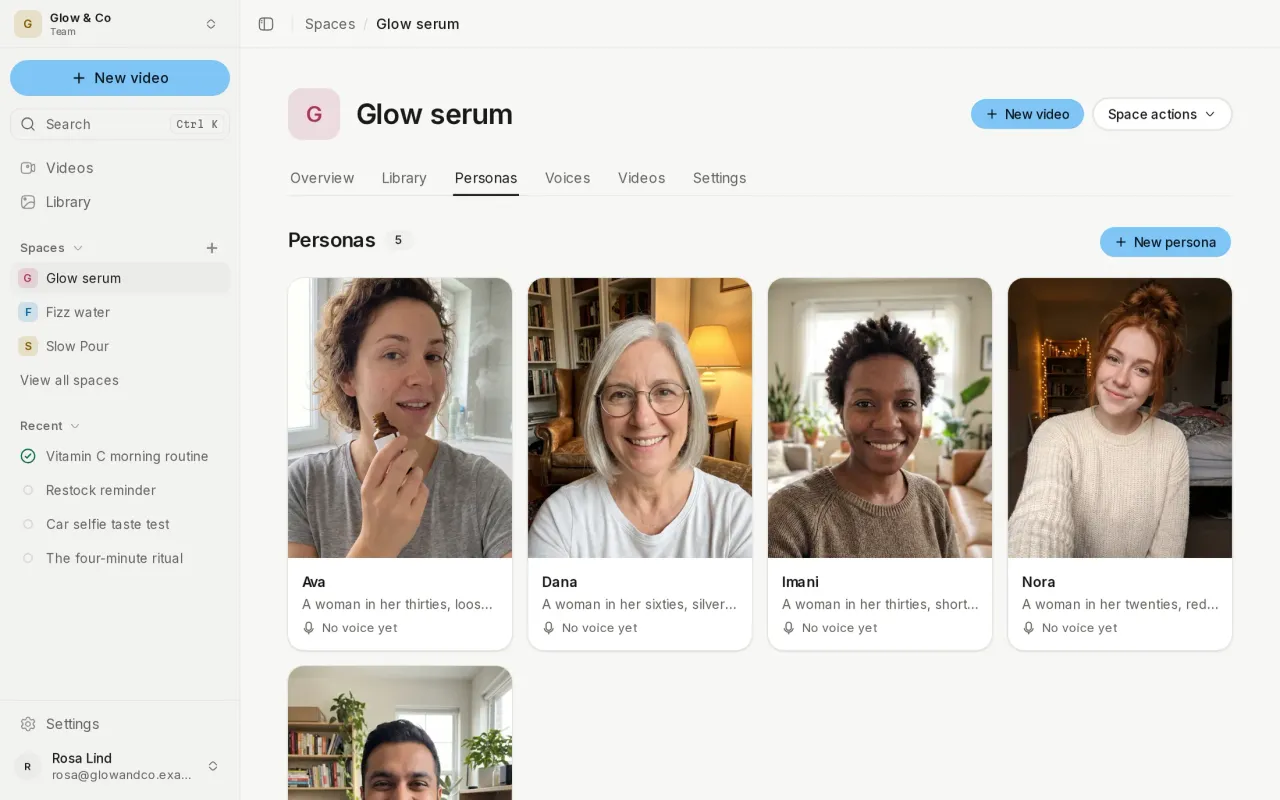
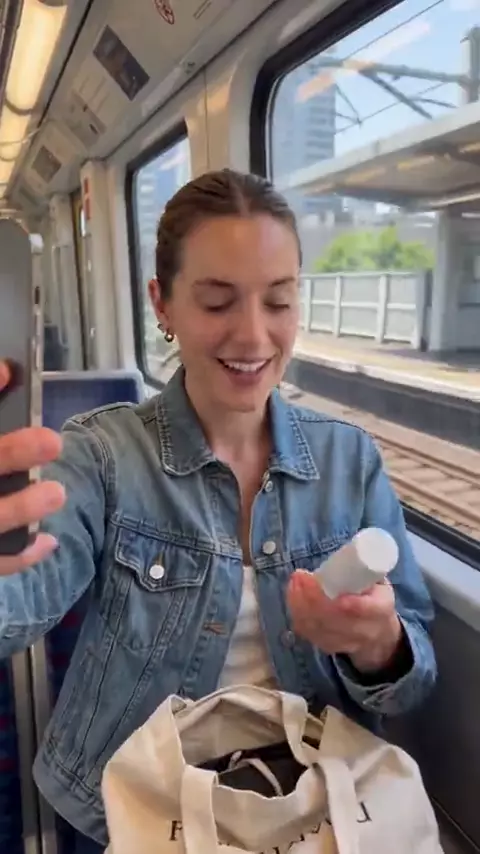
A format is a playbook for how a video is made: its beats, looks, performances, edit and captions. Each Space has formats built in, such as testimonial and unboxing, and you can make your own. Jump cuts is a format of its own, with one line per shot.
Hear the voice before the clips
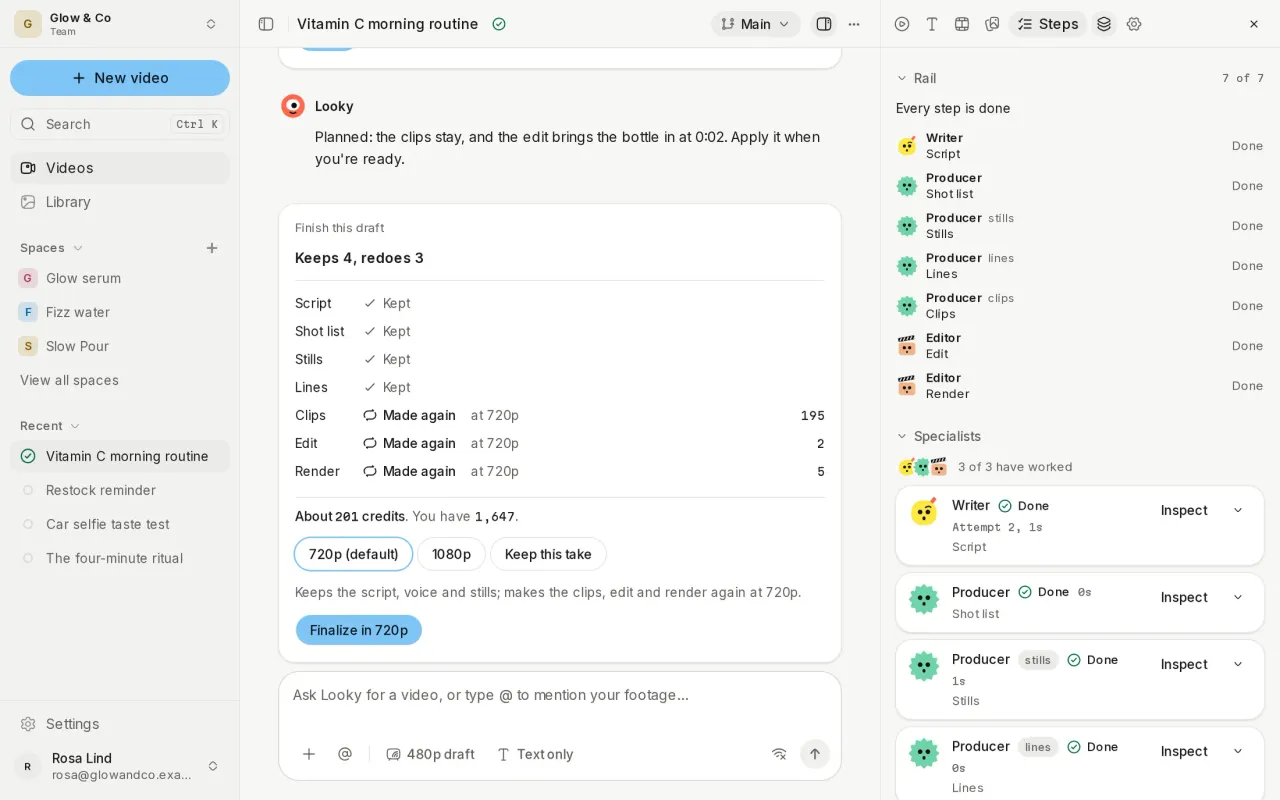
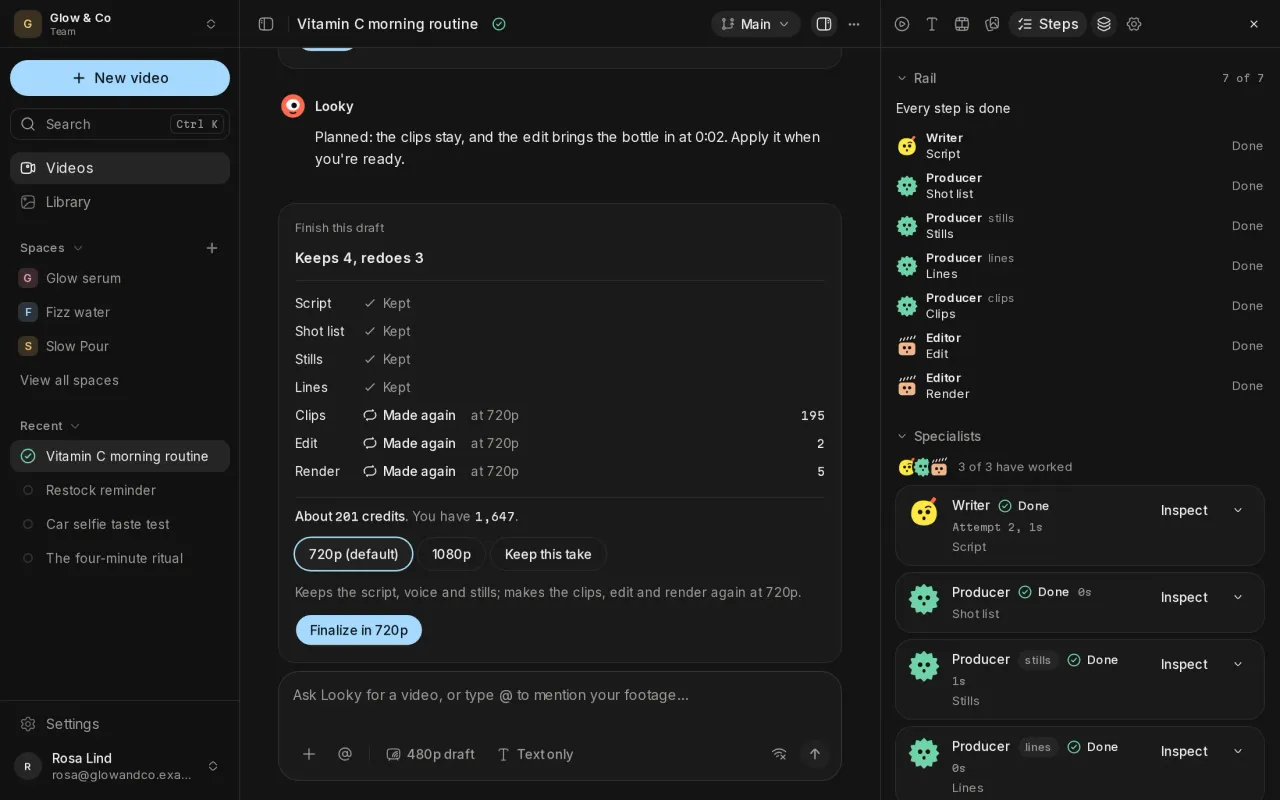
The voiceover is played back and checked before any clip is made. Words it says wrong are flagged with a suggested fix, and only the lines you change are read again.
Rehearse each scene
Choose Reference mode and each scene is rehearsed before its clip is made, so moves and product handling follow a plan. Every take is checked against its rehearsal before it's kept.
Browse for references
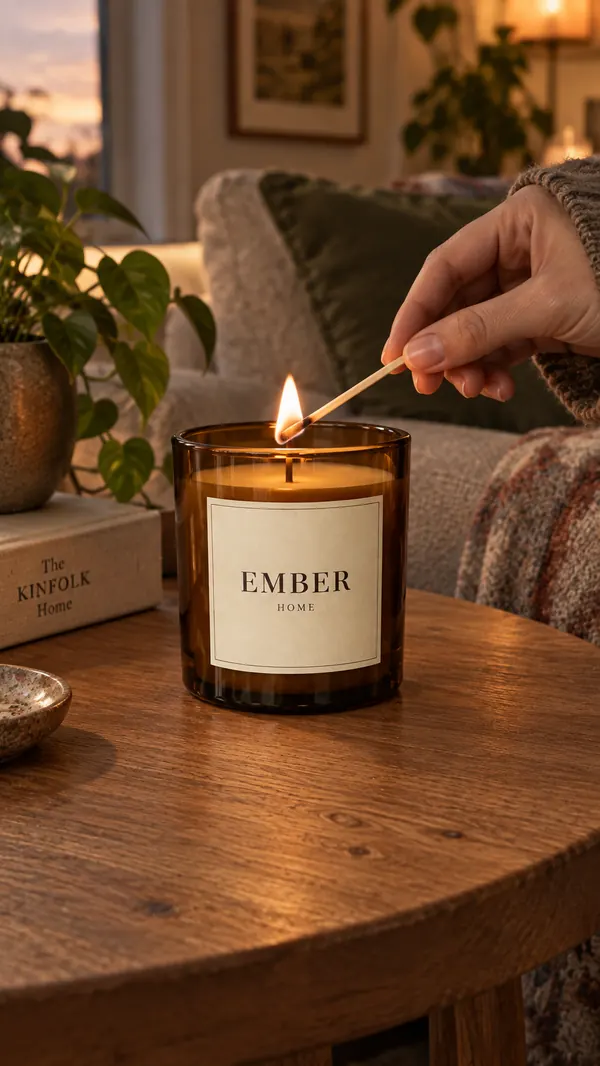
Search TikTok, Reels and Pinterest from the + menu and attach what you find as a reference for your video.
Also new
- Tune a Space's camera look by hand, or describe a camera and have one made, with free previews.
- Ask the chat to change the cut, such as "no zooms", or for another take of a scene.
- The chat sums up the crew's work in plain words, and reviews as short recaps.
Improvements and fixes
- The chat stays at its latest message as you scroll, and its scrollbar runs the full height.
- Sections open and close smoothly, and the side panel opens without a flicker.
- Queued messages are compact on desktop and on a phone.
- The chat's transcript works with the keyboard.