Your crew, beside the video
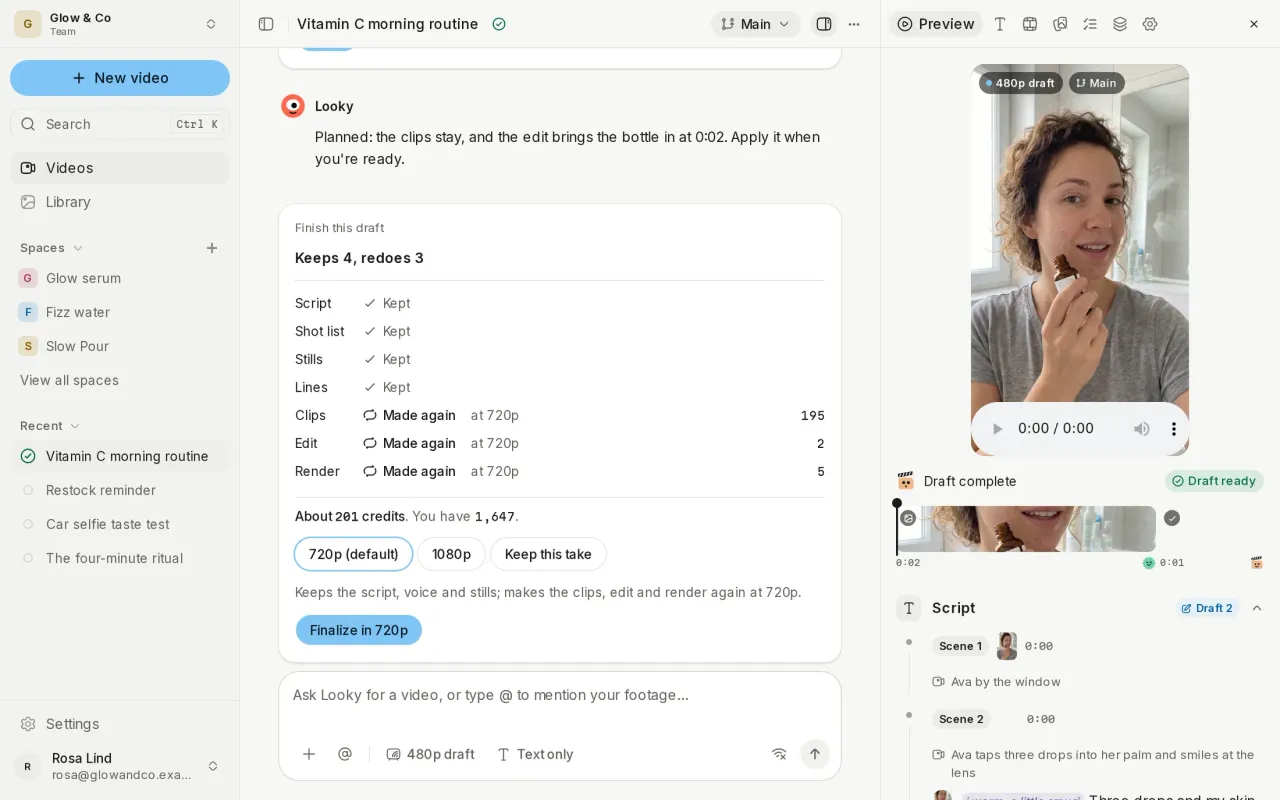
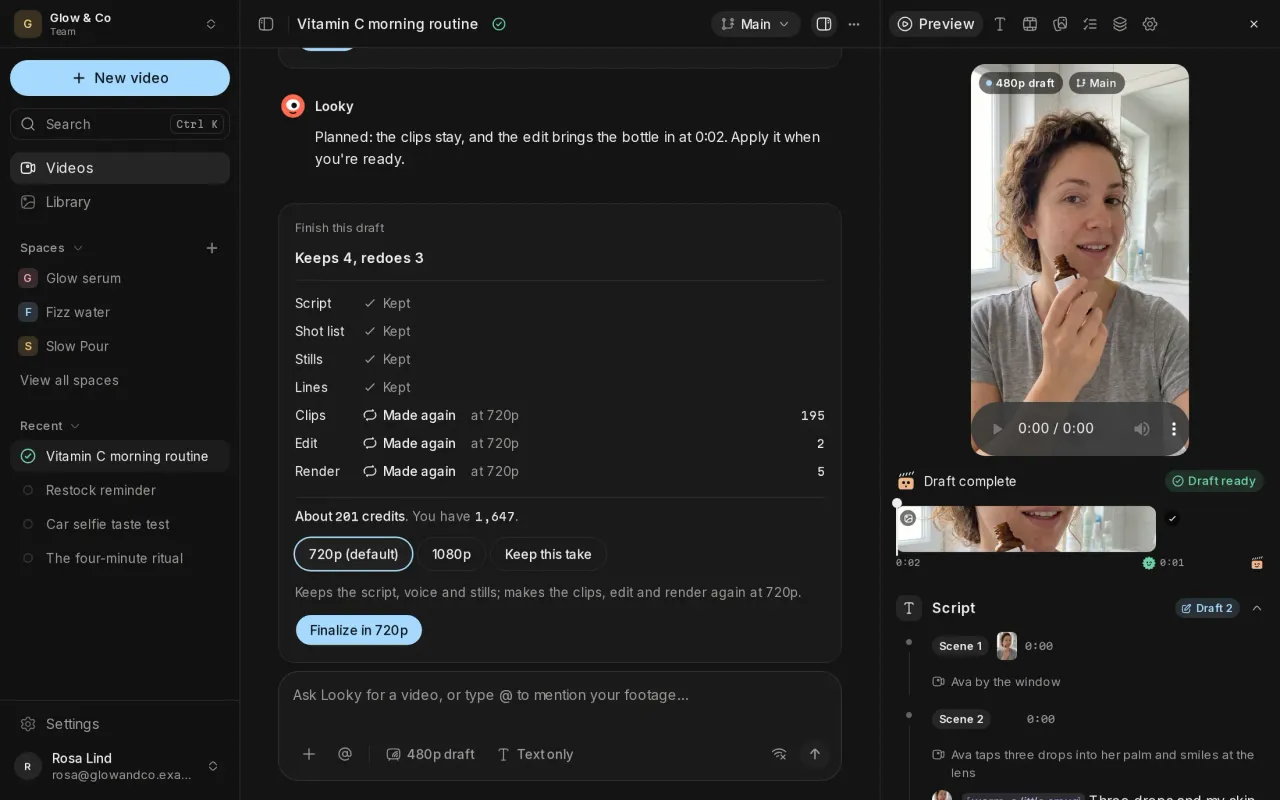
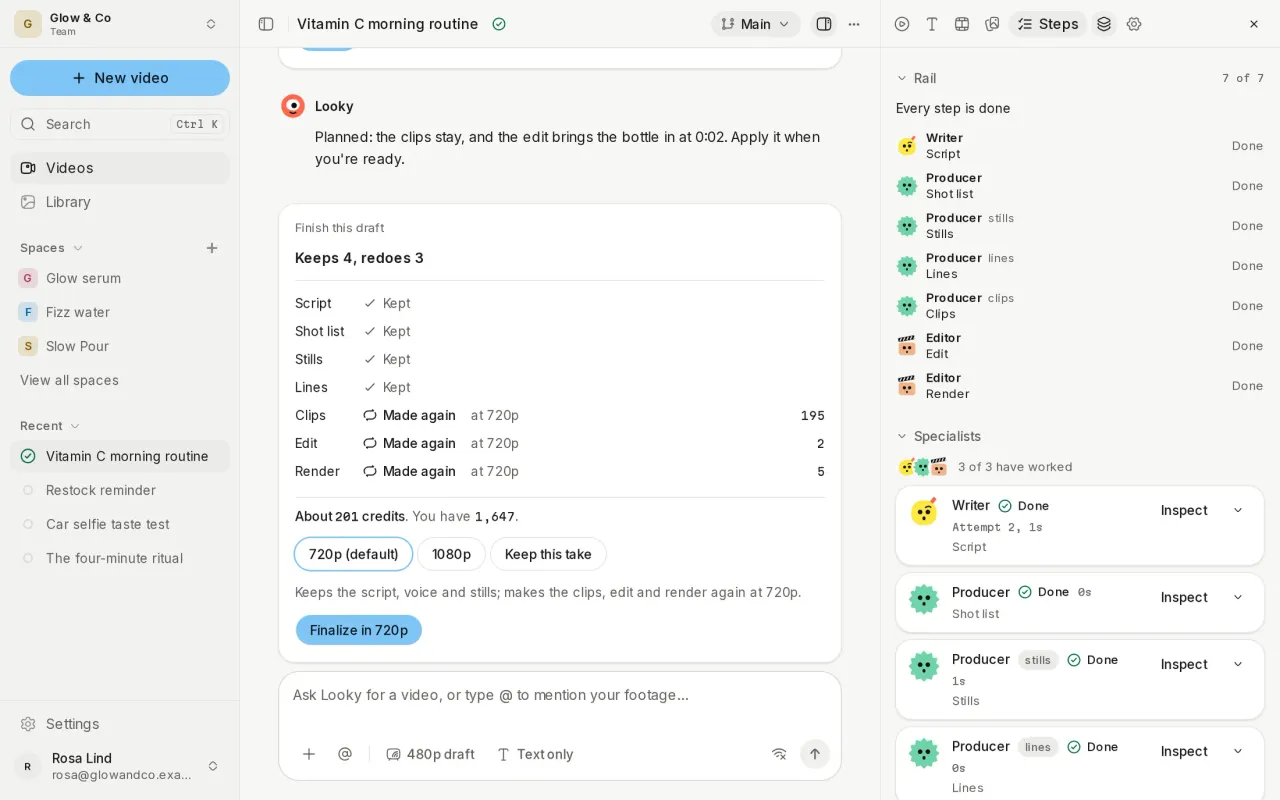
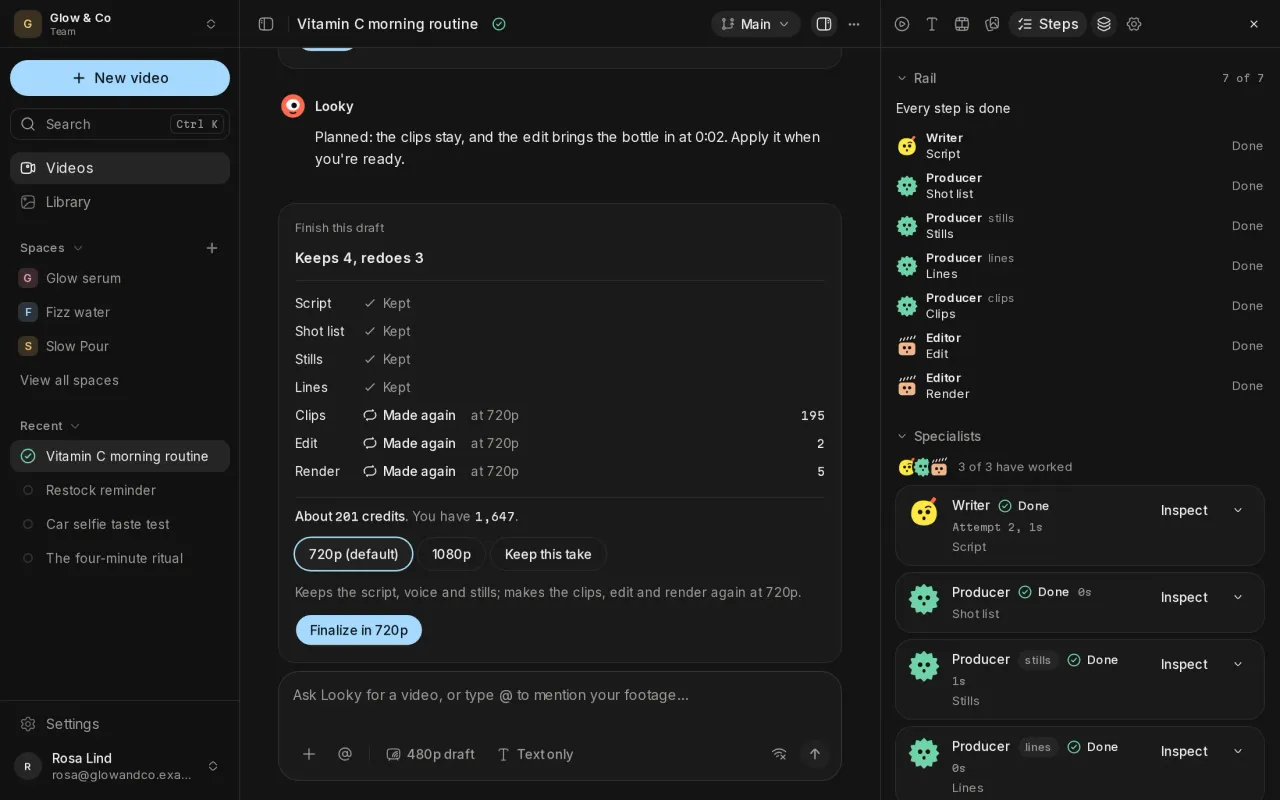
A video now opens in three columns: your studio, the chat, and a side panel with the Preview, Assets, Steps, Outputs and Settings. The Writer, the Producer and the Editor each have a face, and the chat shows the run as turns: who did what, what they made, and anything that needs you, pinned where you can't miss it.
Talk to one crew member
Type @ to send a note to one crew member, such as "@Writer make the hook punchier". Looky passes it on, the crew member takes it into their next pass, and answers you in the chat.
Read and hear the script together
The Preview reads the script as a transcript, and the voiceover lights up each word as it's spoken. An overview card in the top bar shows the video at a glance: its line, its cast, its product and its voice.
Attach what the video should use
The composer, on New video and in the chat, takes files, footage, and your Space's products, personas and voices, from the + menu or with @. Give each one a role: a reference to borrow from, or something that appears in the video. Paste a TikTok, Reel or Short and Probably watches it once, saves it to your Space and reuses it for free. You can also set the video's length and shape.
Also new
- Use this version: bring back an earlier delivered version of a video from Outputs.
- Outputs lists every run of a video, newest first, and compares two versions side by side.
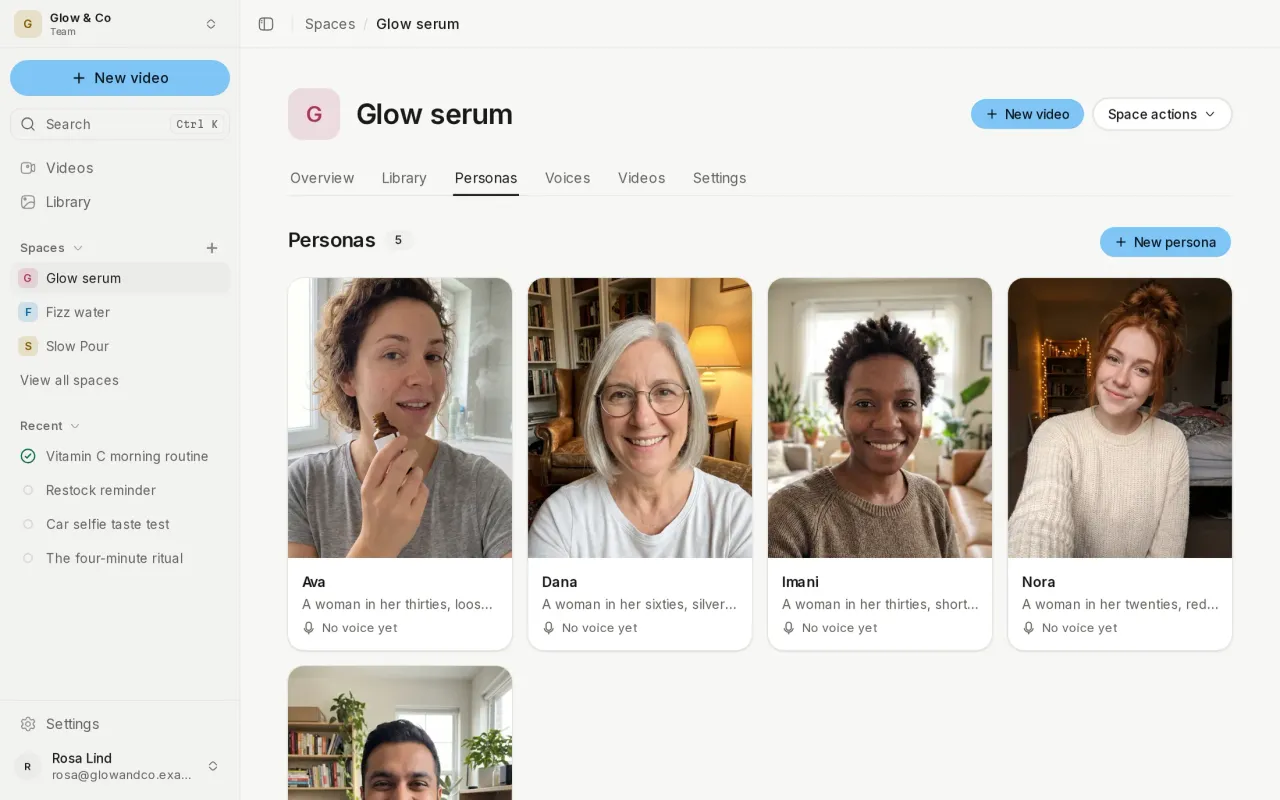
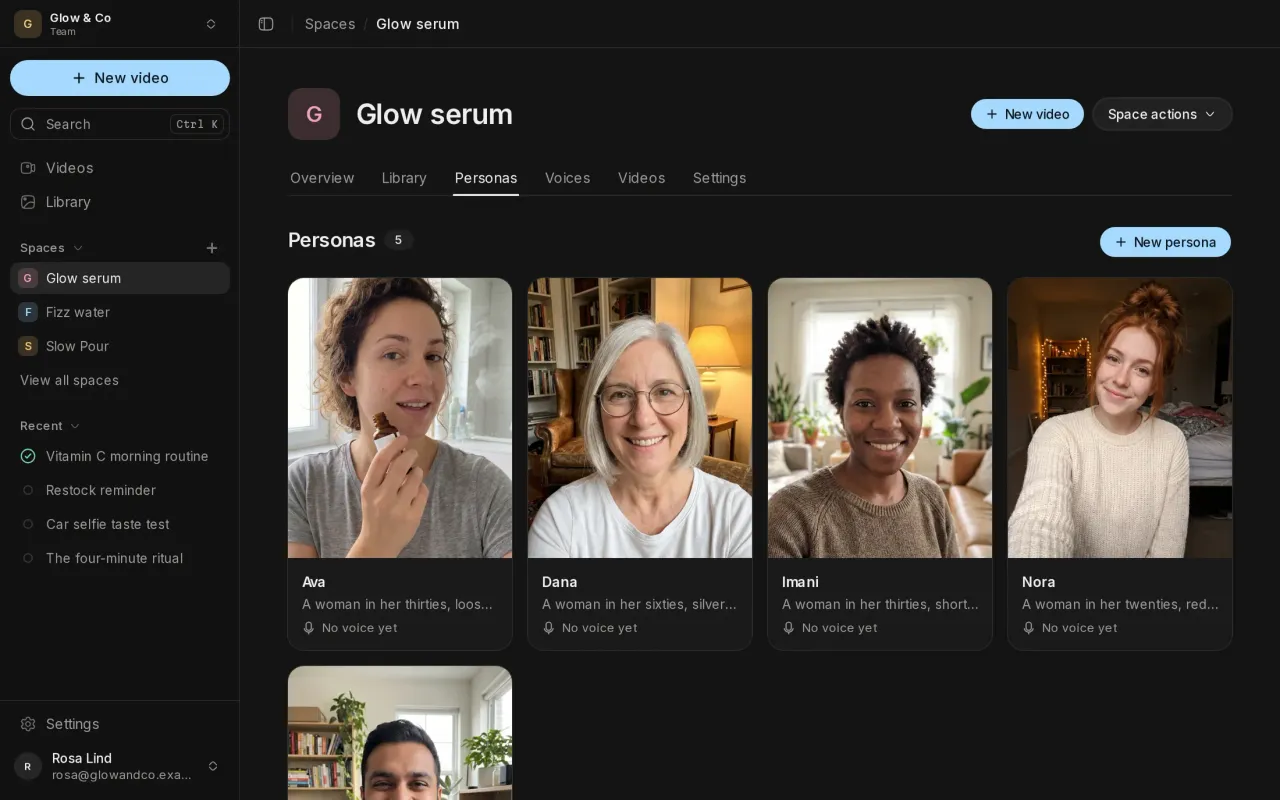
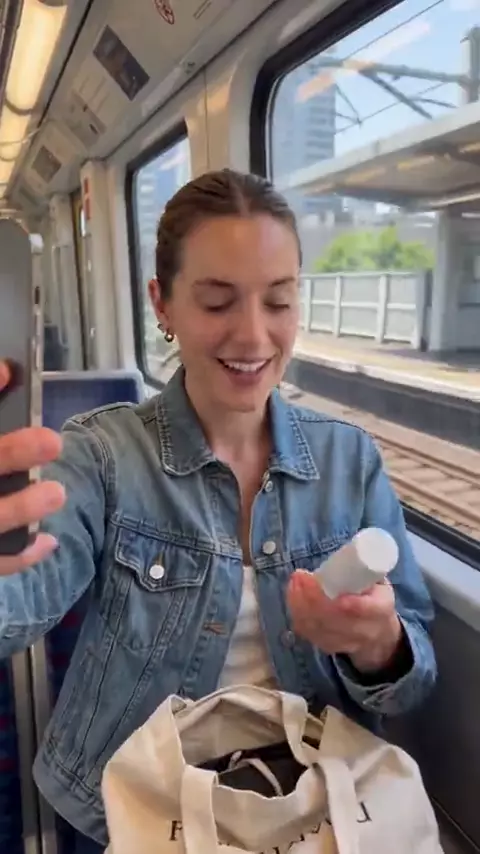
- Your personas get headshots, so you can see who you're casting.
Improvements and fixes
- The sidebar collapses smoothly to a rail, and the organization switcher sits in the top bar.
- Finished videos are 720p by default, with 1080p as the sharper option.
- The change card says when applying a change ends your free draft.