Change a video while it's being made
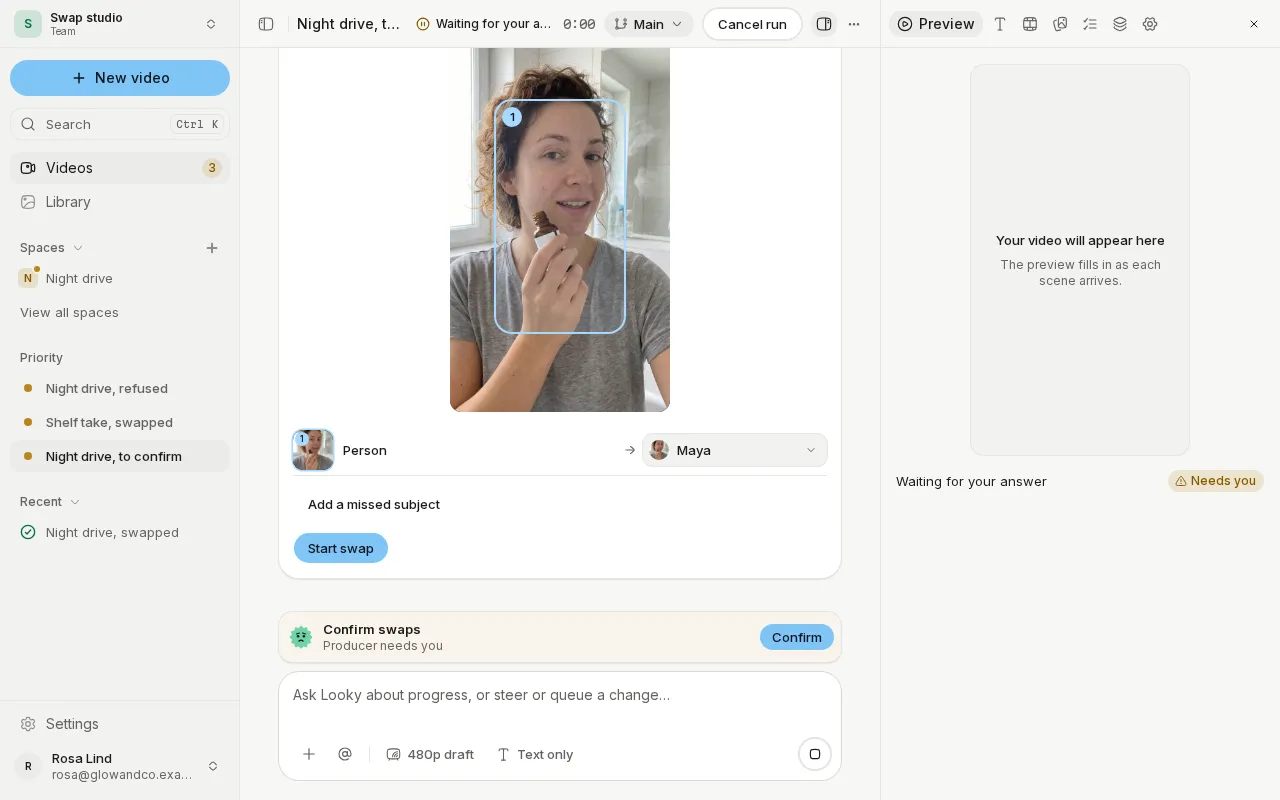
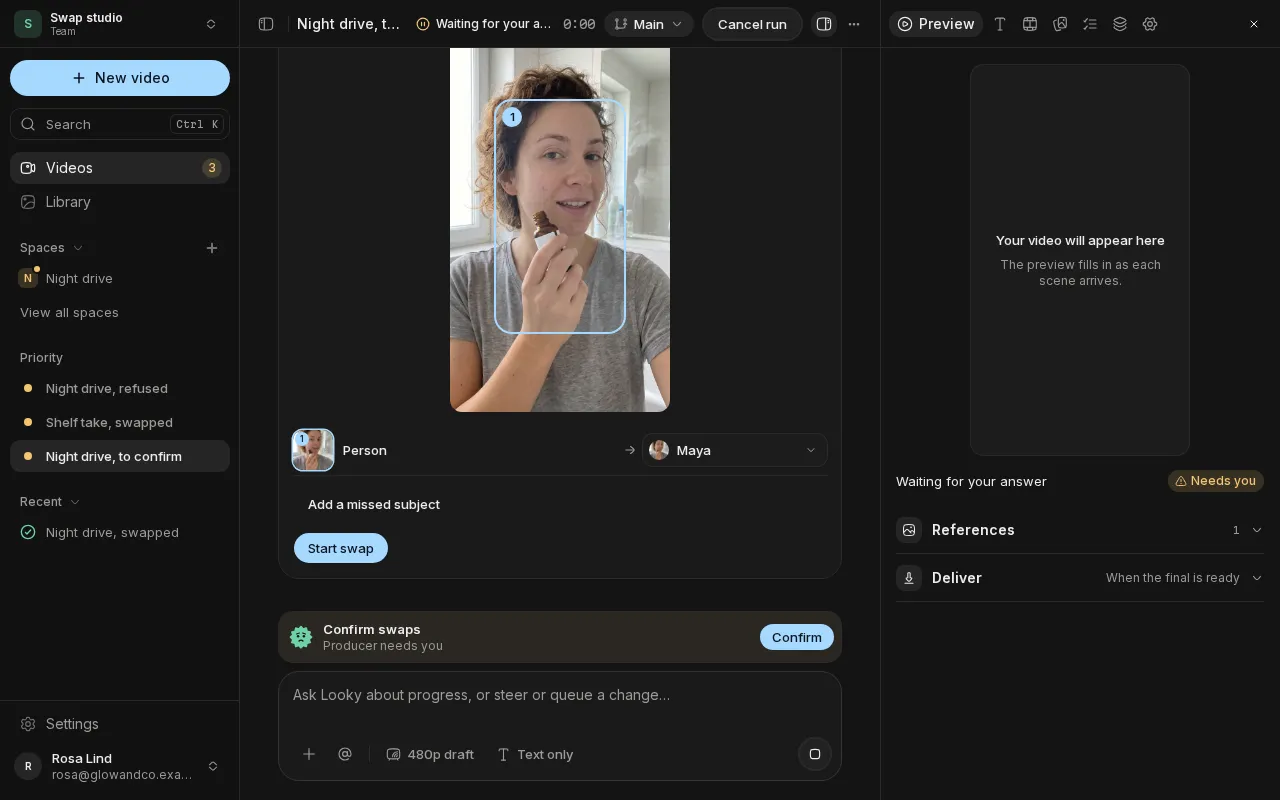
Send a message while the crew is working and choose whether it steers the run now or waits in the queue for the next step. You can take a queued message back before it's used, and the chat tells you when a change didn't apply.
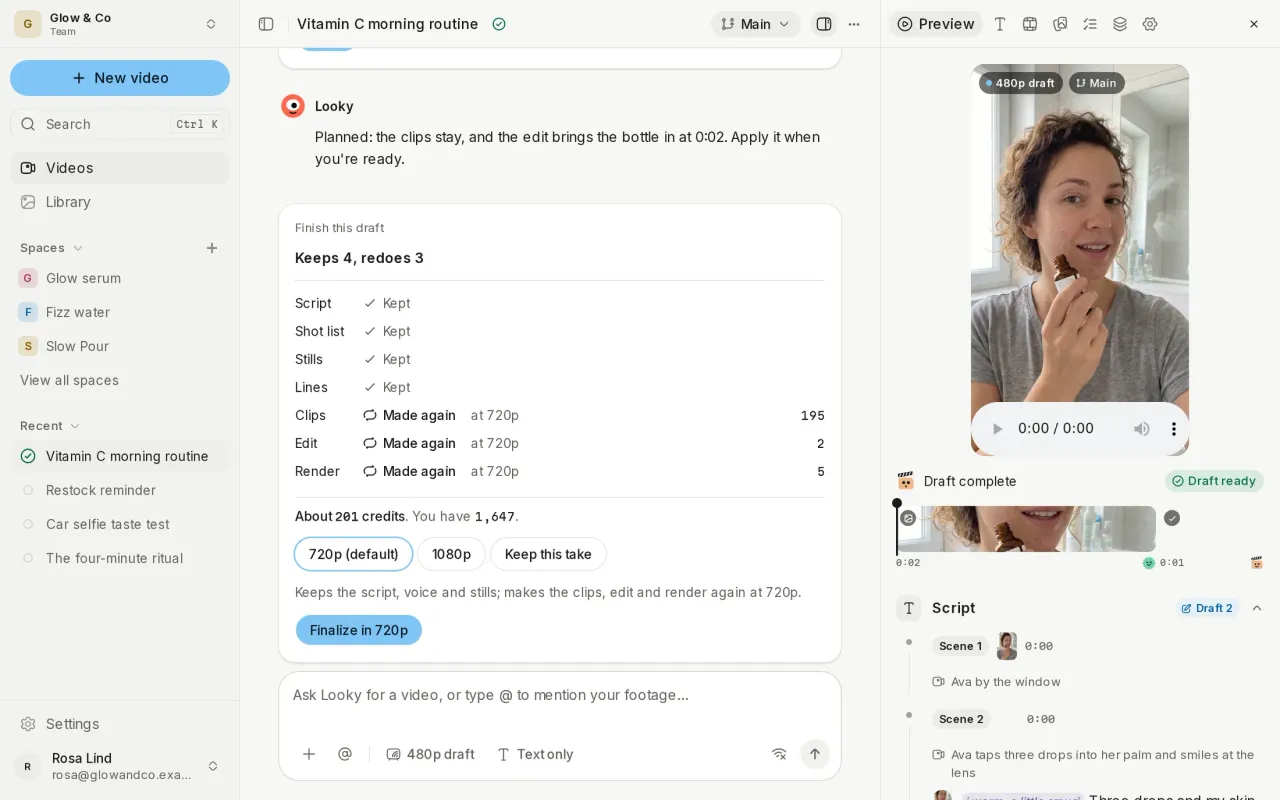
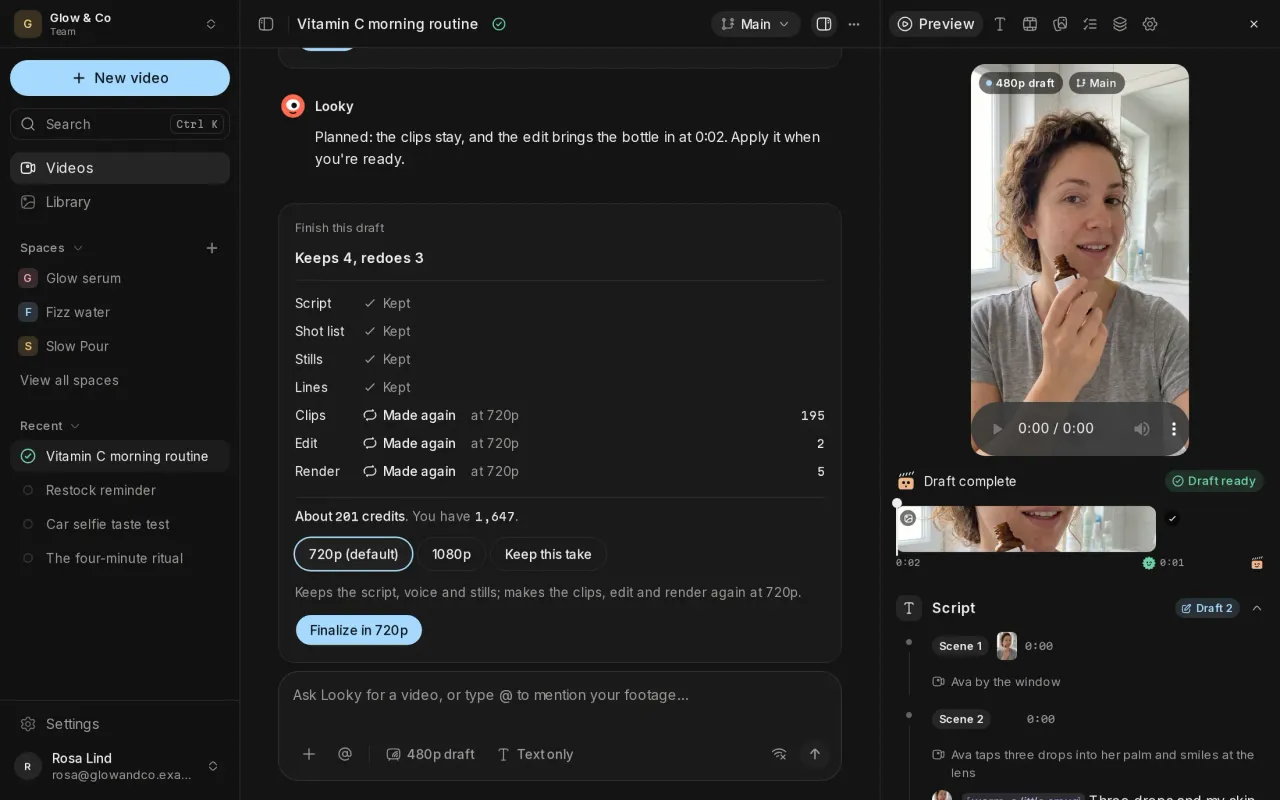
See what a change does before you apply it
A change is planned before anything is made: the chat shows which steps it keeps, which it makes again, and about how many credits it costs. Changes to a finished video wait for you to choose Apply.
Approve the cut
When you want the last word, a video waits for you to approve its cut before it's delivered.
Try variants and compare them
Start a variant from any step you want to keep, switch between a video's lines, and branch from any version. Compare shows two versions side by side, so you can take parts from one into the other or make a variant the video.
Share with a link
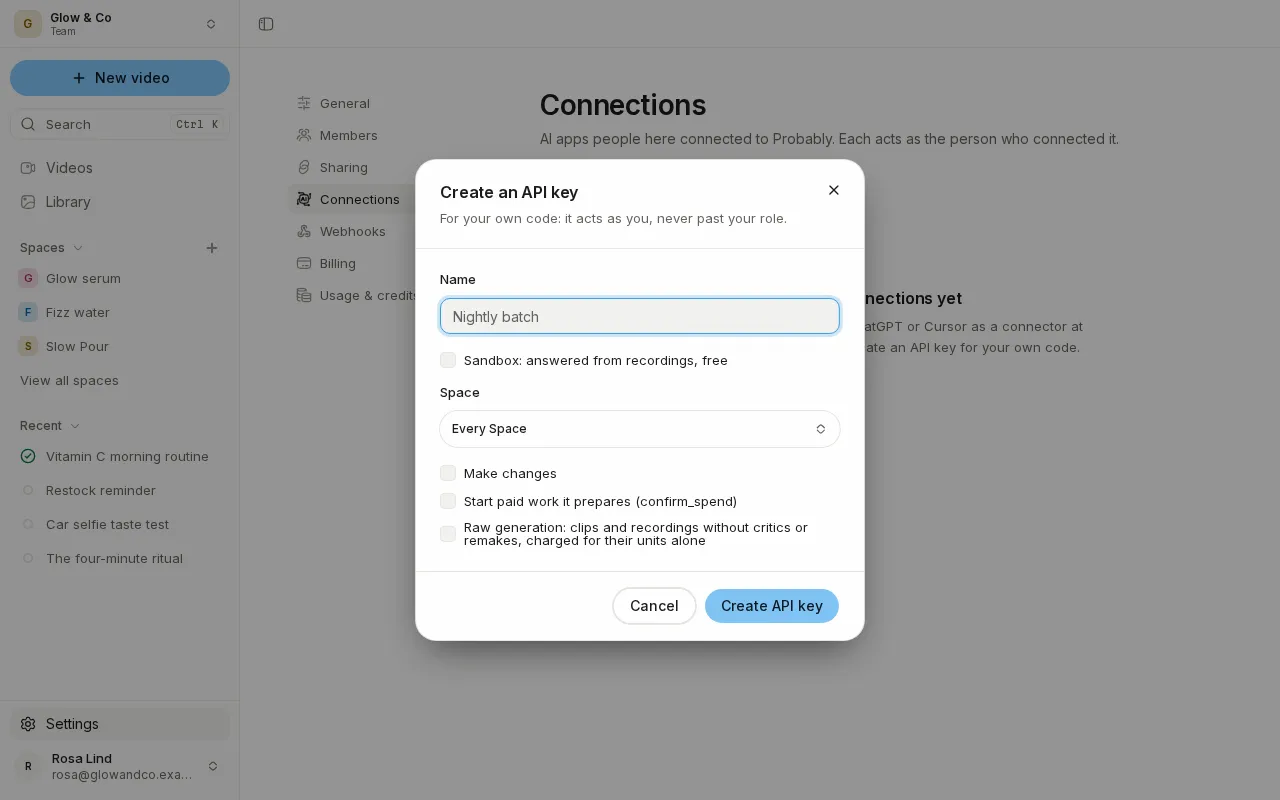
Share a finished video by a link anyone can open, or only the people you name, following the latest version or fixed to one. Each link gets a suggested name and a proper preview card where you paste it, and you can turn a link off at any time from Settings.
Also new
- The Script tab edits your video's words exactly as you write them.
- The Scenes tab edits each scene's direction, length, place and take.
- A video tells you when its Space's details changed since it started.
Improvements and fixes
- The studio works one-handed on a phone, from the sidebar to the library.
- Pages open faster and show their content in the first paint.
- A video's progress updates live and names the step it's on.
- Buttons show when they're busy, and errors appear where they happened.
- The light theme meets contrast guidelines, and wide tables scroll with the keyboard.