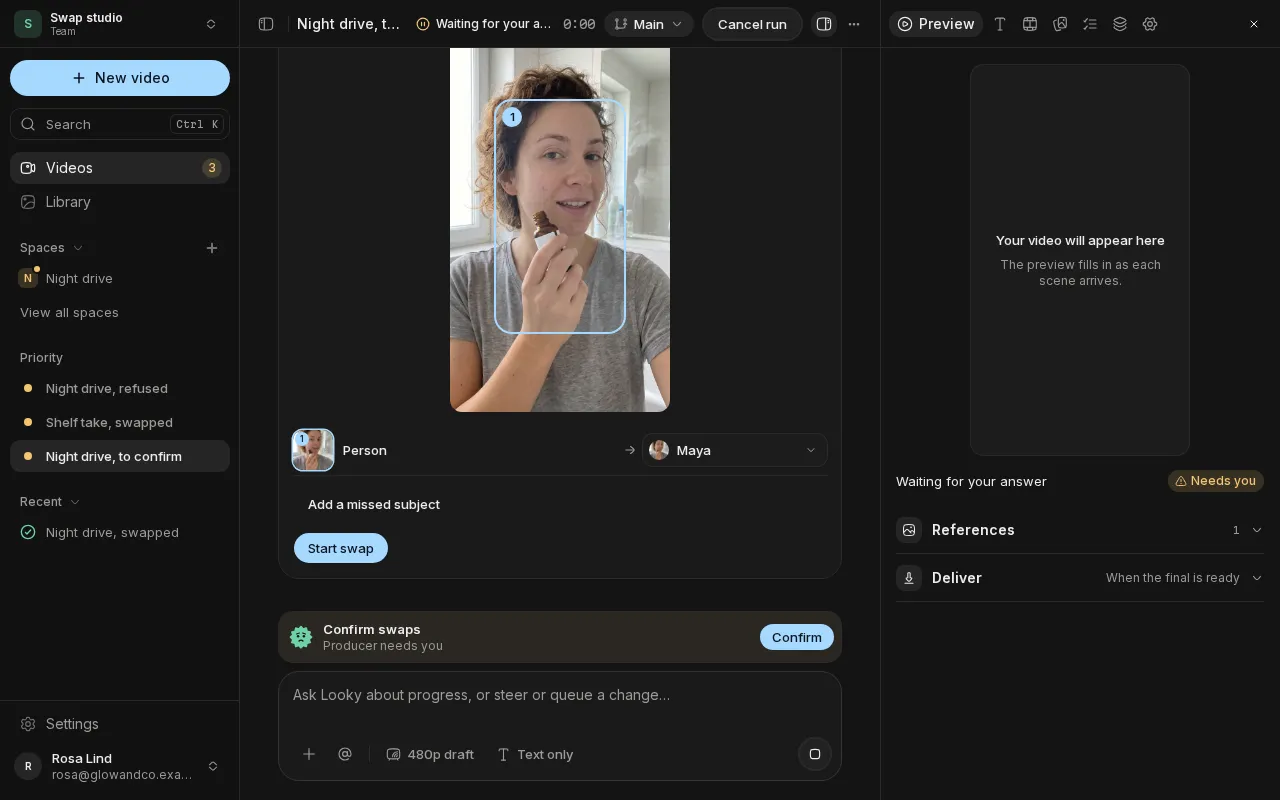
Swap what's in a clip
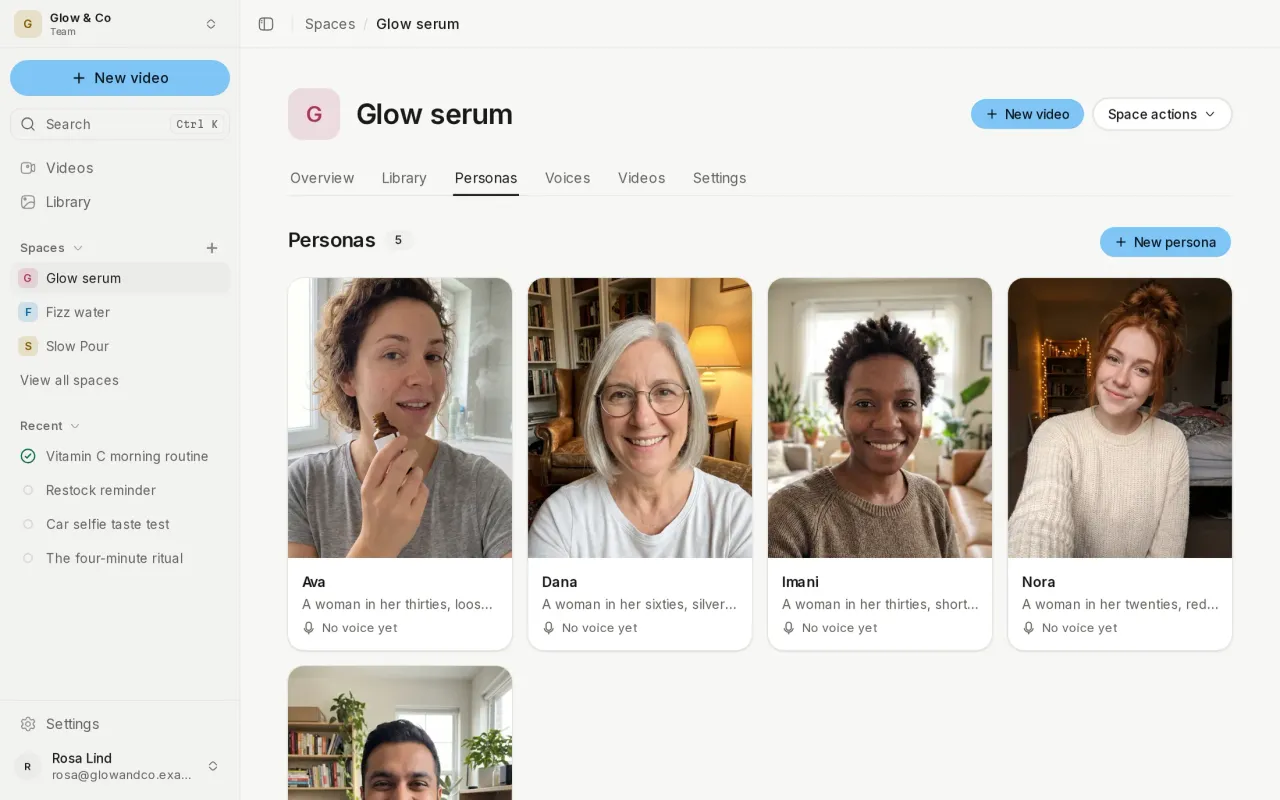
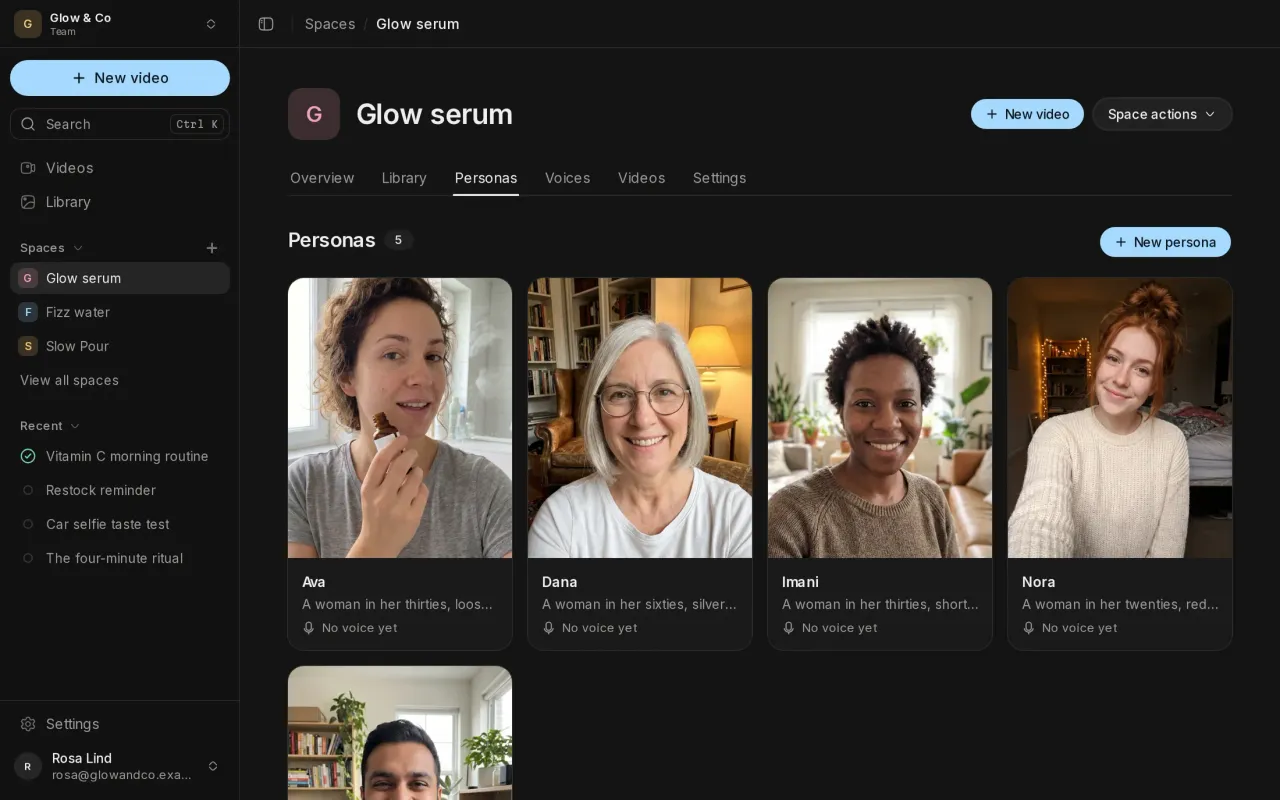
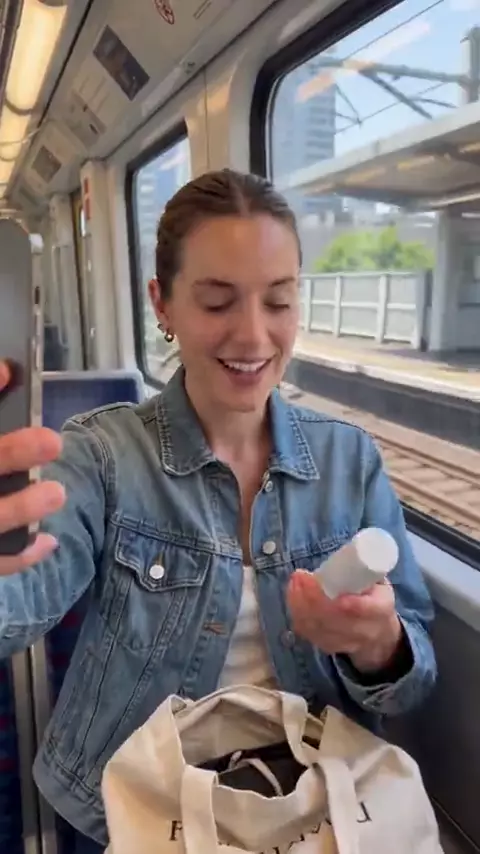
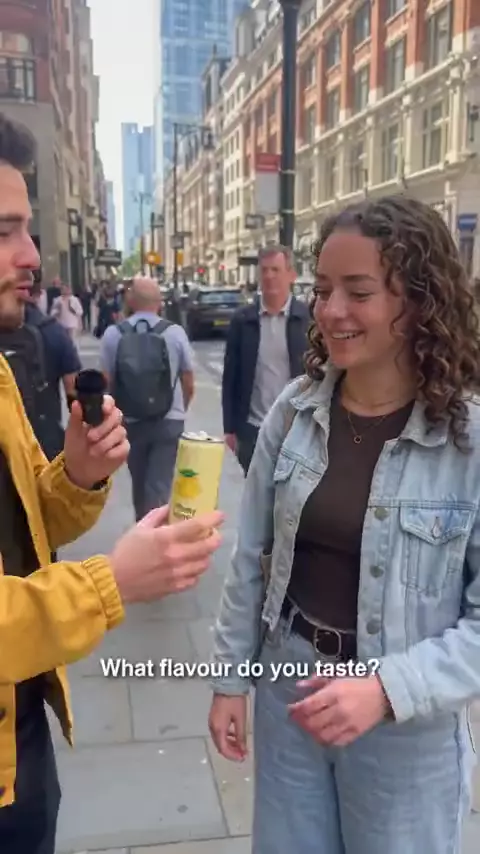
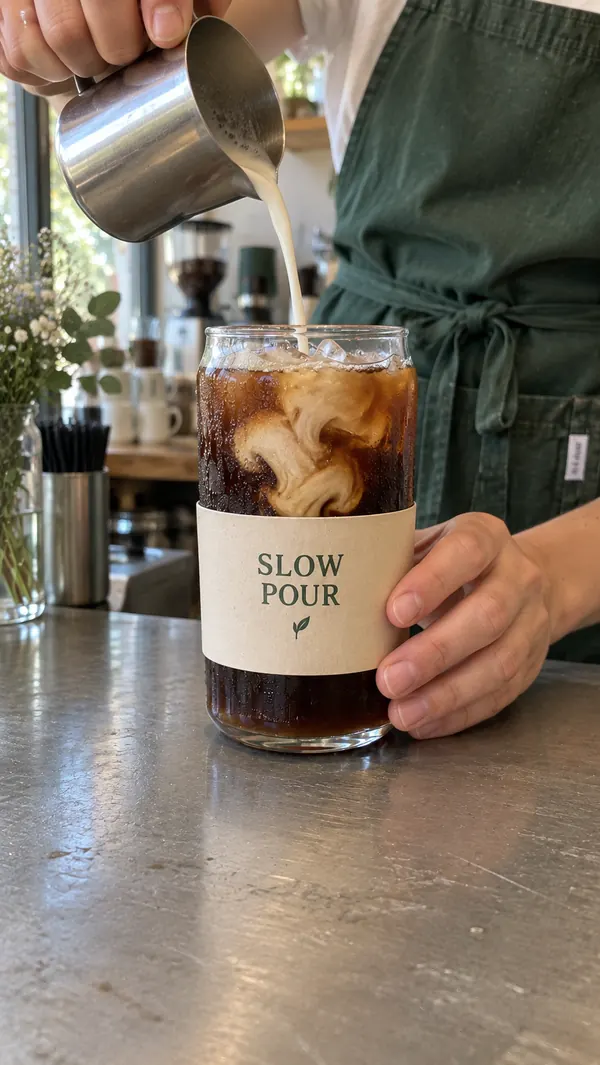
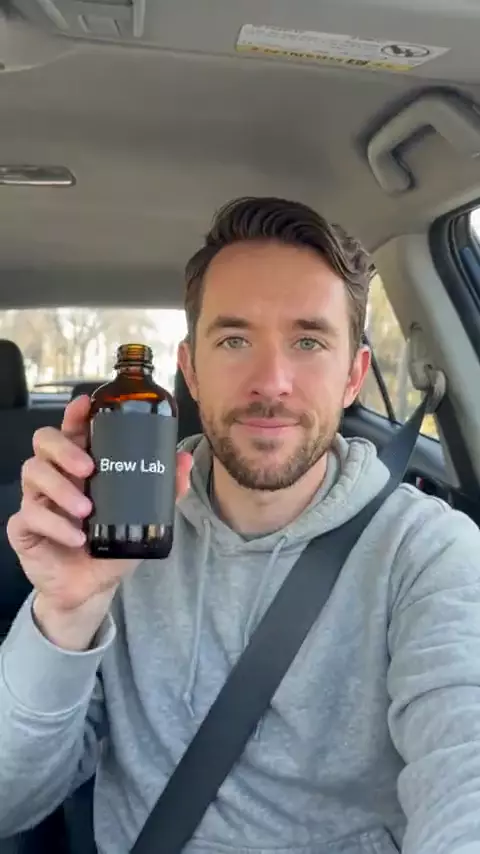
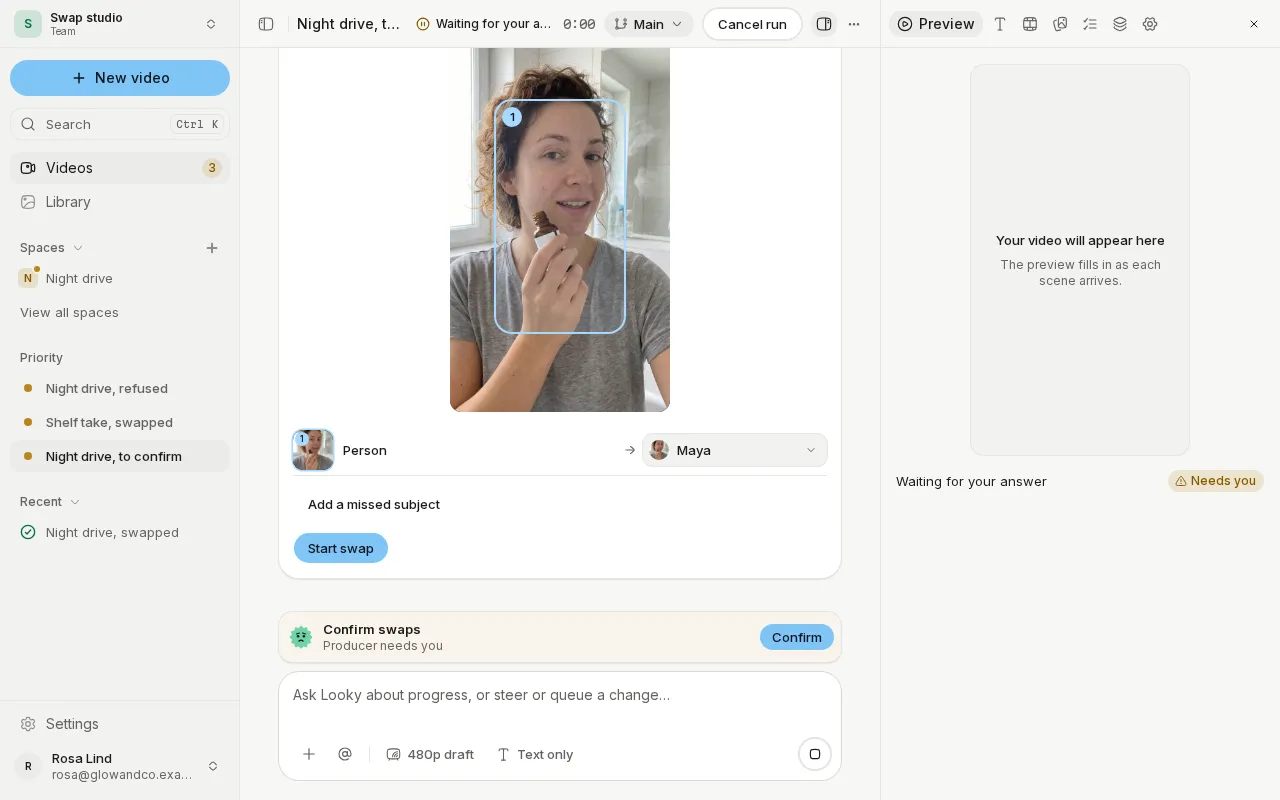
Attach a clip of 4 to 30 seconds in New video, set it to Swap, and say what becomes what: a person becomes one of your personas, a product one of your products, or the place a new one. Before anything is made, Confirm swaps outlines each subject in the clip so you can choose its target, leave it as it is, or point out one Probably missed. A longer clip opens Trim, so you swap the part you choose.
Keep the sound, or give it a new voice
Keep the clip's original sound, or give the swapped person their persona's voice, saying the original words or a new line.
Restyle and Motion Transfer
Ask for a new look, such as "make it anime", or keep the clip's moves with a new person in a new place. A 1080p clip can be swapped at 1080p. Where a product's label must read, your real label follows the product as it turns.
Swap a scene of a finished video
Ask the chat to put you in scene 2 of a video it just delivered. The swapped scene comes back into the whole video on a line of its own, so the original stays as it was. Compare shows the source and the swap side by side.
Also new
- Scenes where nobody speaks get two sound options to hear and pick from.
- Your organization opens on New video, with one line for the videos that need you.
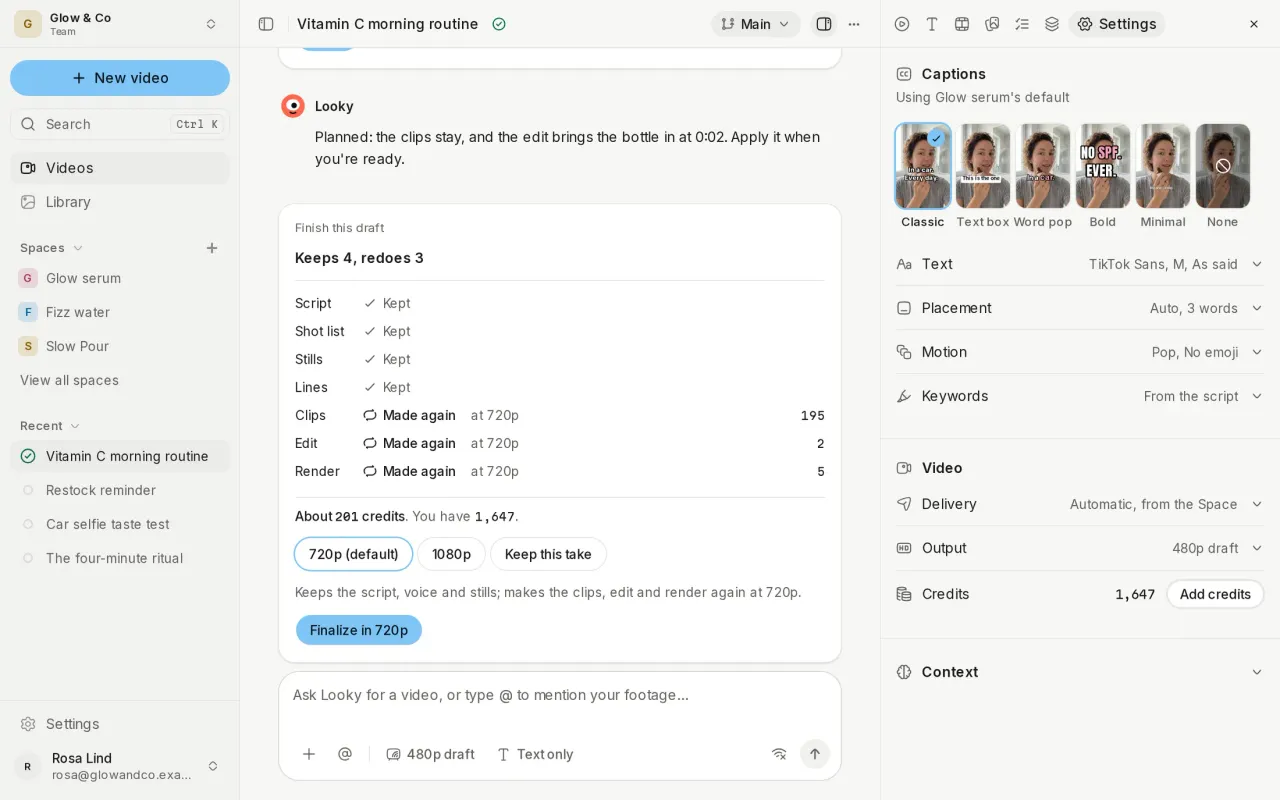
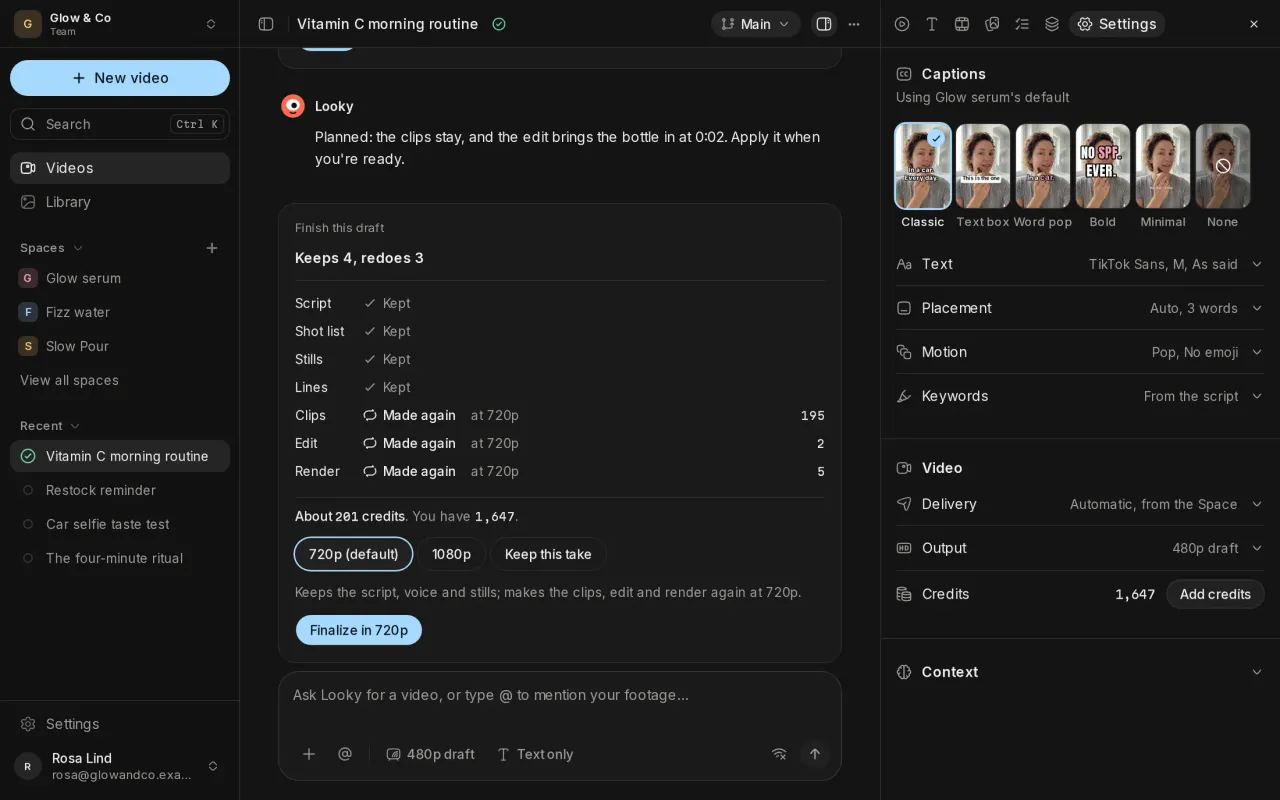
- Caption settings are inline in a video's Settings, and New video keeps its settings in one menu.
Improvements and fixes
- Space settings and library edits apply at once, with Retry if one fails.
- The composer ends in one Stop or Send button, and the top bar is quieter, with Regenerate in the Preview.
- Switching between videos keeps the sidebar open or collapsed as you left it.
- A video paused at a daily limit no longer shows as needing you.
- Menus, panels and studio pages stay whole at every width and on a phone.