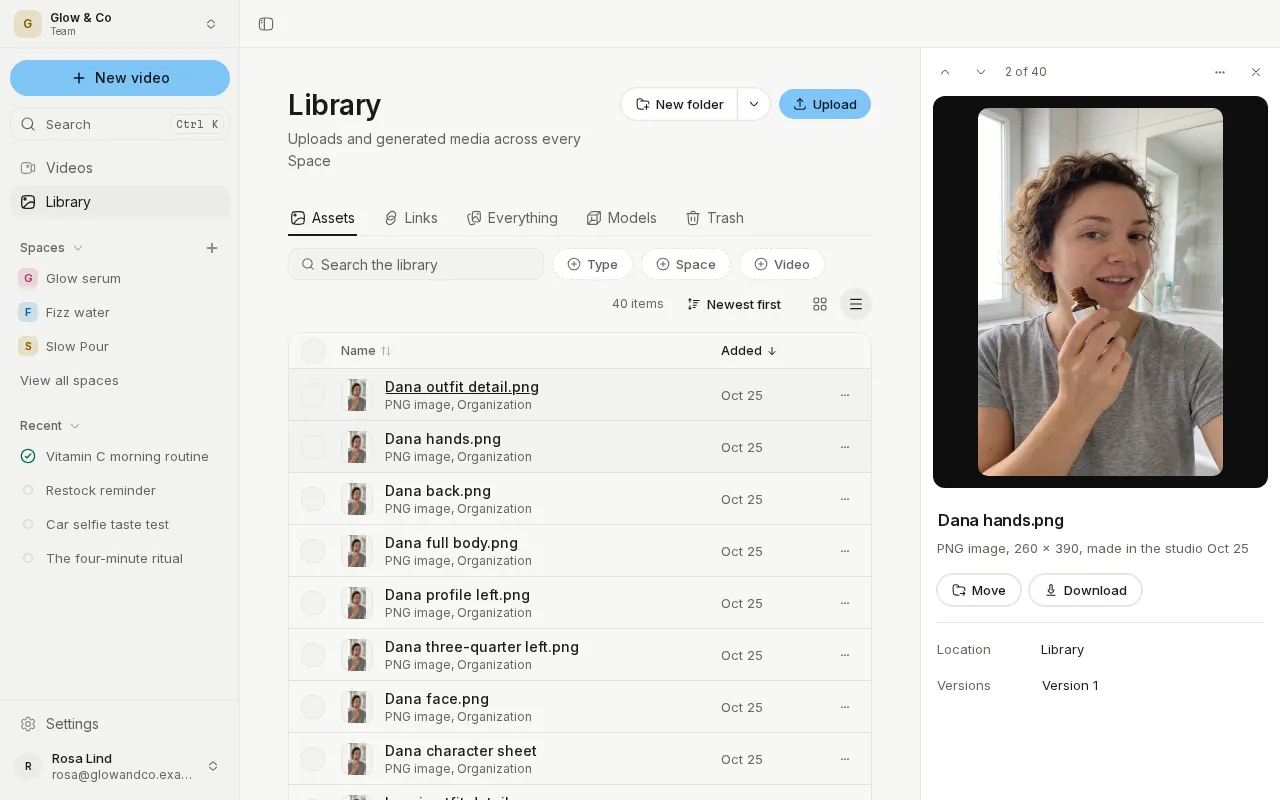
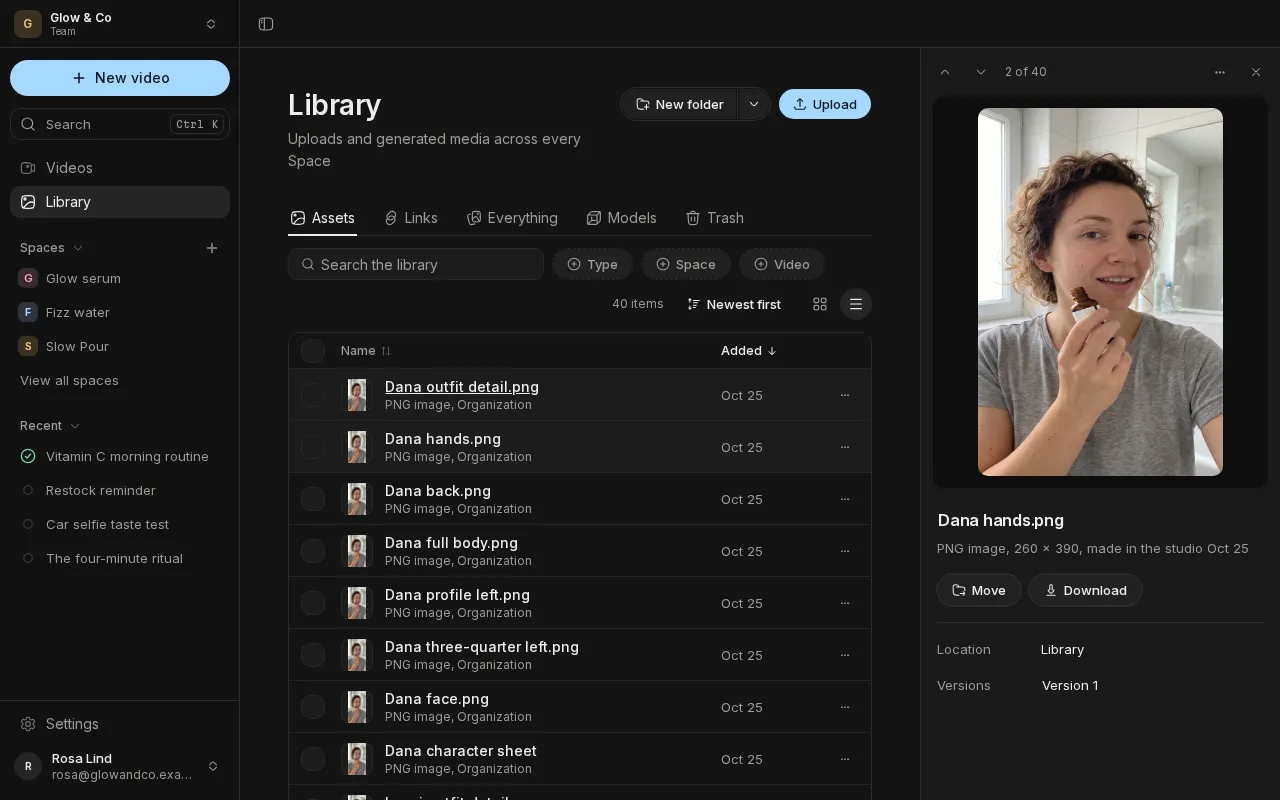
Your Library, organized
The Library's views are tabs: Assets, Links, Everything, Models and Trash. Folders sit in the listing and open in place, with their path above. Switch between a grid and a table, and open any item to see its details docked beside the list.
Move things where they belong
Drag items into a folder, with Undo, or move them through a folder tree. Select one item or all of them, and act on them from the bar at the bottom of the screen. Items stay in the library they belong to, a Space's or your organization's.
Find any video
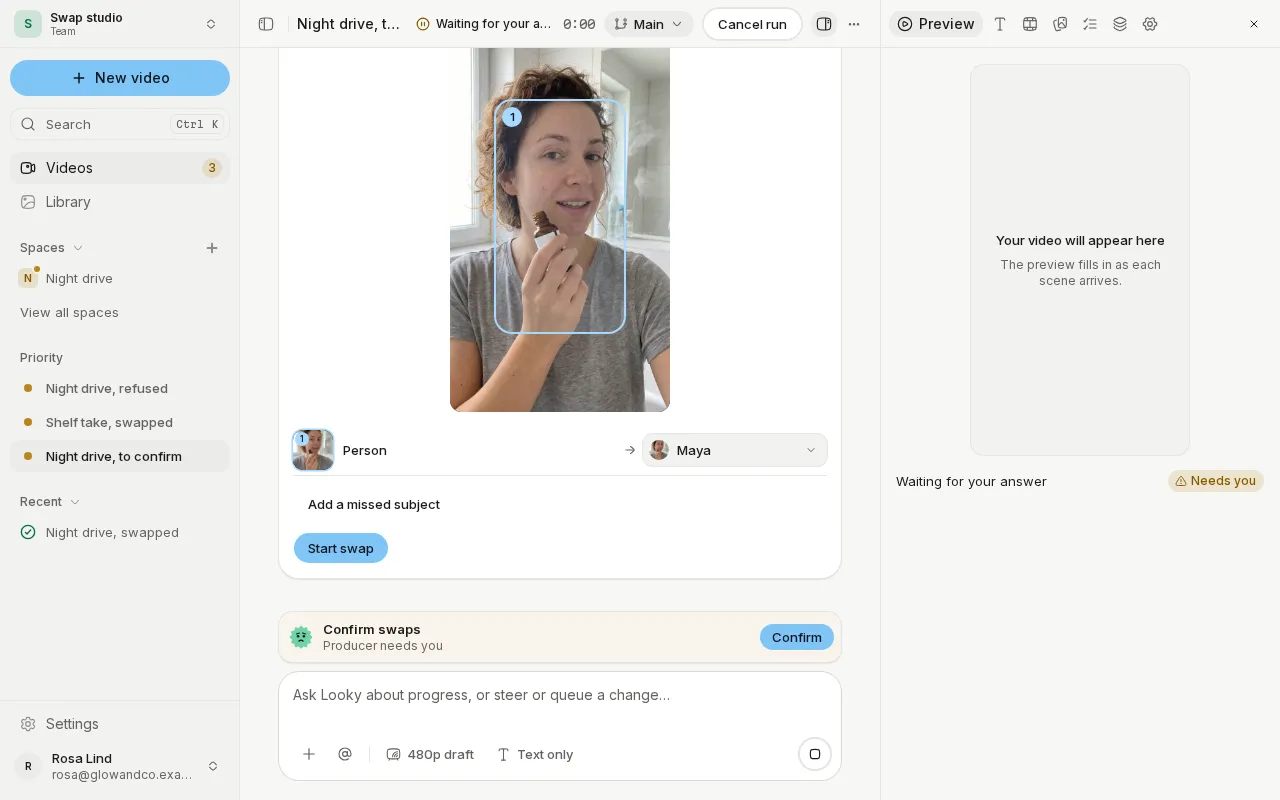
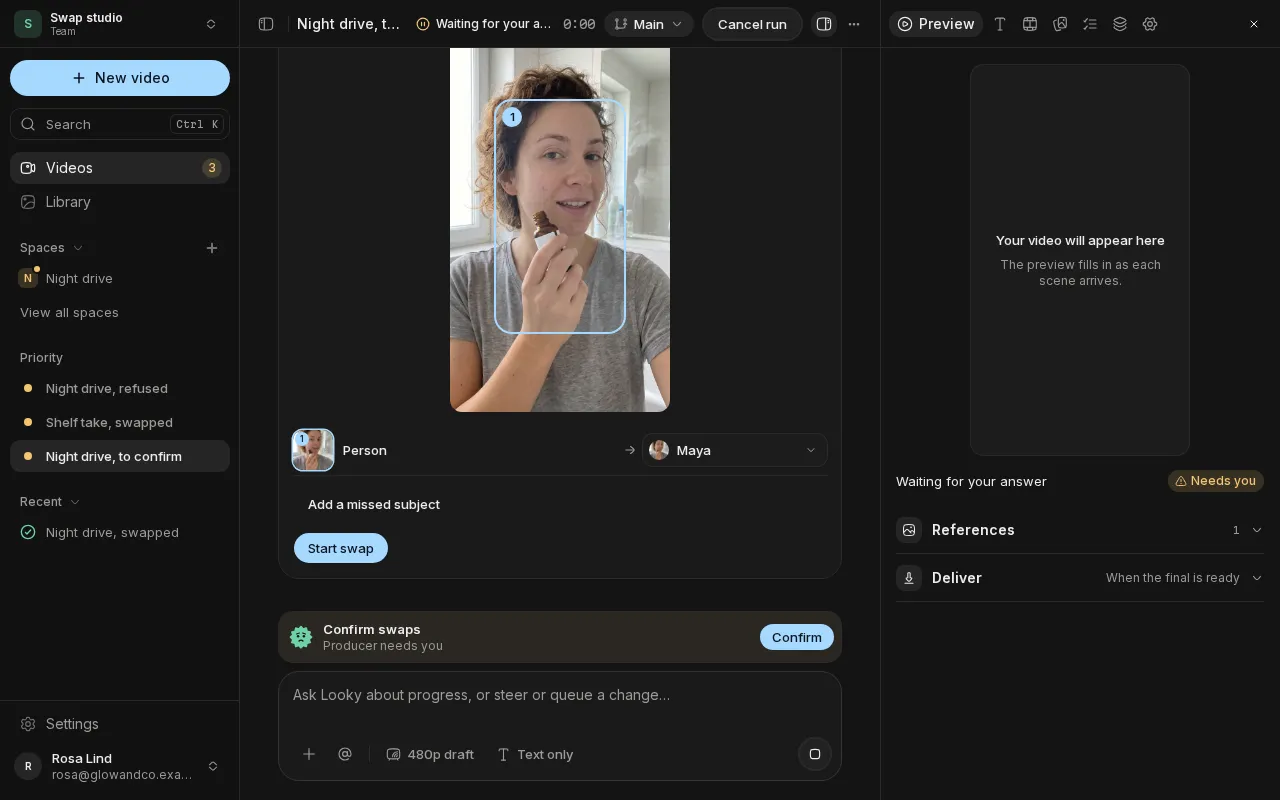
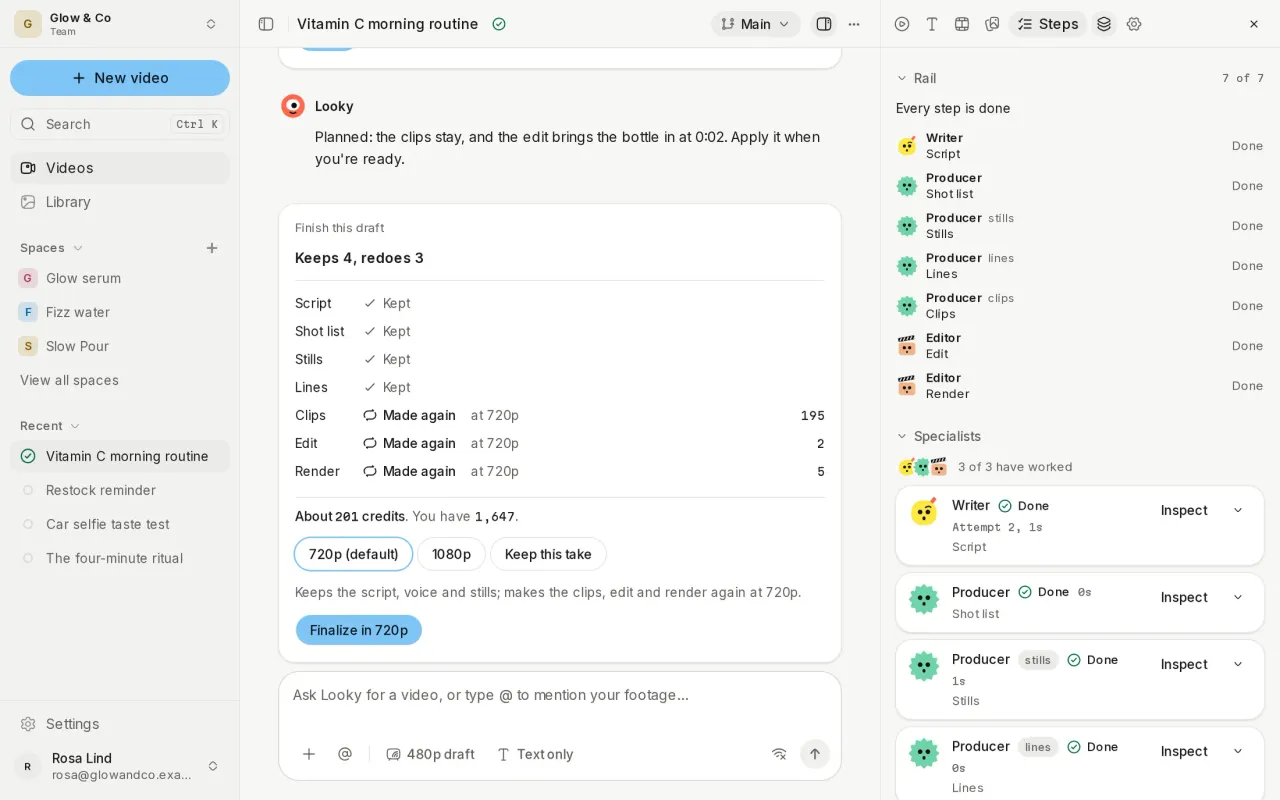
The Videos page filters by status and Space, searches as you type, sorts by any column, and stays fast however many videos you have. Videos and Library share one layout.
Also new
- Browse references from a video's chat as well as New video, page through results, filter TikTok, and preview a post on hover.
- Discard a voice draft you no longer need, with Undo.
- The voiceover player has a scrubber and volume, and Script and Scenes open beside the Preview.
Improvements and fixes
- Grids load small thumbnails, and media stays loaded when you switch tabs.
- Videos, Outputs and Settings open faster.
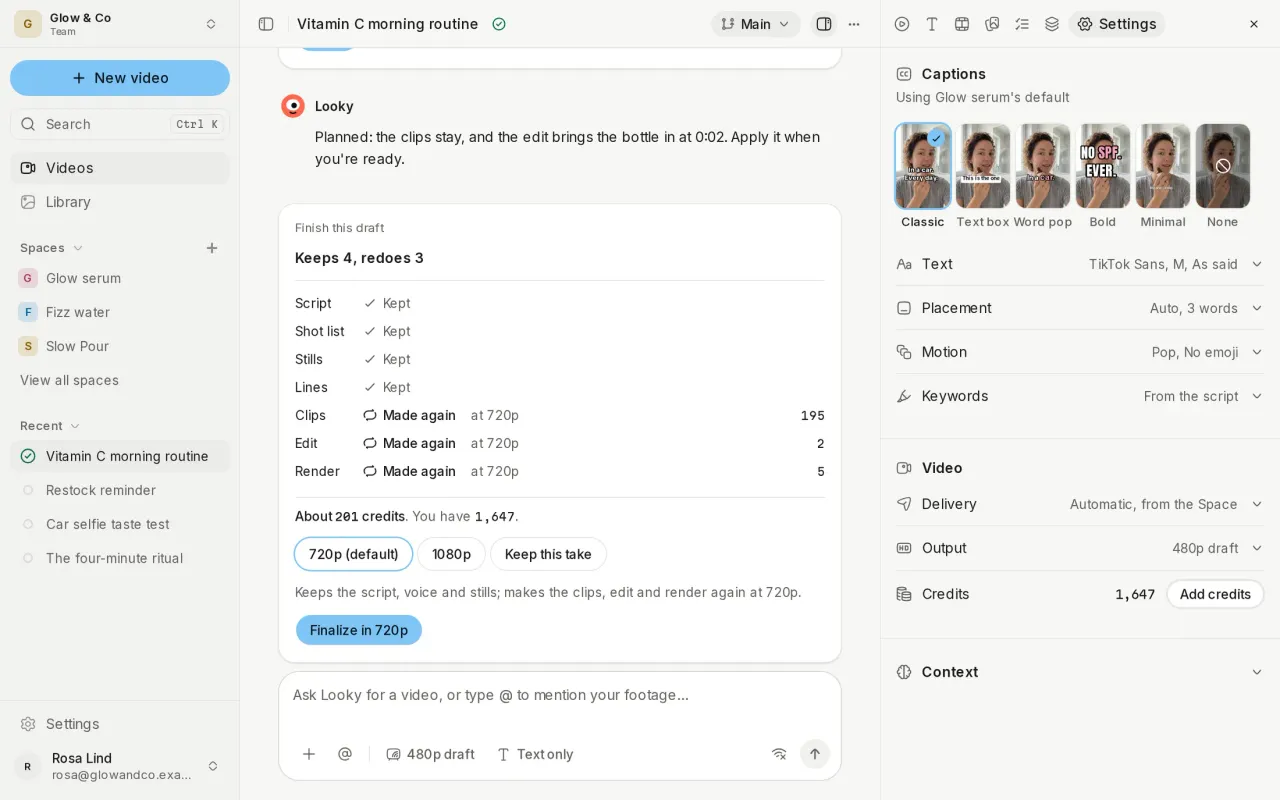
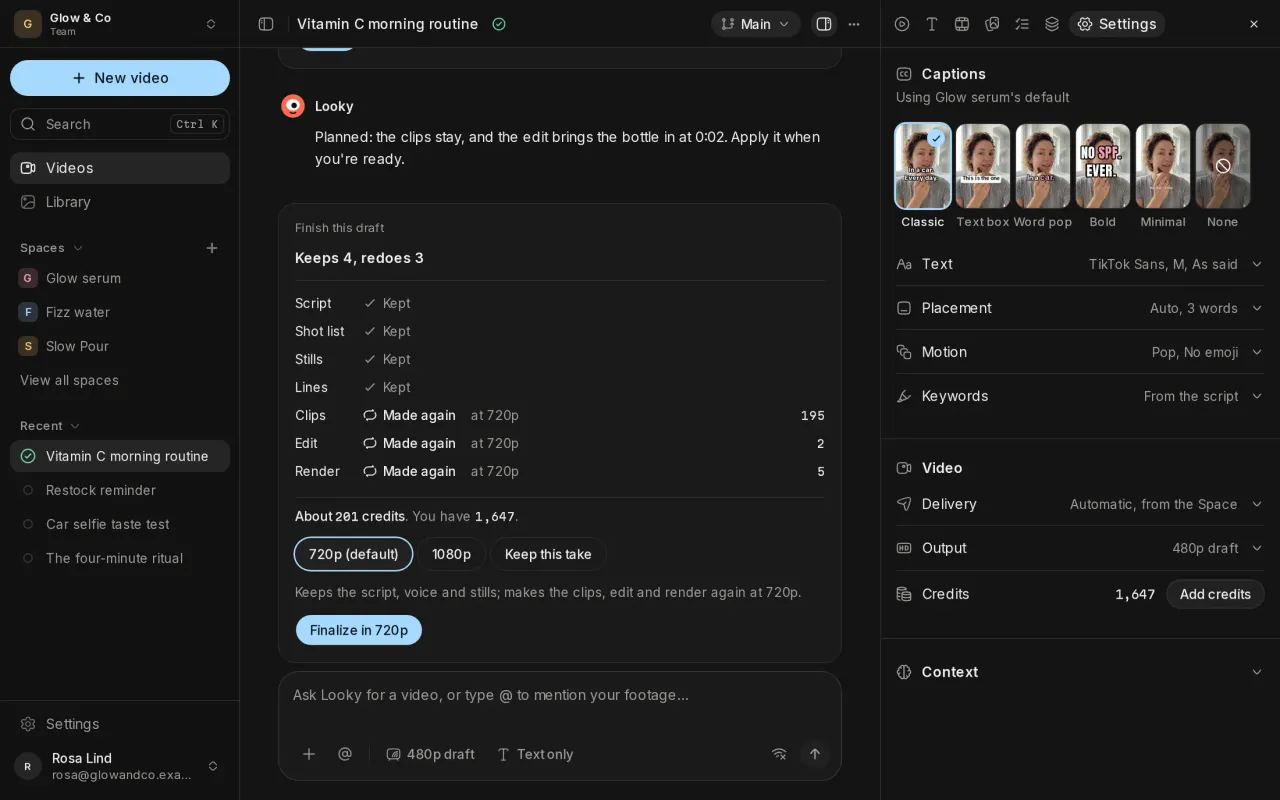
- Settings and a Space's pages share one layout and width, with flat settings and devices as cards.
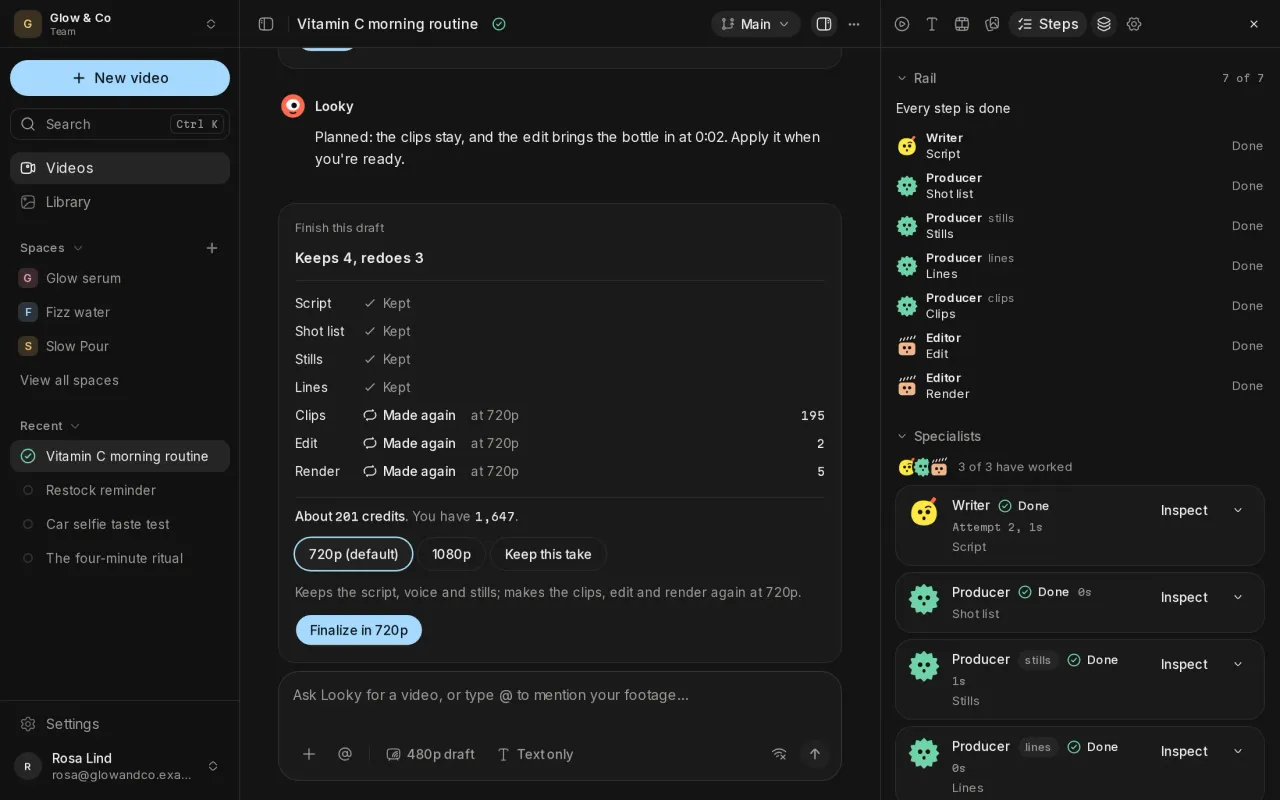
- Pages load calmly, without flashes of empty space, and the sidebar stays as you left it.
- Needs-you cards offer Keep going without it, and research no longer stops for nothing.
- A video's name and step sit on one line.