
What is a UGC style video?
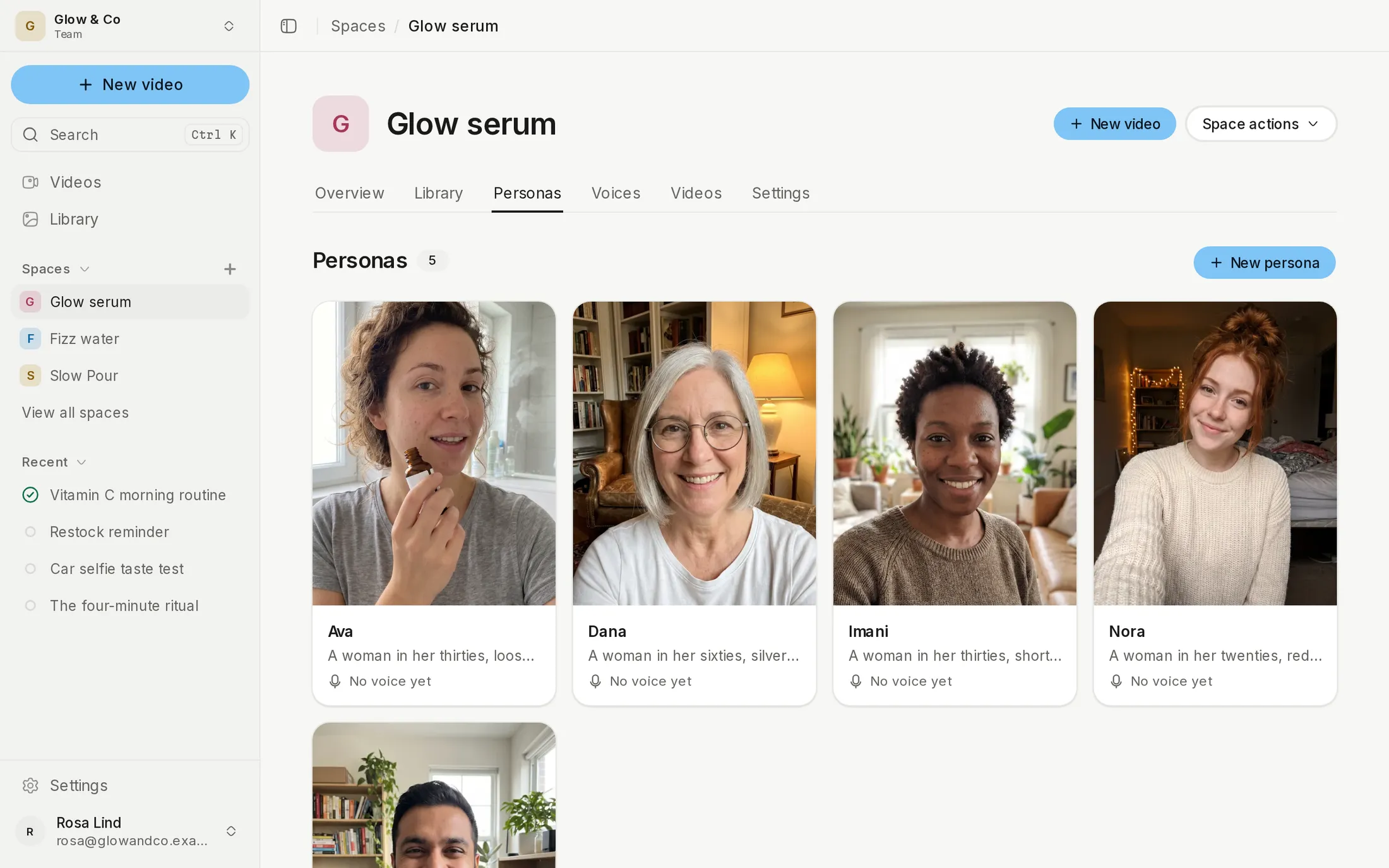
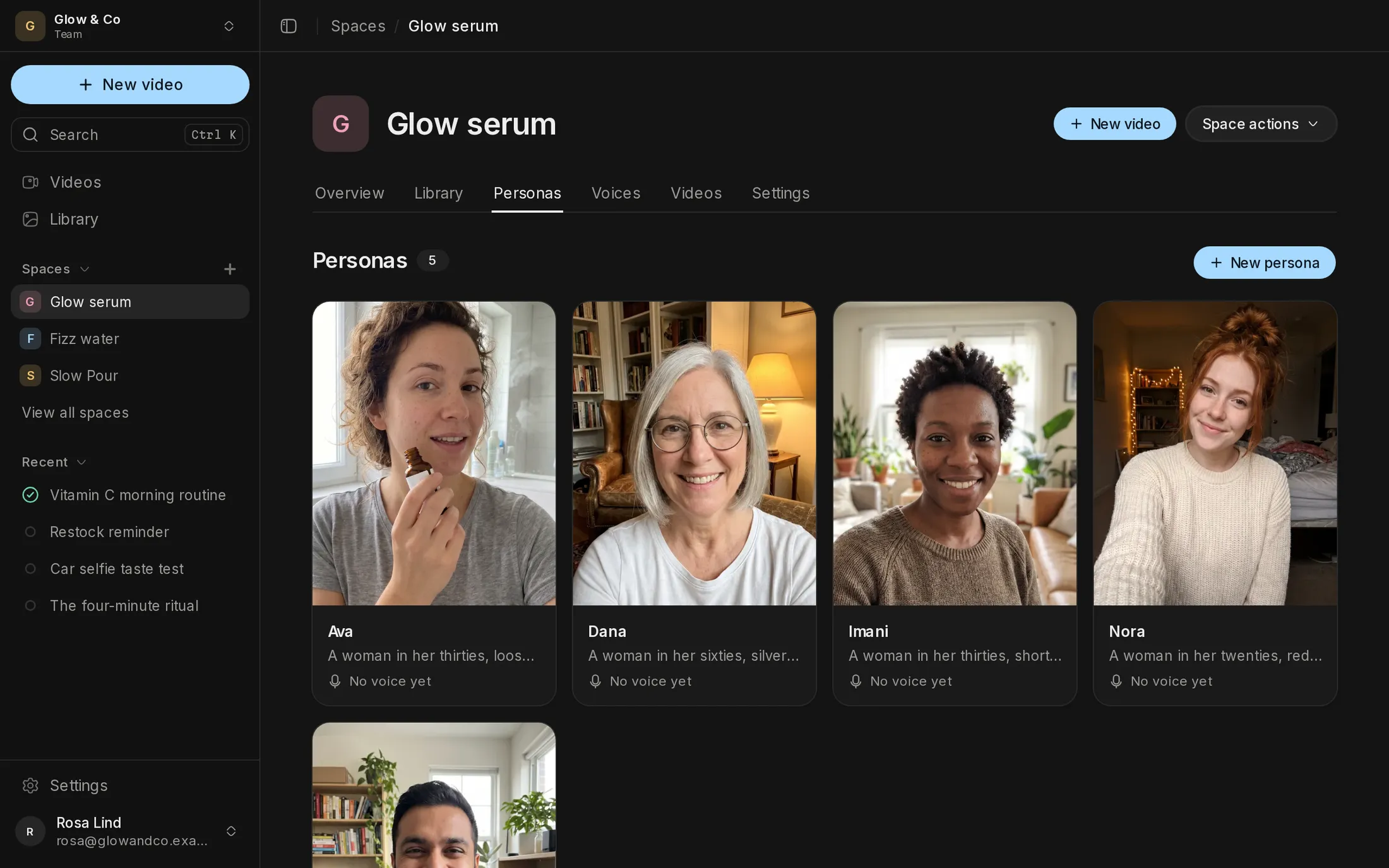
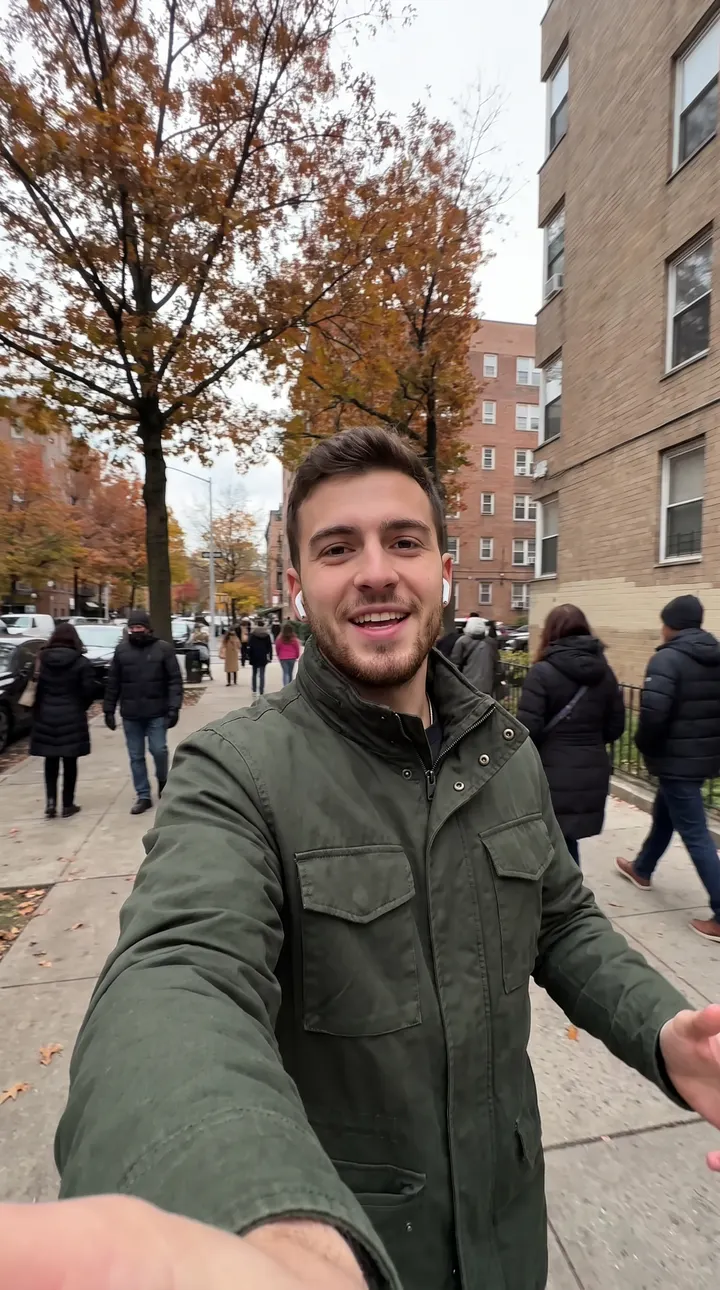
A UGC style video is an ad made to look like a post a real person filmed: on a phone, handheld, talking to camera somewhere ordinary, with quick rough cuts.
UGC means user-generated content. For the ad format and why it works, read what UGC ads are.
Why does most AI UGC look fake?
AI UGC stops looking like AI when it copies how a phone records, with handheld framing, phone lenses, sensor noise and room sound.
Most AI video looks too good. Perfect light, a still camera and studio sound read as an ad, and viewers scroll past ads.
- Real UGC is handheld, so the frame drifts.
- It's shot on a phone lens, with its sharpening and noise.
- You hear the room, such as an echo or a car's hum.
- The creator talks at arm's length, somewhere real.
- Cuts are quick and a bit rough.
UGC styles to film each scene in
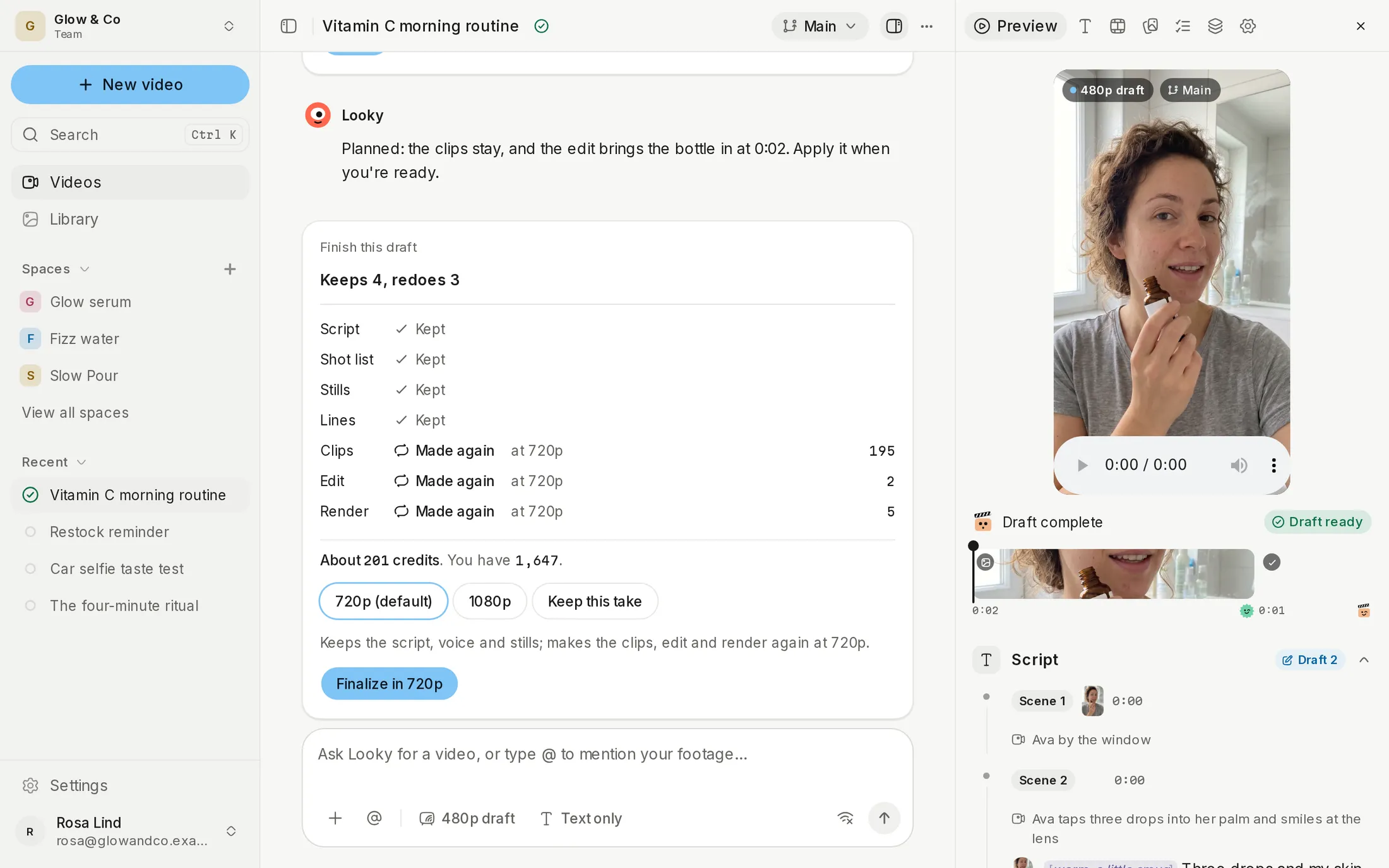
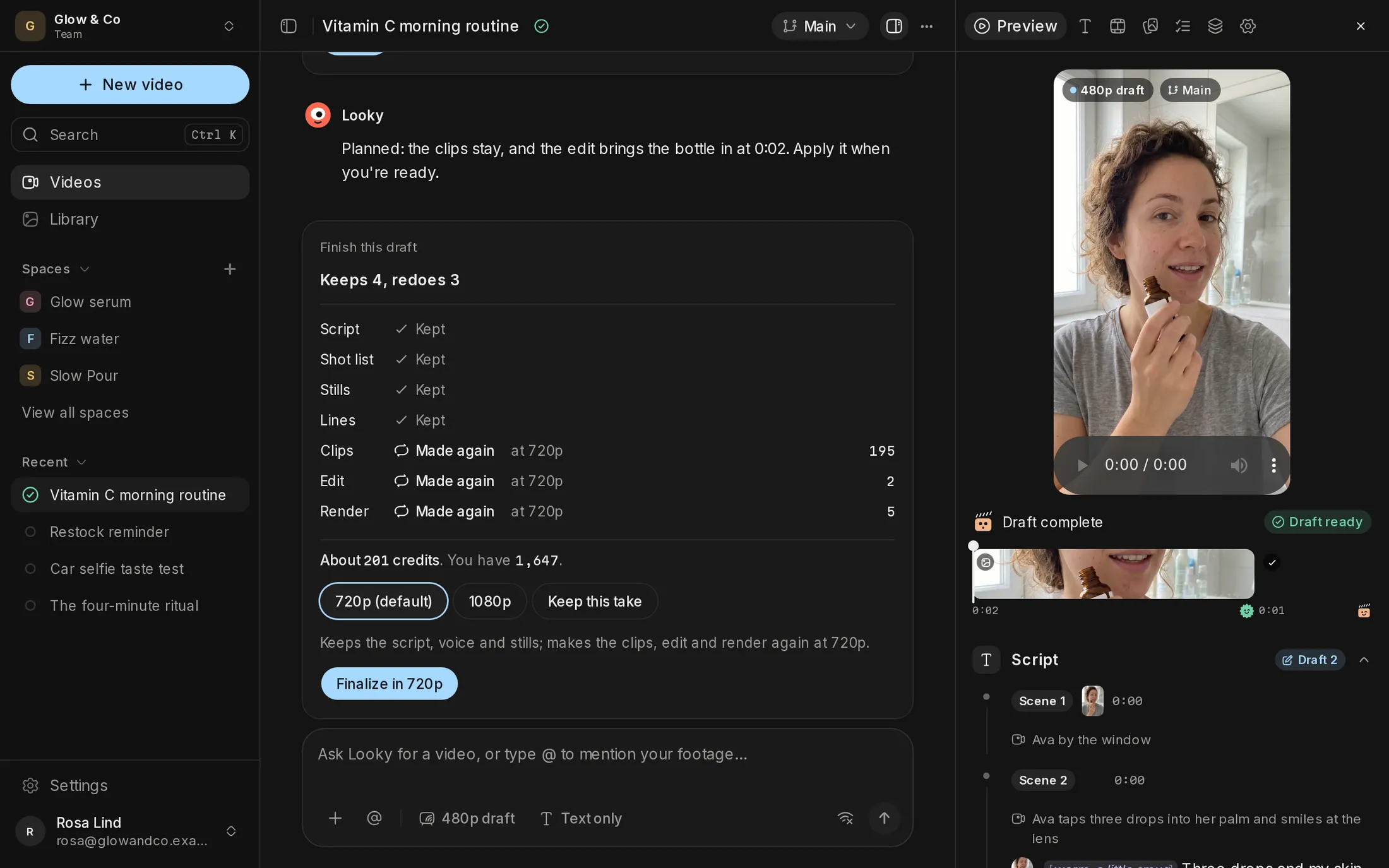
The producer picks one of the 16 looks for each scene from your brief, and you can ask for another.
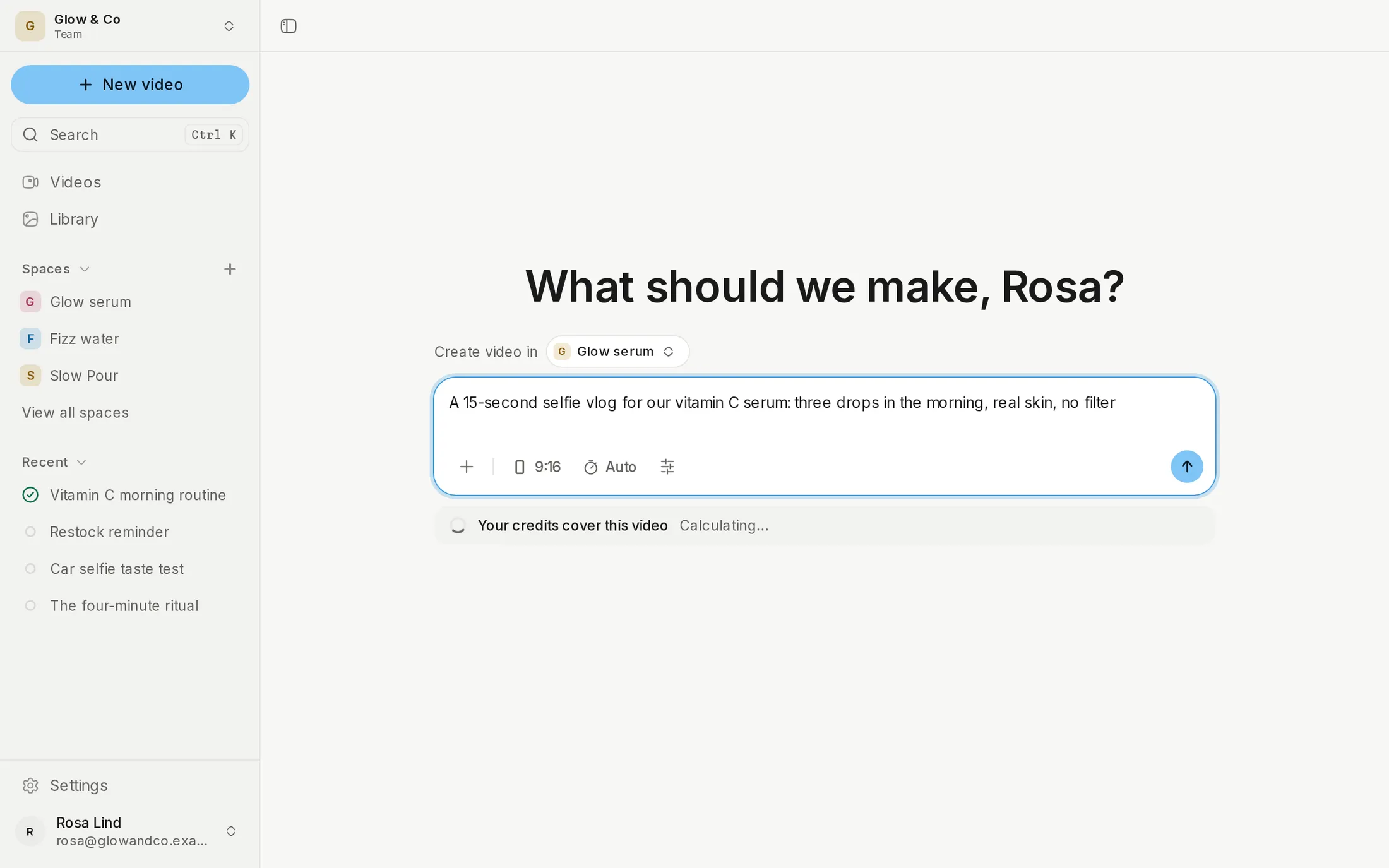
Selfie vlog
A problem and its fix, to camera.
Storytime
A personal story that builds to the product.
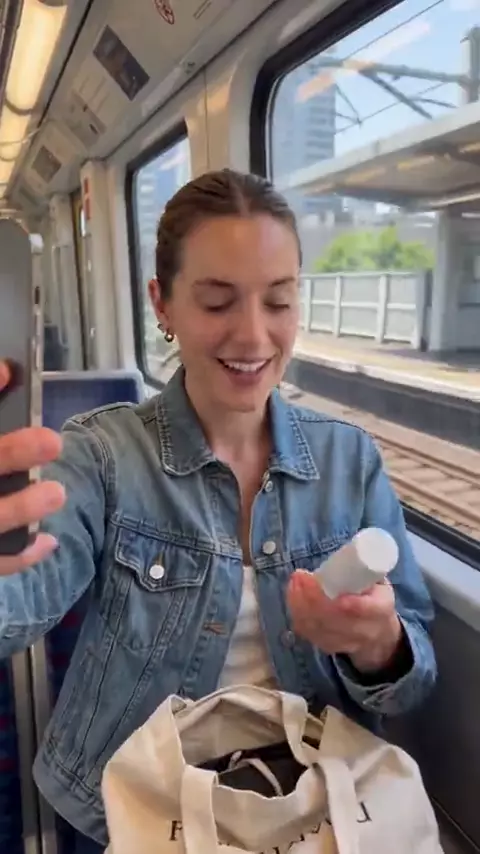
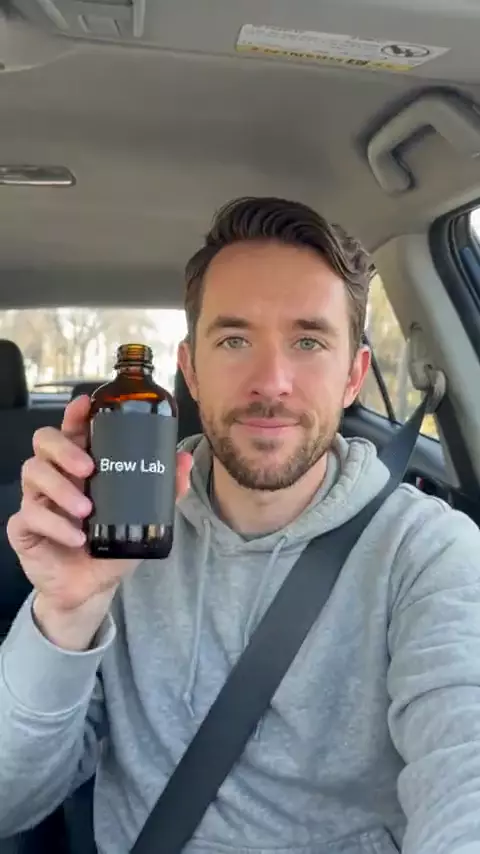
Car selfie
Candid, on-the-go opinions.
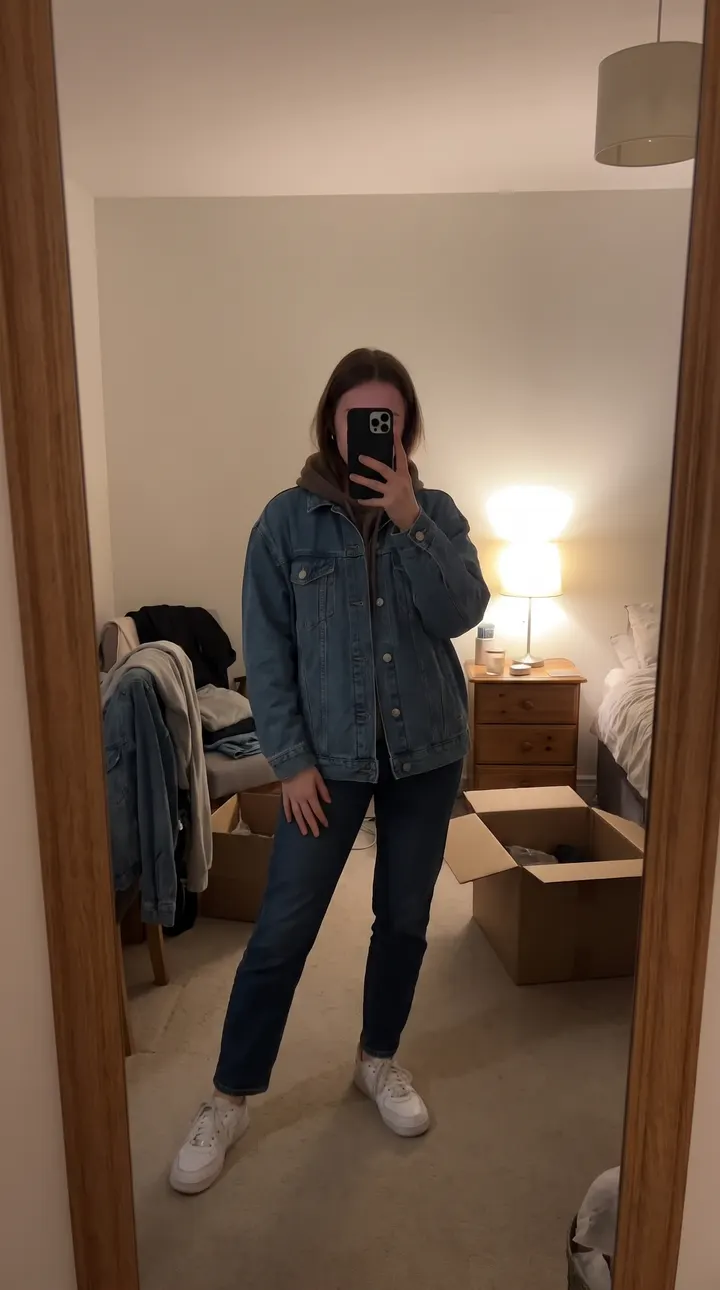
Mirror selfie
Fashion, fit, before-and-after.
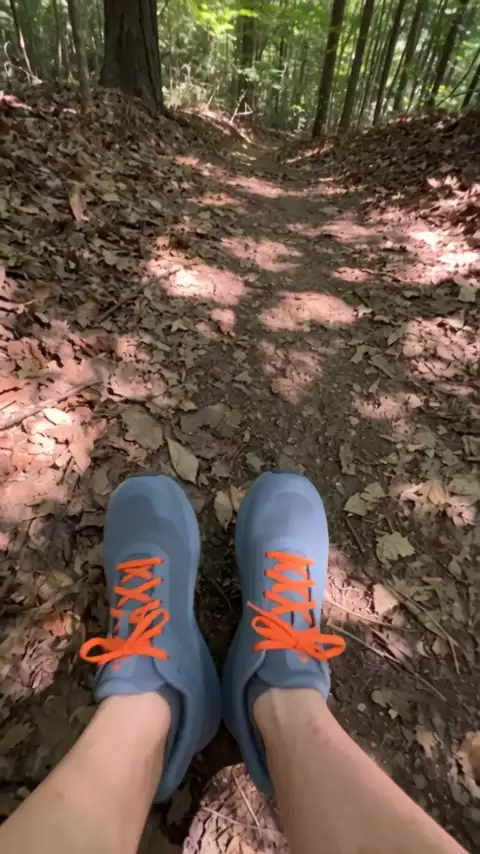
Walk and talk
Movement in a longer explanation.
Vanity tutorial
Beauty and skincare routines.
POV hands
The product in use, from the viewer's eyes.
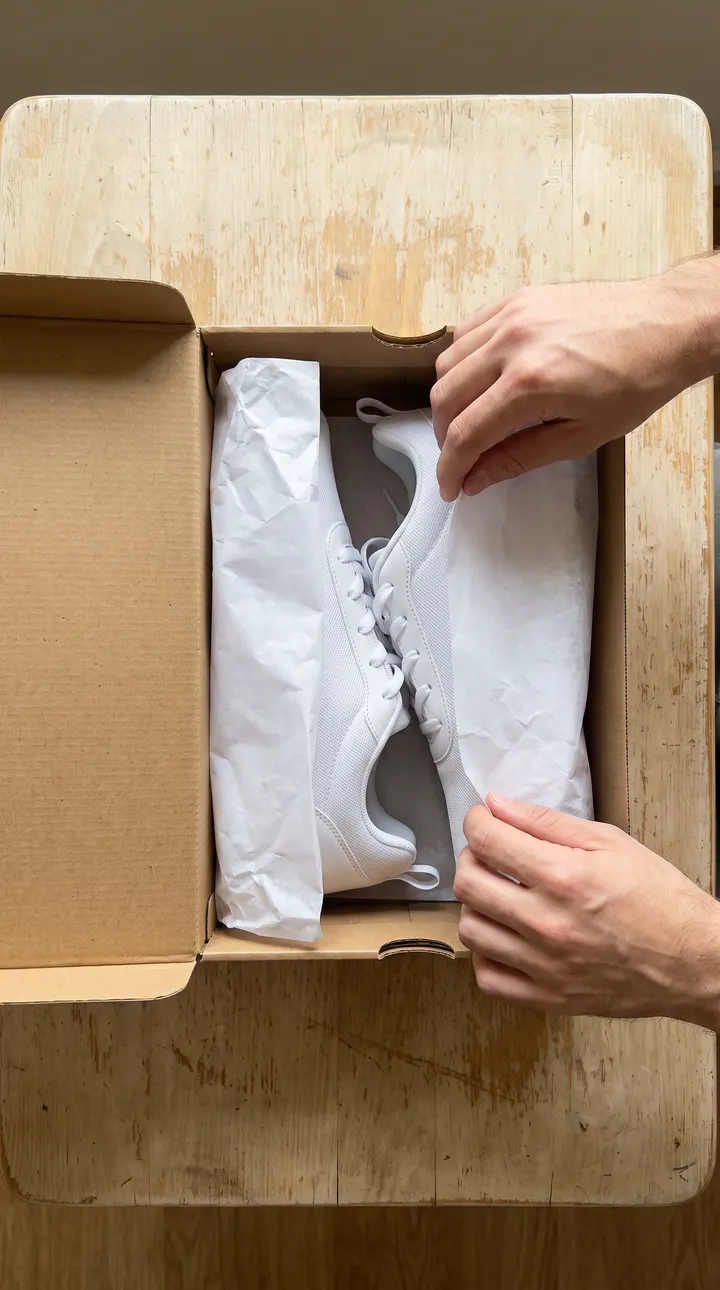
Overhead unboxing
First impressions, what's in the box.
Product close-up
Texture, details, the label.
Friend filming
A casual moment someone else caught.
Sit-down review
A calm, considered verdict.
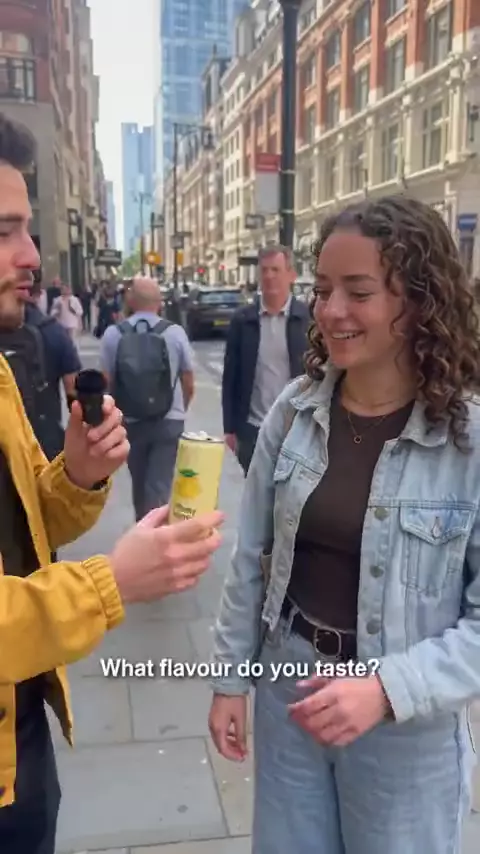
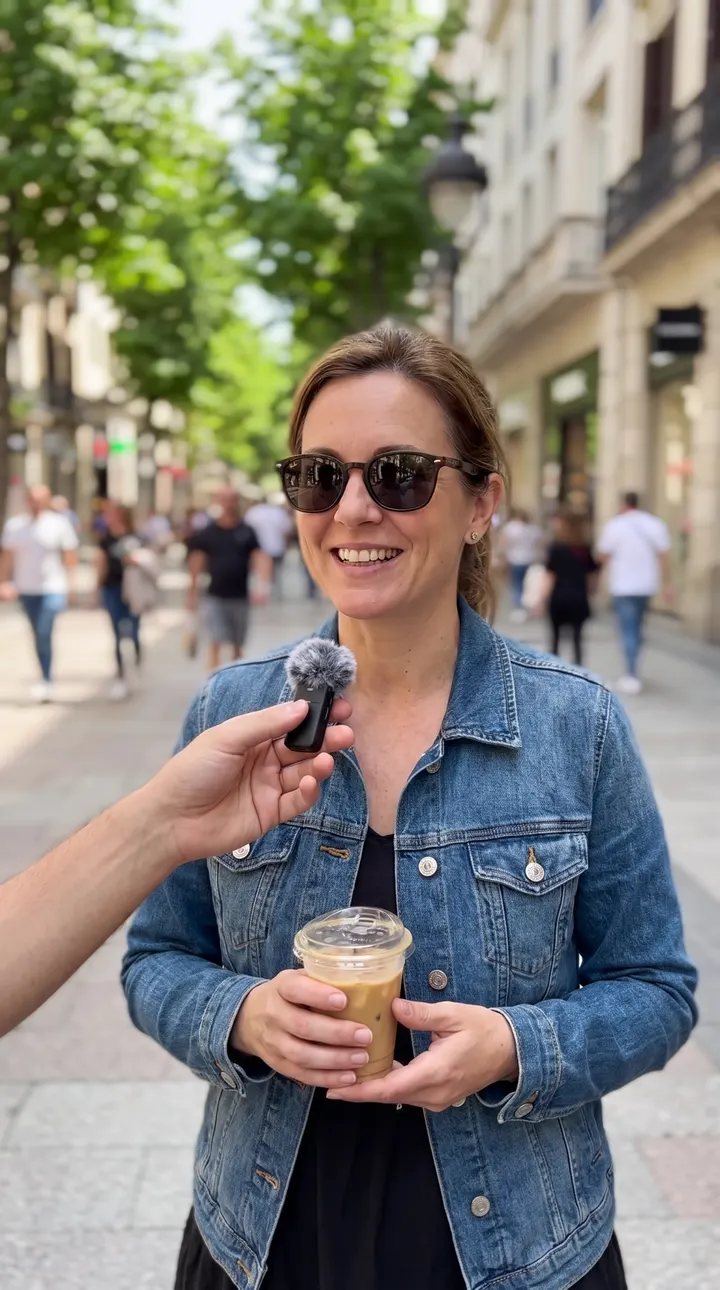
Street interview
Quick questions and reactions.
Low-angle propped
A propped-up phone while the creator works.
In store
Finding the product on a shelf.
In bed (morning)
Morning routines.
Night out
Going-out products, in low light.
Each scene gets its own phone camera
The camera is part of the look. A mirror selfie on an ultrawide reads differently from one on a front camera.
Phone front camera, for selfies.
Ultrawide, for wide rooms and dramatic angles.
Older phone, for a softer, noisier picture.
Laptop webcam, for desk scenes.
2000s digicam, for a flash-lit, nostalgic look.
What is a phone finish?
It's the last pass on every clip, adding subtle shake, sensor noise and phone audio. It's light on purpose, since heavy noise or echo reads as fake too.
Start from what the viewer must see
Show the product working with POV hands or a close-up; build trust with a selfie vlog or a sit-down review.
Match the place to the buyer
Film where your buyer spends the day, such as a car, a mirror or a desk. A local shop suits In store or Street interview, as in video ads for small businesses; an app suits POV hands, as in UGC ads for mobile apps.
Mix looks across scenes
A selfie for the hook, a close-up for proof and a selfie for the call to action is a common shape.
Test a look like you test a hook
Make a variant in another look and compare; see review and revisions.
Every finished ad from the AI ad generator uses these looks, and the first draft is free; see pricing. For the words around the scenes, use the UGC script template.
Frequently asked questions
Can ChatGPT make UGC videos?
ChatGPT can write a UGC script and a shot list. The video still needs an actor, a voice, phone-style scenes, captions and an edit, which is what Probably's crew makes from a short brief.
Is UGC content legal?
Yes, when you have the rights and the ad is honest. A real customer's video needs their permission, and in the US the FTC's Endorsement Guides say you can't describe experience with a product you haven't tried, so an AI actor never poses as a real customer.
Can one video use several styles?
Yes. Each scene has its own look and camera, so an ad can open on a selfie vlog and cut to POV hands.
What aspect ratios can I make?
Vertical 9:16, square 1:1 and wide 16:9. See UGC video ad specs.
Who is in the footage?
An AI actor you choose. See AI actors and voices.
Updated